1974 Next to Last Tuesday
Photos Not in Chronological Order? Here's the Fix
Scans land on the day they were scanned, saved photos on the day they arrived. The fix is the same in every app.
2026scan day
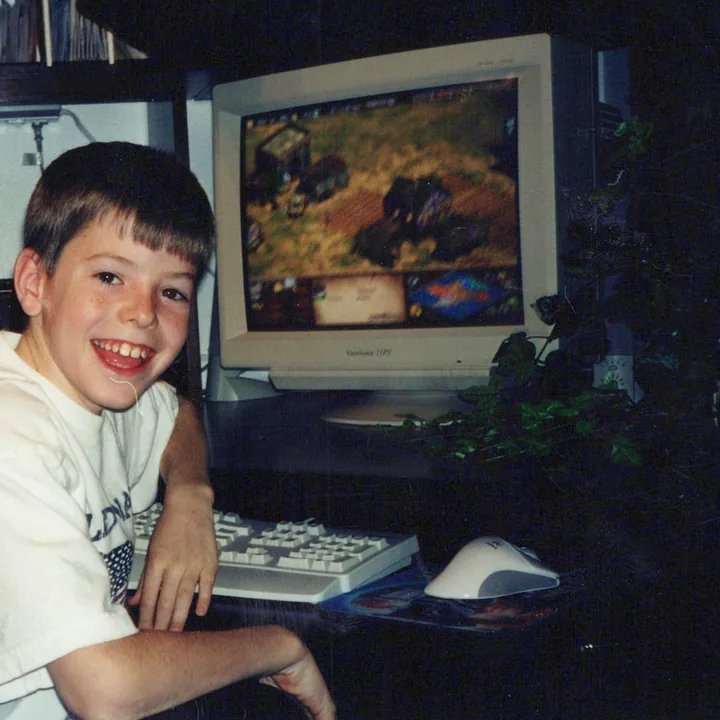
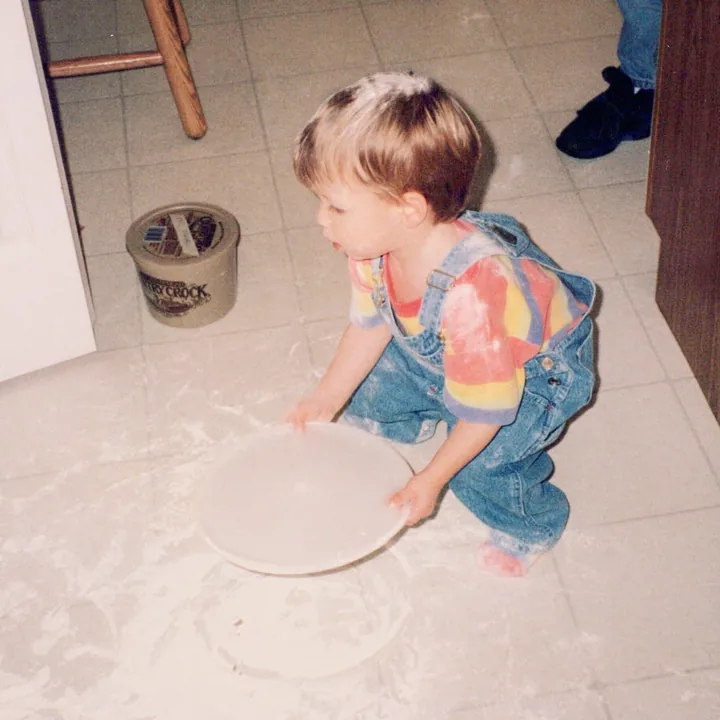
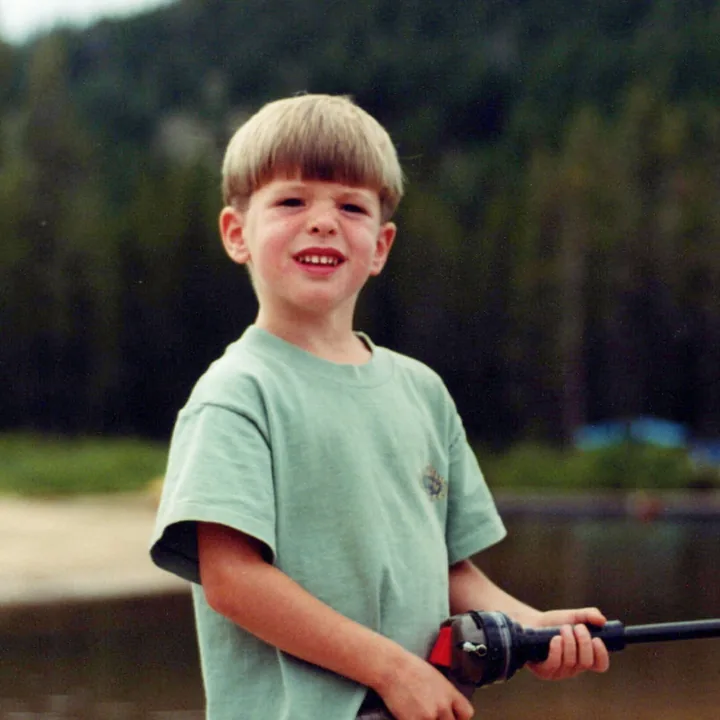
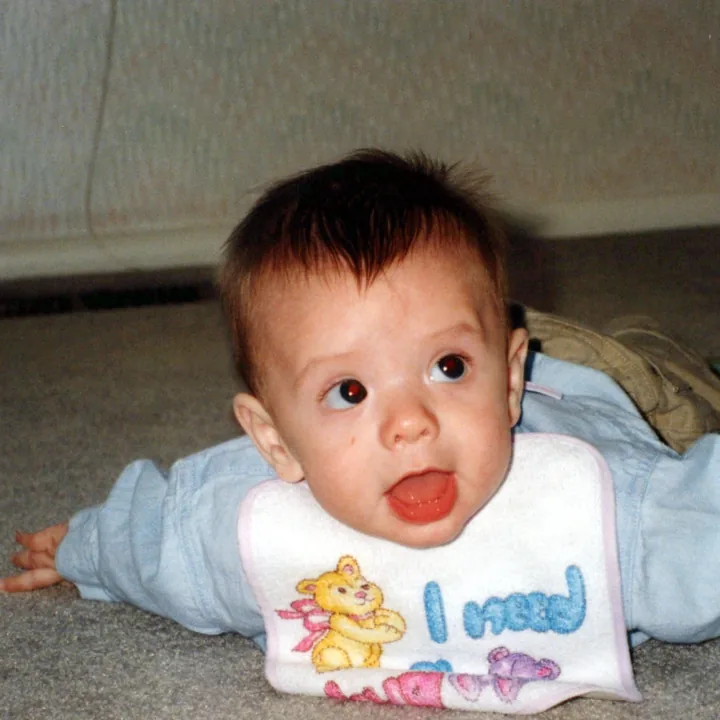
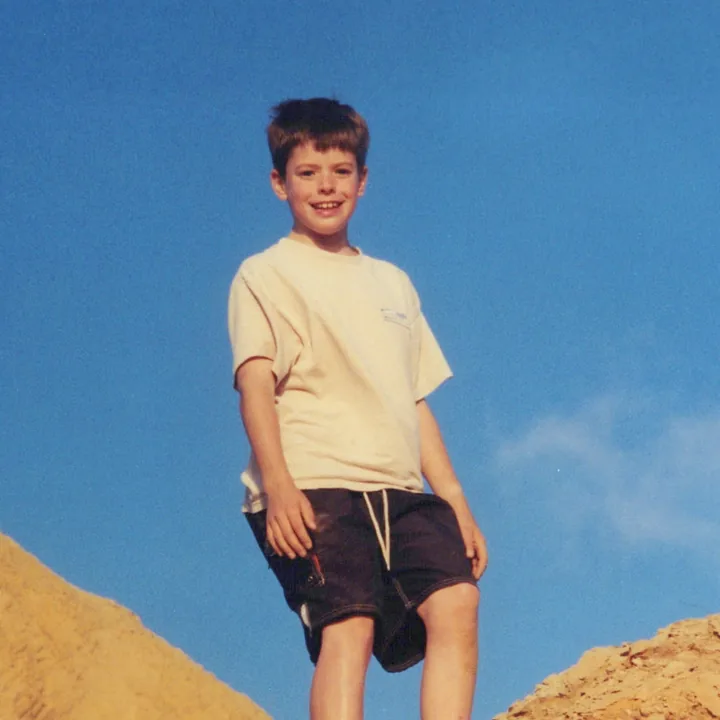
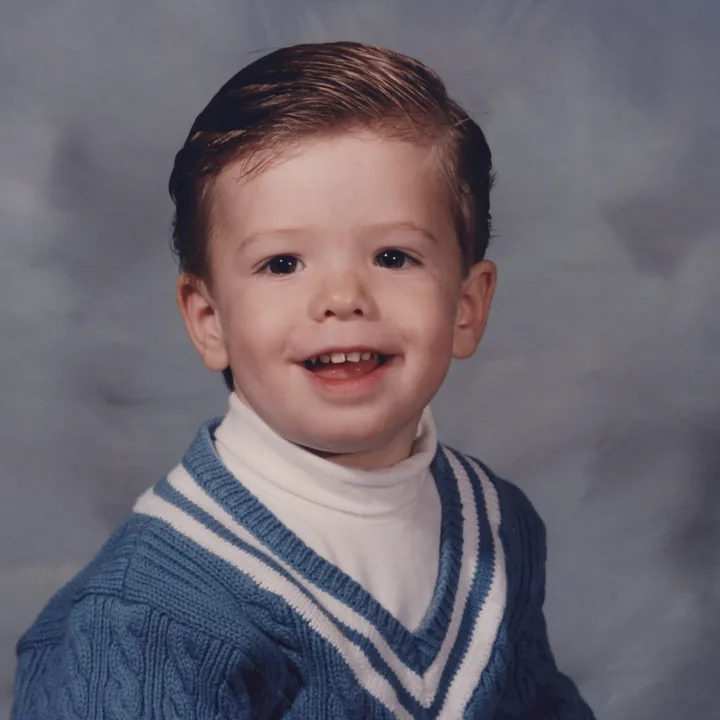
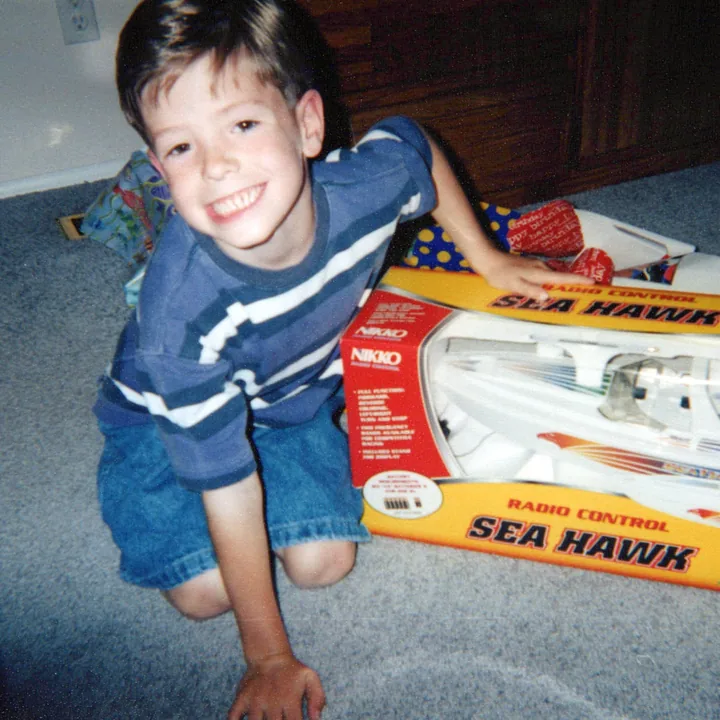
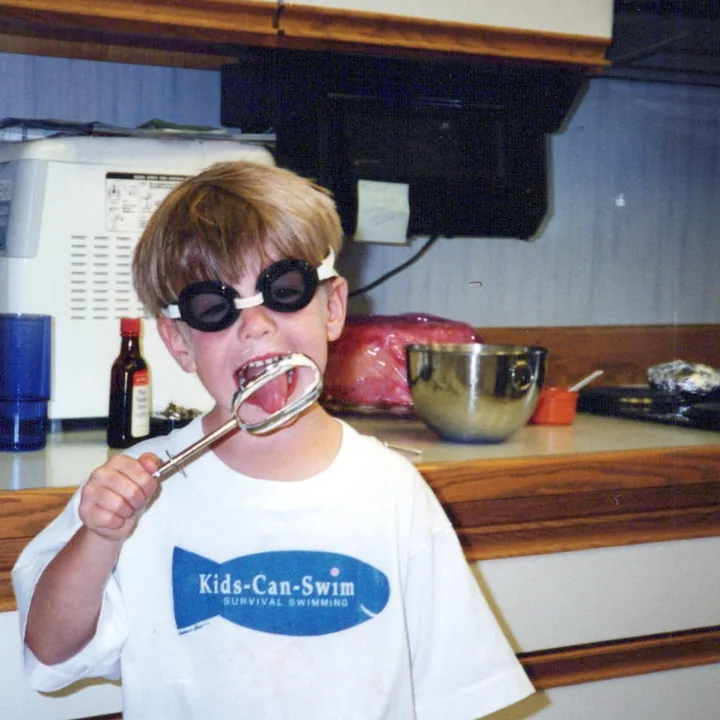
Years of memories, stacked on one afternoon.
1992–94
1996–99
2001–03
Same photos, back in order.
Quick answer
Why are my photos not in date order? Photo apps sort by the capture date stored inside each file. Camera photos carry the right one; scans, downloads and re-saved copies carry the day they became a file. Fix those dates, not the sort setting.
App by app
Where the Order Goes Wrong on Each Platform
Google Photos not in chronological order? iPhone or Samsung? Find your app.
-
iPhone
Scans and AirDrops carry the day they arrived.
Fix them in bulk with our iPhone app.
Fix dates on iPhone -
Google Photos
A 1975 print files under scan day.
Write the date into the file itself.
The Google Photos fix -
Samsung & Android
Some views sort by modified date, which changes with every copy.
Put the real date inside the file.
The fix that holds -
Immich
Misdated scans shuffle it the same way.
Fix the dates in place, no re-upload.
Scans in Immich
The big one
Scanned Photos: When the Whole Collection Is Out of Order
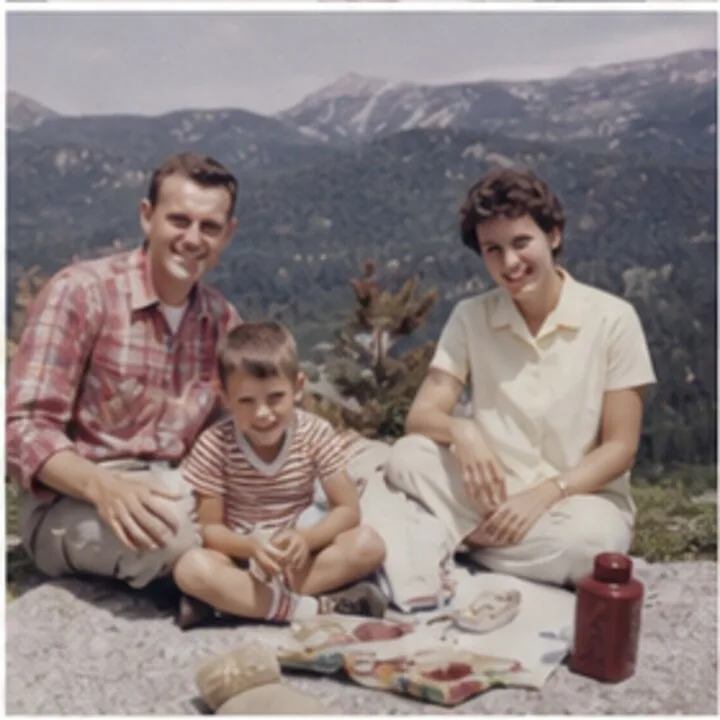
File says Sep 12, 2026
Taken Jul 1974
How do I get my photos in chronological order?
-
Know the dates already?
The free Timeline Tagger app writes the year you type into each file, about ten seconds a photo.
-
Don't know them?
Timeline Scan, the AI photo dating service, works out each date from handwriting, lab stamps, faces and neighboring photos, then writes it into every file.
-
Then browse them in order
In Google Photos, Apple Photos, Immich or folders by year.
Order, not perfection: kids get older as you scroll, even when nobody knows the exact day. How accuracy is measured.
Common questions
Photos Out of Order: FAQ
Why are my photos not in chronological order on my iPhone?
Because some photos carry the wrong date inside the file. Apple Photos sorts your library by that capture date. Camera photos get it right; photos that were scanned, saved from messages, downloaded or AirDropped often carry the day they arrived, so they land on the wrong day.
Fixing the order means correcting those dates: one by one in Photos, or in bulk with the Timeline Scan iPhone app.
How do I put my photos in chronological order in Google Photos?
Fix the dates, not the order. Google Photos already sorts the main timeline chronologically, by the capture date inside each file. Photos in the wrong place carry wrong dates, which is standard for scans: they carry scan day.
You can select photos and use Edit date & time by hand, but that edit lives only in Google's database. Writing the corrected date into each file is the fix that holds: the full Google Photos guide.
Why do my scanned photos show up on the day they were scanned?
Because the scan date is the only date inside the file: a scanner creates a brand-new file at the moment of scanning. Photo apps sort by that date, so a 1974 print files itself next to last week's pictures.
The photo is fine; the metadata is wrong. Writing each real date back into the file restores the order, which is the job Timeline Scan automates.
How do I sort photos by date taken instead of date added or modified?
Photo apps already do: the main timeline sorts by date taken, and only some album and folder views sort by date added. On a computer, sort by the Date taken column (Windows Explorer) or use an app that reads EXIF, not by file dates, which change with every copy.
Still wrong when sorted by date taken? Then the capture dates inside the files are wrong, and correcting them is the real fix.
Can I fix the order of thousands of photos without editing every date by hand?
Yes. Timeline Scan estimates each photo's date from handwriting on the backs, printed lab dates and visual clues, writes the corrected date into every file, and hands the collection back in chronological order.
Know the dates already? The free Timeline Tagger app for Mac and Windows makes typing them quick: type the year, press Return, and it writes the date into the file itself, about ten seconds a scan.
Sorting a mixed pile, digital and scanned together? See how to sort thousands of photos.
Scroll Sixty Years in the Right Order
Upload all your scans; your first 50 photos come back in order free, no credit card required.
Put 50 Photos in Order Free