For the 30-Year Family Archive
How to Sort Thousands of Photos Without Doing It by Hand
Never sort photos one at a time. Fix the dates once, and every photo app does the sorting for you.
By Spencer Baker, founder of Timeline Scan · Last updated: October 1, 2026Quick answer
Don't sort photos; sort dates. Every photo app already puts photos in chronological order by time taken, the capture date inside each file. Camera and phone photos carry the right one. Scans, downloads and re-saved copies carry the day they became a file. Fix those dates and thousands of photos fall into one timeline.
- No renaming, no hand-filing, no sorting a day at a time.
As scanned
Every file says 2026
Dates fixed
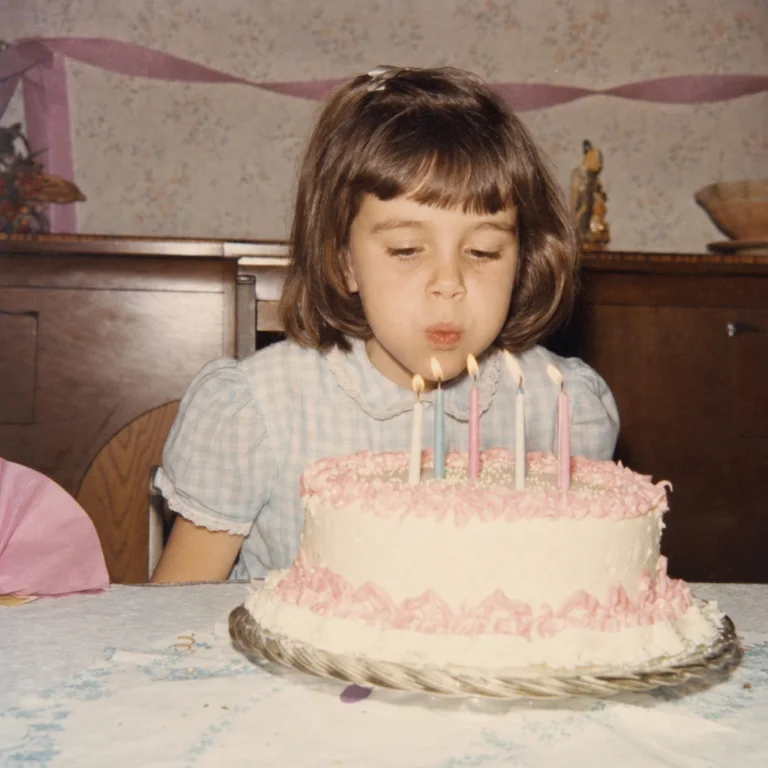 1962
1962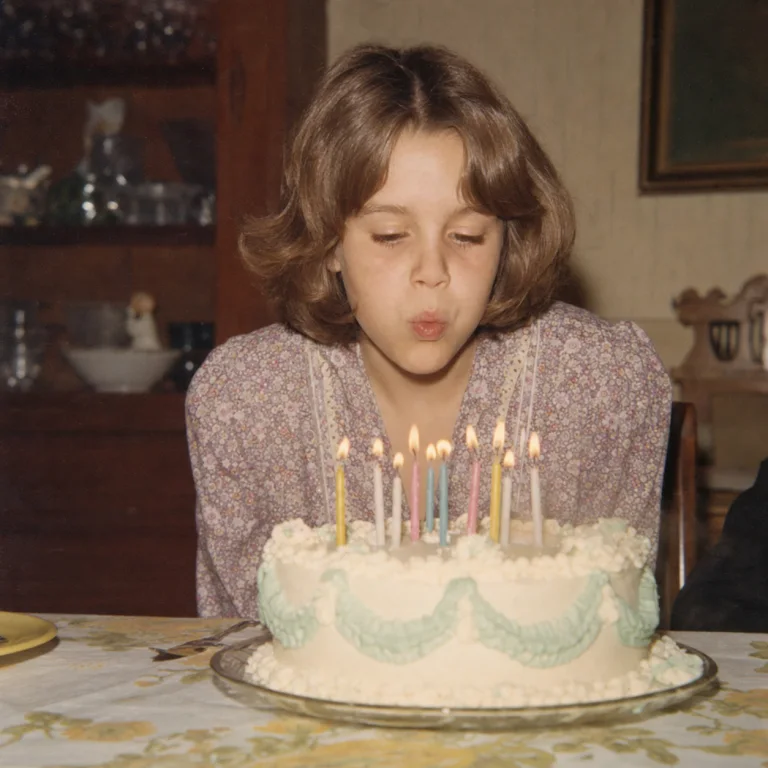 1971
1971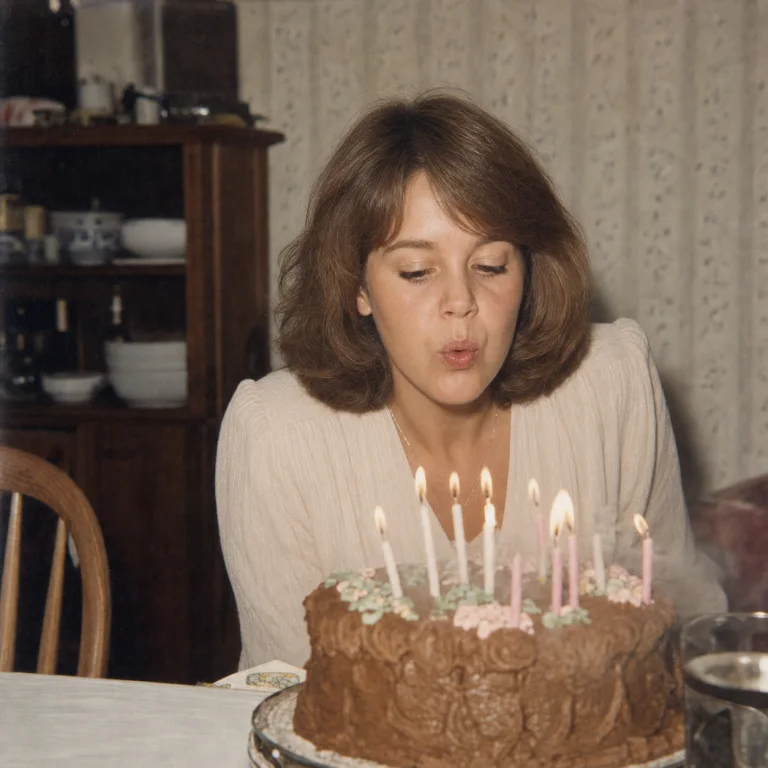 1987
1987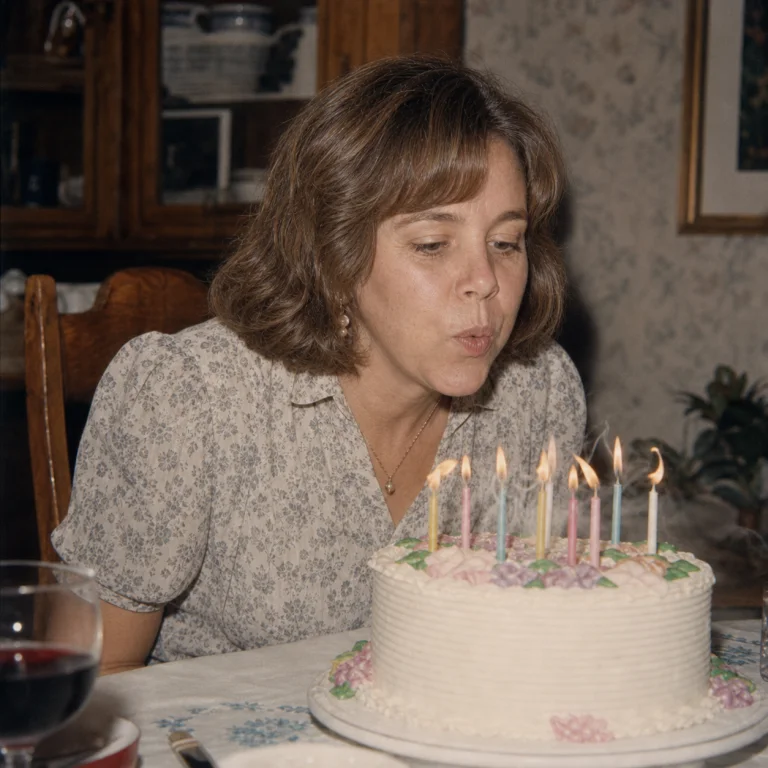 1996
1996
The plan
5 Steps to Put Photos in Chronological Order
-
Gather everything in one place
Phones, camera cards, old laptops, scans. Don't rename or pre-sort: names and order are dating clues.
-
Scan the prints, backs included
The dates live on the backs. The free FrontBack Scanner pairs fronts and backs on Mac and Windows. Walkthrough: how to organize scanned photos.
Sending prints out? Sort and label them first
- Keep each album or box together, in the order it was stored. Neighbors are usually the same year.
- Label every batch with its box or album name, so the files come back in groups.
- Don't rename or re-sort what comes back. Fix the dates instead.
-
Remove duplicates first
Merged collections always carry doubles. Timeline Scan, the AI photo dating service, flags duplicate scans automatically.
-
Fix the wrong dates
For scans, Timeline Scan estimates each photo's date in bulk across the whole folder, from handwriting, lab stamps and faces, and writes it into each file. The cure for photos not in chronological order.
-
Let the photo app sort
Google Photos, Apple Photos, Immich or plain folders by year: each shows one timeline, oldest to newest.
- Scans box 1
- scan_0001.jpg 2026
- scan_0002.jpg 2026
- scan_0003.jpg 2026
- scan_0004.jpg 2026
- scan_0005.jpg 2026
- Your Family Photos
- 1955 12 photos
- 1962 31 photos
- 1974 48 photos
- 1987 26 photos
- 2001 19 photos
Aim for order, not perfection
Not needed
The exact day for every print. Browsing doesn't need it.
Good enough
The right year, in the right order. “Spring 1987” is fine.
Common questions
Sorting a Big Collection: FAQ
How long does it take to organize 30 years of photos?
About an afternoon of setup when you sort by dates, and a day or two if the scans are dated automatically. Camera and phone photos sort themselves; only scans, downloads and re-saved copies need their dates fixed. Filing by hand takes far longer: 5,000 photos at 30 seconds each is over 40 hours.
Should I organize photos into folders by event or by year?
By year. Years are objective and match how every photo app groups a timeline, while event folders need a decision for every photo, which doesn't scale to thousands. Better still, fix the capture dates inside the files: any app then builds the year view for you, and the order survives every move. See the year-folder layouts.
What should I do with boxes of old family photos?
Scan them, fronts and backs: the backs carry the handwritten dates and names. Keep the originals in acid-free storage. Then fix the scans' dates so they join your other photos in order instead of piling up on scan day. Skip that step and the box just becomes a digital box.
Do I need to rename thousands of photo files to sort them?
No. Photo apps ignore file names and sort by the capture date inside each file; a name only sorts one folder listing. Fix the dates instead and every view stays in order. Keep the original names: on scans they often carry dating clues, like roll numbers and album names.
Is it worth sorting a huge photo collection at all?
Yes. Nobody scrolls a pile where 1974 sits next to last week. In chronological order, the same photos become a story you can browse, share with family, or turn into a memorial slideshow on short notice.
Thirty Years, One Timeline
Your first 50 photos come back in order free, no credit card required.
Put 50 Photos in Order Free