Apple Photos
iPhone appOur iPhone app changes each photo’s date right on your iPhone.
See how it worksThe AI for Scanned Family Photos
Our AI does the hard part: it puts every photo in chronological order and estimates where it was taken.
2026scan day
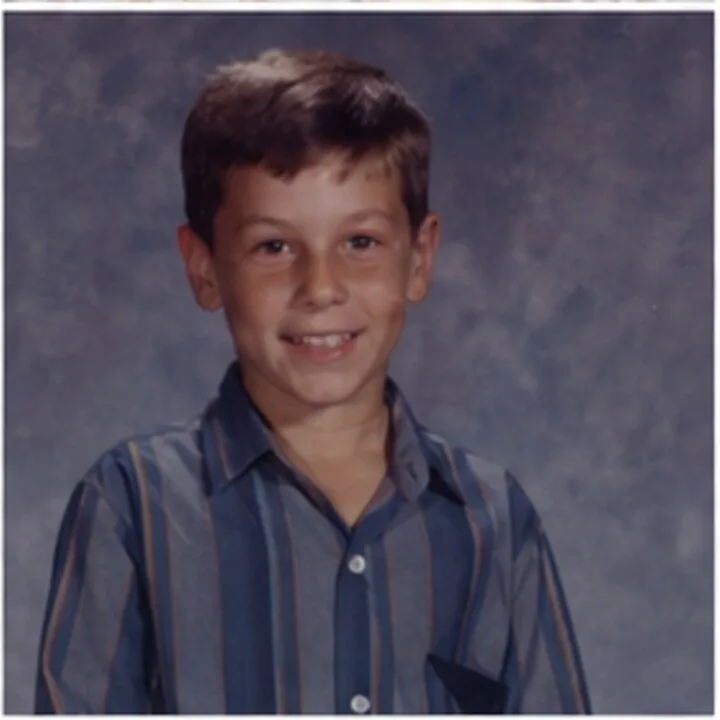
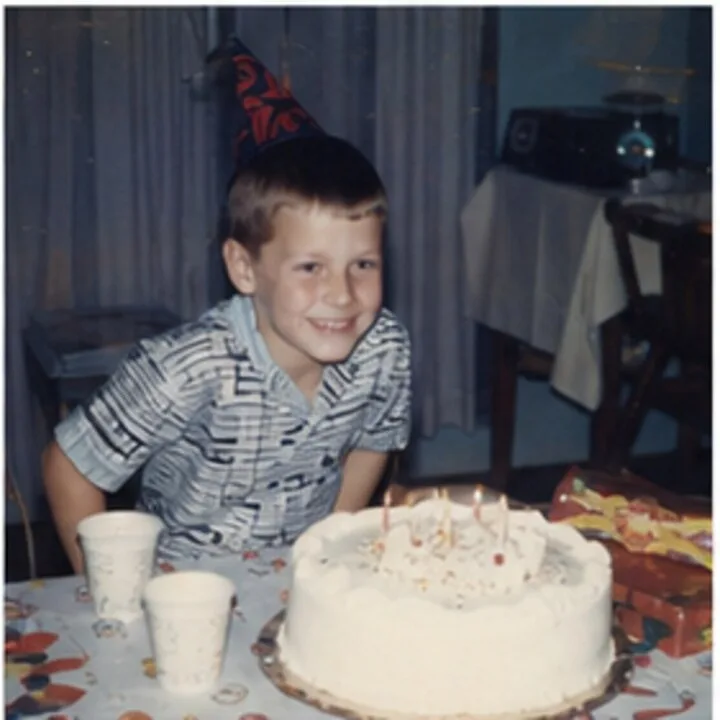
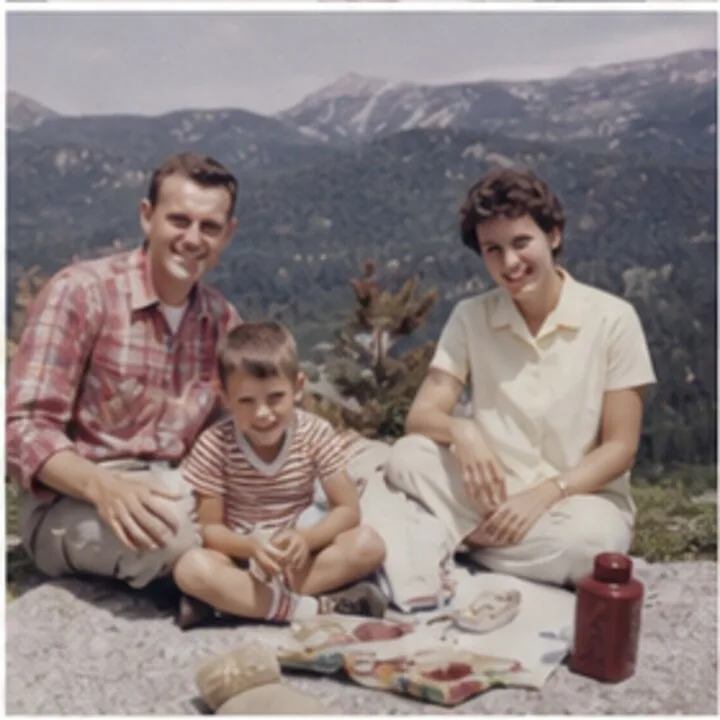
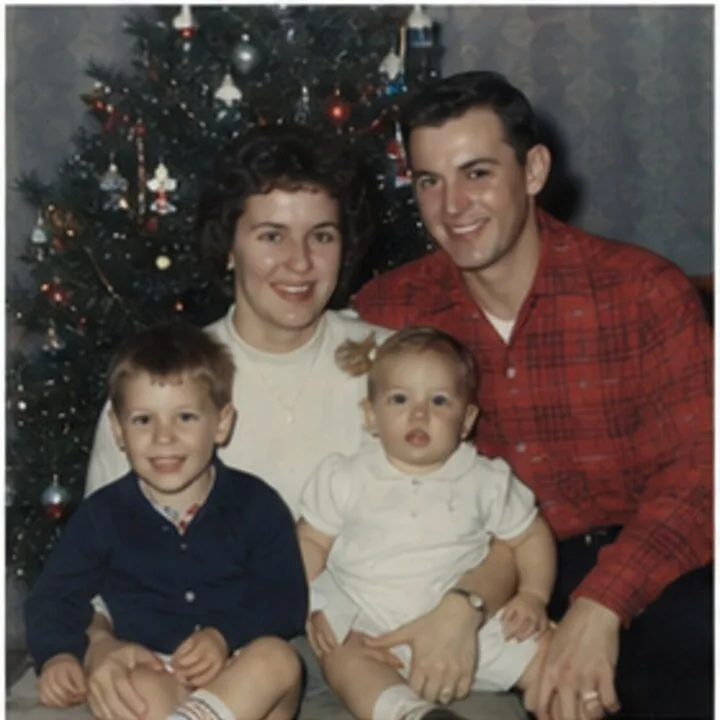
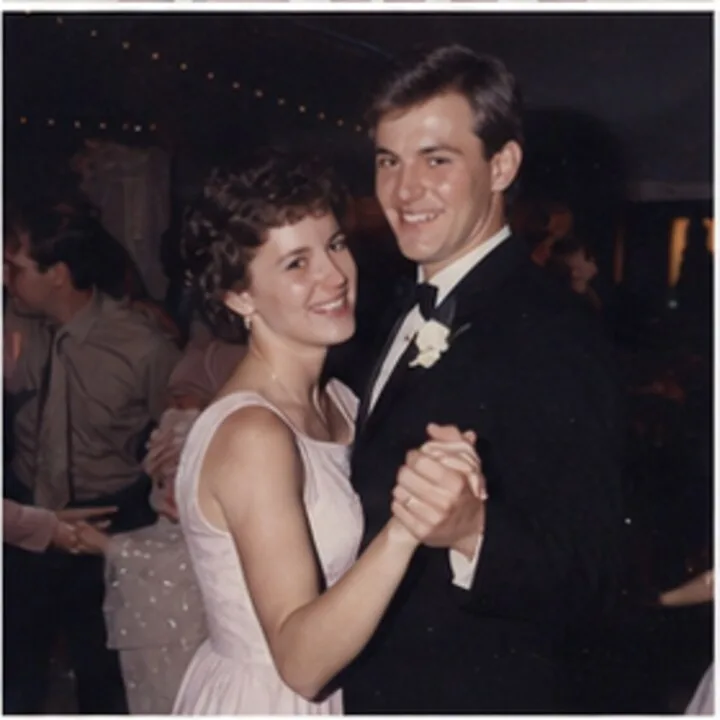
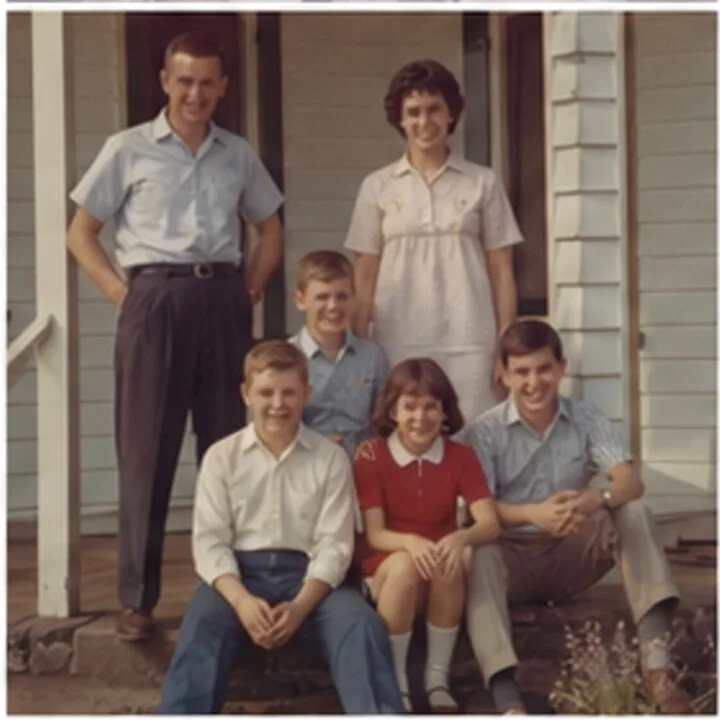
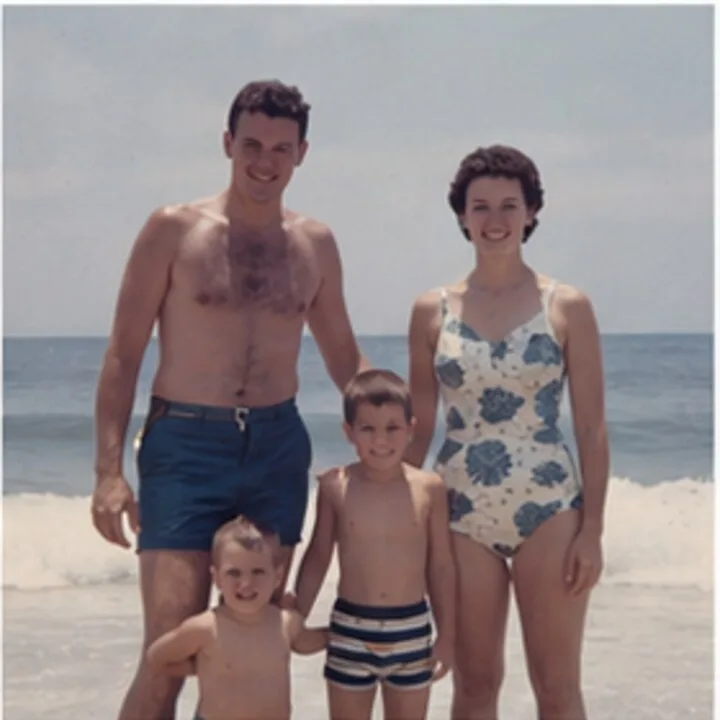
1962 lands next to last week.
1962
1974
1987
The whole collection, back in order.
From any scanner.
Each photo gets a date.
In your photo app.
Timeline Scan is an AI service that reads each scanned photo, works out the date it was actually taken, and writes that date into the metadata of the file you get back, so your scans sort chronologically in Google Photos, Apple Photos, and Immich. Or keep them online with us, in Family Library, where the whole family shares one timeline. One job for you. We do the rest.
Optional Tag faces with birth years for sharper dates. Included.
See how we automatically organize scanned photos
The AI
AI reads the clues in each photo (a printed date, handwriting on the back, faces, clothes, cars) and estimates when and where it was taken.
DateSCAN_0031.JPG
July 14, 1982
Placed by Timeline Scan. High
Read the date stamp printed on the photo
People
Notes
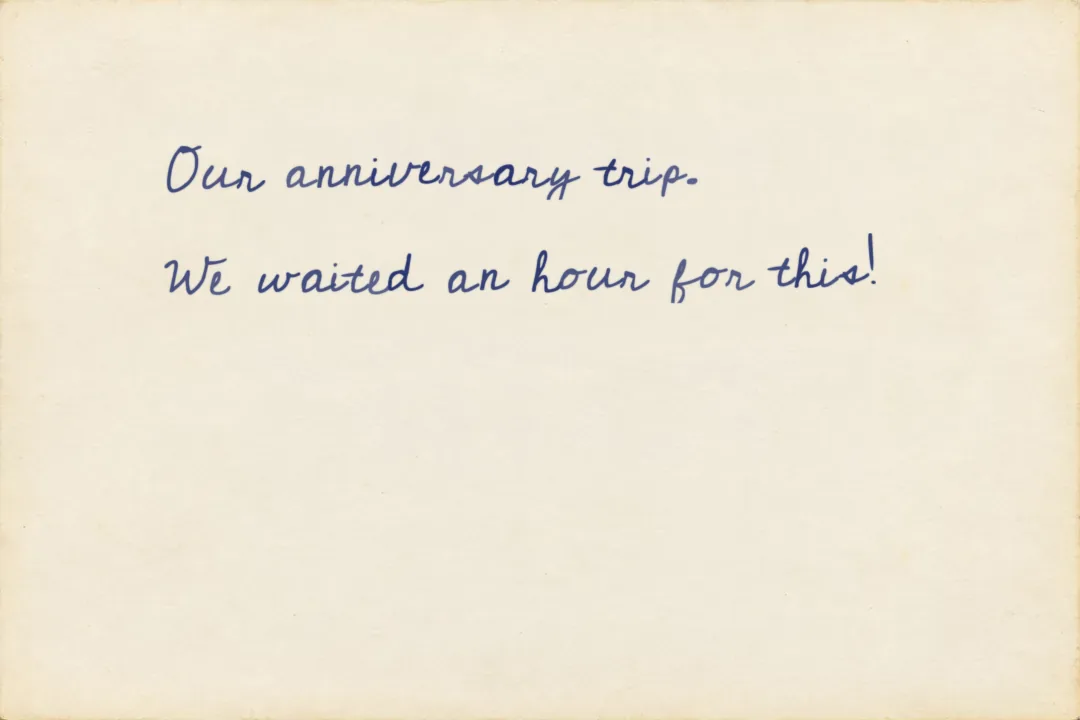
Our anniversary trip. We waited an hour for this!
Read from the back of this photo
Where
Old Faithful, Yellowstone? · set by you
Every photo comes back with its date, its people, its notes and its place filled in, and you can correct any of them.
See everything the AI looks at or try the free what year was this photo taken checker.
Family Library
AI fills in the date, the notes and the place. You check them, and they are written into the file.
Filled in by AI
the year, and the order
the handwriting, read
estimated, the family confirms
Easy in the library
name a face once
sideways scans turned
Our iPhone app changes each photo’s date right on your iPhone.
See how it worksWe add them to your Google Photos library, dated.
See what transfersWe write the corrected dates back to your Immich server.
See what syncsSave dated copies to your computer.
See the folder layoutsOr keep them with us. Family Library: the whole family, one timeline, 100 GB. Then $39 a year. Add it to any photo pack for the $19 first year.
See Family Library Try the demoEverything we make
One path from paper to a shared timeline. Start at the step you are on.
 Family Library
One home for the whole family
Then $39 a year. Add it to any photo pack for the $19 first year.
Family Library
One home for the whole family
Then $39 a year. Add it to any photo pack for the $19 first year.
Real reviews from paying customers, in their own words.
Your first photos come back in order free. No credit card.
Get StartedPhotos still in boxes? Have us scan them in Lehi, Utah · Scan them yourself with our free Mac & Windows app