Blog · Before You Scan
Scanning Best Practices for Family Photos
Quick answer
The best settings for scanning photos: 600 DPI, saved as JPG (TIFF only if you plan to edit), both sides of every print, and file names that start with the album or box label. Leave color correction and cropping for later, on copies.
The Four Settings That Actually Matter
Most scanners default to speed, not archival quality. Override these four.
-
Always Scan the Back
Both sidesEvery print
The back holds the most reliable dating clues: handwritten dates, names and timestamps, even when it looks blank.
- Epson FastFoto FF-680W: set back scanning to All, not auto-detect, which misses light timestamps and faint pencil.
- Flatbed, Mac or Windows: our free FrontBack Scanner app makes back-scanning painless. Scan a bedful of fronts at once, flip them where they lie, scan again: each back lands beside its front.
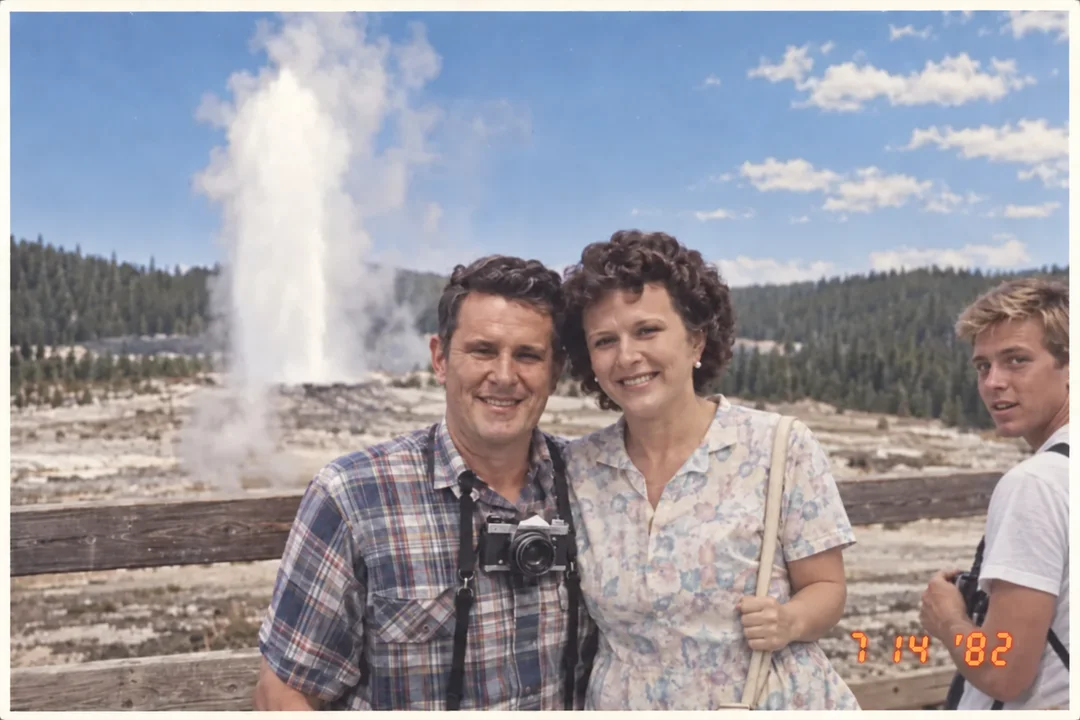 Front
Front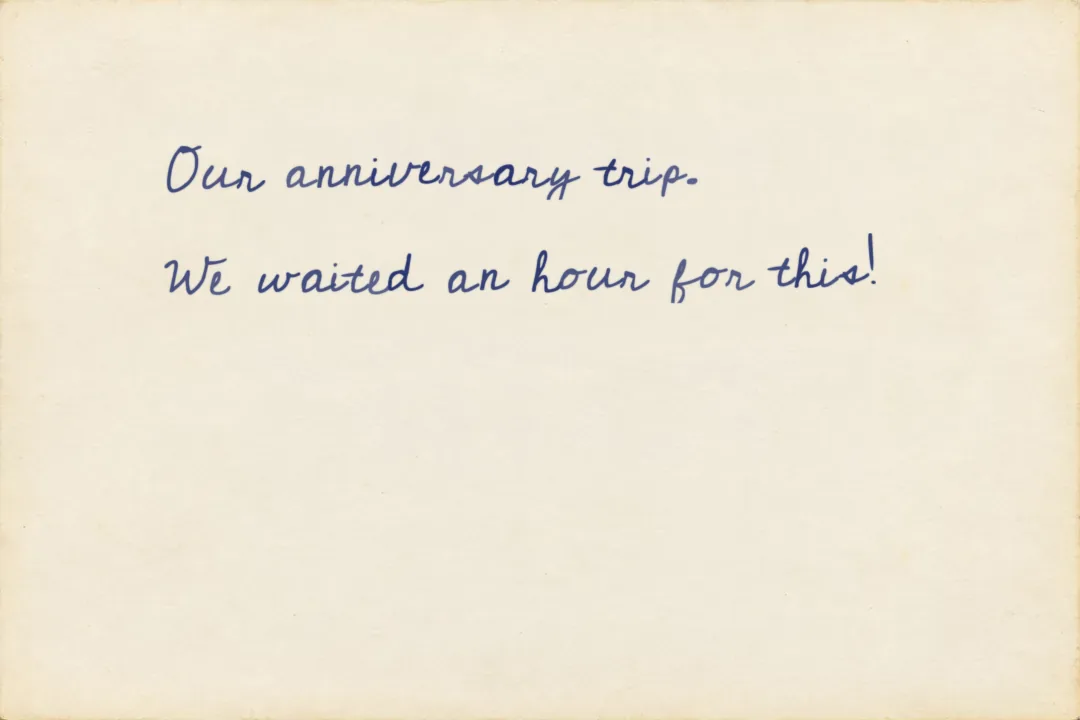 Back
Back
The exact FastFoto setting
Check the box “Scan the back of my photos…” and move the slider all the way to the right so “All” is selected with “Save both sides of each photo.” The auto-detect mode misses light timestamp prints and faint pencil writing that our AI can still read.
While you scan, our free Timeline Upright app for Mac and Windows can watch the FastFoto’s save folder, turning each photo and its back the right way up together and chiming when a crooked one needs to go through again.
-
Choose Your Scan Quality
600 DPIRecommended
Keeps faint timestamps and fine grain, with room to enlarge or restore later. It matches the FADGI scanning guidelines the Library of Congress uses for photographic prints.
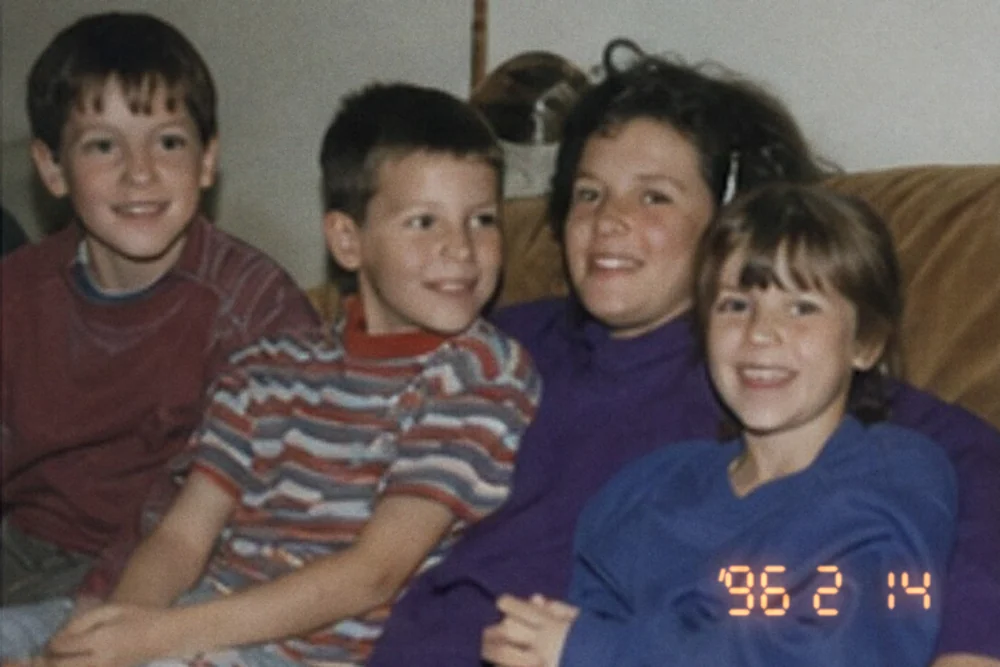 Date stamp
-
Save as JPG, Not TIFF
JPGMost families
JPG is the best file format for scanning photos you won’t edit: about 2 MB each. TIFF is lossless, about 20 MB, and best for more edits.
- Either format uploads fine. Each file can be up to 300 MB, so even a large TIFF fits (the file limits), and Timeline Scan never recompresses what you send.
Size per photo
JPG2 MB
TIFF20 MB
-
Name Files by Album or Box Label
Box labelAs the prefix
It gives every photo in the batch a known time window: for photos with few visual clues, one of the biggest levers on dating accuracy.
Box label: Jul89 – Sept90
Jul89Sept90_0001.jpgJul89Sept90_0002.jpgHow much does the label help?
In our measured dating benchmarks, the same 400 bare prints land within five years of the true date 94% of the time, against 83% when the same prints arrive shuffled, and the typical miss drops from 2.7 years to 1.9.
Exact years barely move either way (37% versus 31% within a year, inside the measurement error). The lever there is tagging a few family faces, which takes shuffled prints from 31% to 53% within a year.
Recommended Scanner Settings for Photos
The best format for scanning photos is JPG at 600 DPI; choose TIFF only if you plan to edit.
| Setting | Recommended |
|---|---|
| Resolution | 600 DPI (300 DPI only for viewing) |
| File format | JPG (TIFF if you will edit) |
| Sides | Both, on every print |
| File names | Box or album label, then a number |
| Edits | None while scanning; edit copies later |
Once the dates are fixed, Family Library keeps the scans in one timeline for $39 a year or a small monthly fee, and up to 20 invited relatives can browse it.
Keep Reading
-
Common Mistakes When Scanning Family Photos
The flip side of this checklist: ten pitfalls to skip.
-
How to Organize Scanned Photos
From boxes of prints to a family timeline.
-
Browse the Blog
Every guide on scanning, organizing and enjoying family photos.
Already Scanning?
Even a small batch scanned this way can go back in order: Timeline Scan reads the back, analyzes the front, and writes each photo’s real date into the file.
View Pricing See the Demo