
Watch while I scan
During a scanning session
- Pick your scanner’s folder, once
- Scan as usual
- Each scan turned upright as it lands
- A chime if one needs doing again
$0 Free Mac & Windows app · no account · no limits
Pairs with your photo scanner. Made for the Epson FastFoto FF-680W.

Built by Timeline Scan, our separate paid service that dates scanned photos for you.
How it works
Every scan is checked the moment it lands.
During a scanning session
For photos you already have
Screen by screen
Six screens from the Mac app. Windows works the same way.


Scan-again alerts
Hear about it while the print is still on top of the stack.
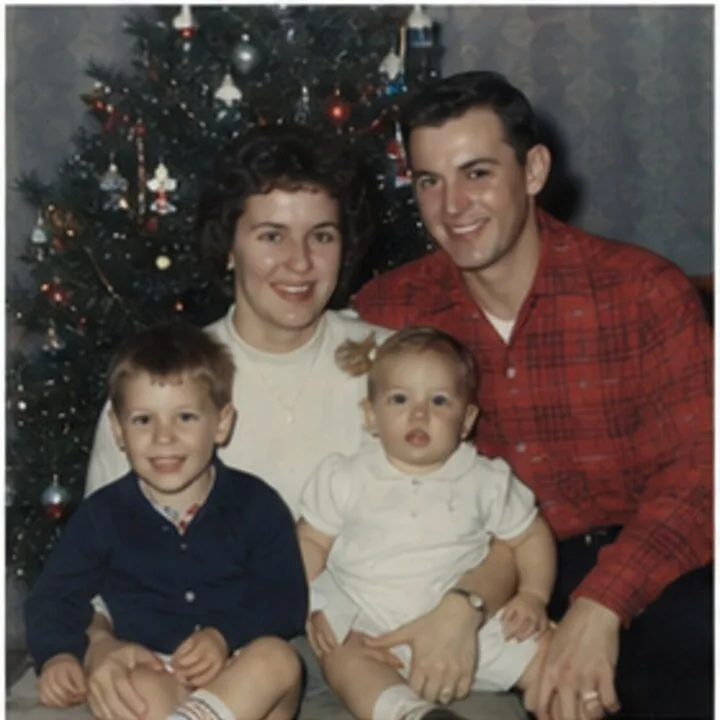
Careful with your photos
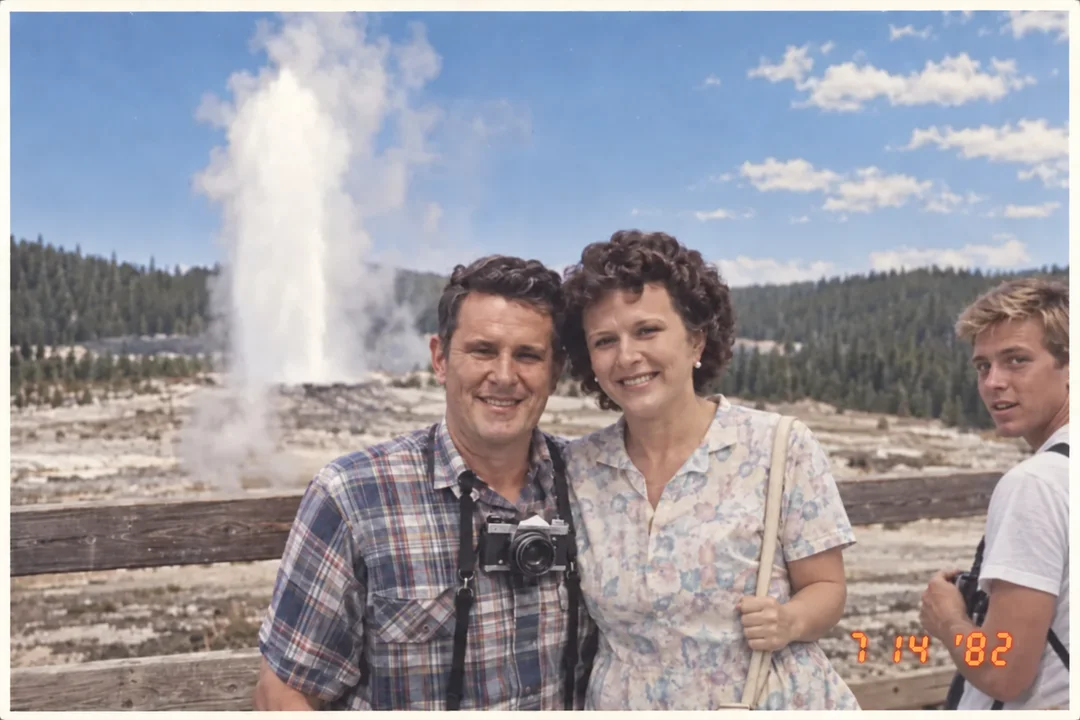
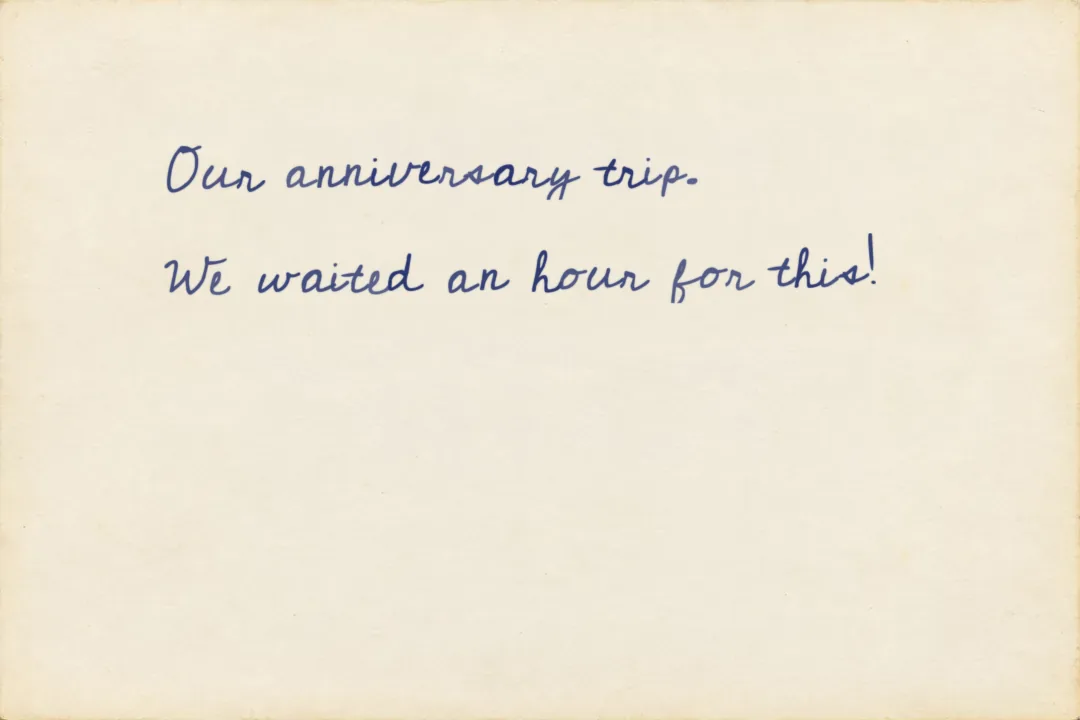
Scan_0031.jpgThe scanScan_0031_a.jpgEnhanced copyScan_0031_b.jpgThe backFive minutes, once, on a Mac or a PC
You scan as usual. Timeline Upright looks after the folder the scans land in.
In FastFoto: SettingsOrganizationSave my scanned photos here
FastFoto trims each photo out of the box. Leave it on.
Watch while I scan, same folder. On a Mac, click Allow
Leave Timeline Upright open behind FastFoto
On a Mac: have FastFoto save to the folder only, not to Photos as well, or Photos may keep the sideways copy. Add the folder to Photos when the box is done.
Pricing
The full app · every feature
For macOS 14 or later (Apple silicon and Intel) and Windows 10 or later.
Also coming to the Mac App Store, for people who would rather install from there.
After the scanning
Scans carry the day they were scanned, so a 1972 birthday sorts next to last week’s screenshots.
It reads the handwriting on the backs and the clues in each photo, then writes the date into the file. Try it free.
Date my photos automaticallyTimeline Tagger, our free app: type a date and a place into each scan, with its back beside it.
Get Timeline TaggerQuestions
Timeline Upright is a free Mac and Windows app you pair with your photo scanner, made for the Epson FastFoto FF-680W. Point it at the folder your scanner saves to and each new scan is checked the moment it lands: if it is sideways or upside down, it is turned the right way up and saved, and if the scanner failed to trim it, so the photo sits crooked inside a gray border, you hear a chime and see that photo on screen, so you can put the print through again while it is still on top of the stack. It can also fix a whole folder of photos you scanned before.
Yes. The whole app is free, with no account, no photo limit, no trial and no ads. It is made by Timeline Scan, a separate paid service that dates scanned photos, and it exists because people scanning their photos kept asking for it.
The FastFoto saves each print the way it went through the feeder, so a photo fed in on its side comes out on its side. Its software has an Auto rotation checkbox, on the Advanced Settings tab, that tries to turn each scan upright, but it cannot always tell which way is up, and nothing tells you which ones it missed. One FF-680W owner, answering a question on Best Buy’s site, put it this way: “It’s correct in rotation about 50% of the time.” Timeline Upright checks every scan as it lands, turns the ones that need it, and asks you about any it is not sure of.
The FastFoto trims every photo automatically. When a print goes through at an angle, or slips, the trimming can miss, and the saved scan shows the scanner’s gray background around a tilted photo instead of the photo edge to edge. The only real fix is to put that print through again, and the easiest time is right away, while it is still on top of the stack. Timeline Upright spots it the moment it is saved, chimes, and shows you which photo it was.
It was made for the Epson FastFoto FF-680W, and it works with any scanner whose software saves JPEG, TIFF, PNG or BMP files into a folder: Epson FastFoto, Epson ScanSmart, Epson Scan 2 and most others. Turning photos upright works for all of them. The gray border check is tuned to the FastFoto’s gray background, so on other scanners it may point out fewer problems.
Yes. Epson’s FastFoto software runs on the Mac, and Timeline Upright never talks to the scanner itself: it watches the folder the FastFoto software saves into. So you scan the way you always do, with Timeline Upright open behind the FastFoto window, and each scan is turned the right way up a second or two after it is saved.
Yes. Choose Fix a folder of photos, pick the folder, and every photo in it is checked and turned the right way up, whichever scanner made it. It works through the folder using every core of your computer, remembers what it has already done, and points out any scans worth doing again. Photos that are already the right way up are left exactly as they were.
Only by turning them. A photo that is already the right way up is left exactly as it was. A photo that needs turning is saved in place, in the same format and at the same quality it was scanned at, with the date and other details stored in the file kept. Nothing is ever cropped, moved or renamed, so your scanner’s numbering keeps working. When the app is not sure which way is up, it leaves the photo alone and asks you.
The FastFoto can save several files for one print: the photo, an enhanced copy ending in _a, and the back ending in _b. Timeline Upright treats them as one photo. It decides which way is up from the front and turns every file of that print together, so the back and the enhanced copy always match. The enhanced copy is the picture you see, with the back small on its corner. Click either one to see it large. If your scanner names its files another way, set the endings in Settings, under Fronts and backs.
No. Everything happens on your computer, including recognizing which way is up. The only time it goes online is to check for a newer version, which you can turn off in Settings.
Yes. Timeline Upright for Mac is a free download from this page, for macOS 14 (Sonoma) or newer, on Apple silicon or Intel. It is signed and notarized by Apple, and it does everything the Windows version does. Where Windows uses the Recycle Bin and a flashing taskbar button, the Mac uses the Trash and a bouncing Dock icon.
The first time you choose Watch while I scan, macOS asks whether Timeline Upright may send notifications. Click Allow, so a scan that needs doing again can reach you even when the app is hidden behind the FastFoto window. If you clicked Don’t Allow, the chime and the card on screen still work, and you can turn notifications on later in System Settings, under Notifications.
Yes. Windows shows that message for new apps it has not seen many times before. Click More info, then Run anyway, and the installer starts. The app comes from Timeline Scan, and the download is the same file listed on this page.
Free, private, and it keeps an eye on every scan for you.
Scanned and upright? Let Timeline Scan date them
Still choosing a scanner? Read our scanning best practices, try FrontBack Scanner for a flatbed, or see what to do after scanning.