
Add your photos
Upload your scans at timelinescan.com.
AI Photo Organizer · Built for Scans
Timeline Scan, the AI photo dating service, reads each photo the way you would (handwriting, faces and their ages, visual clues) and sorts your collection oldest to newest.
2026scan day
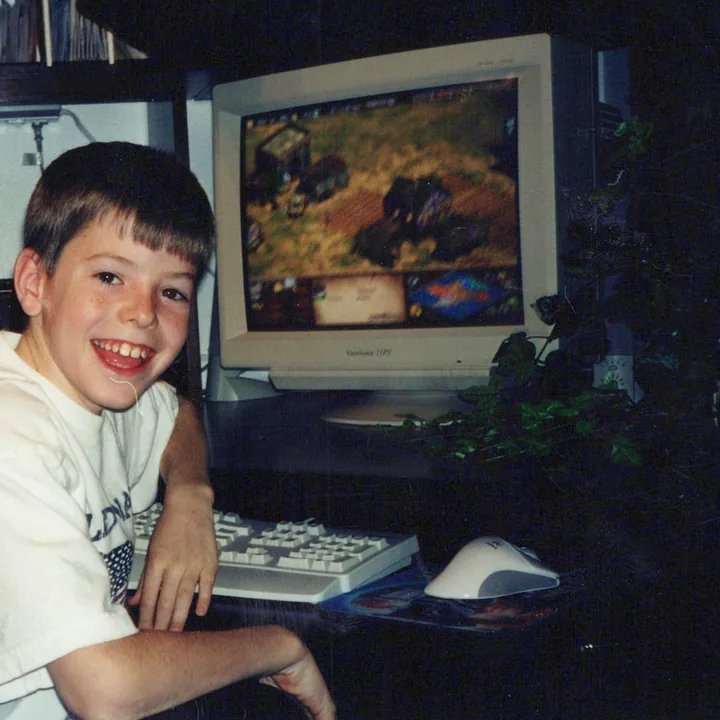
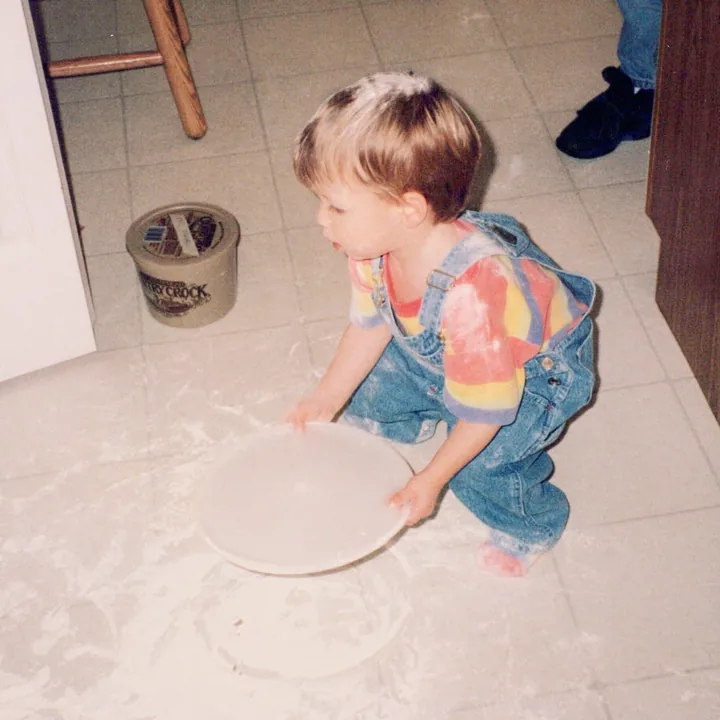
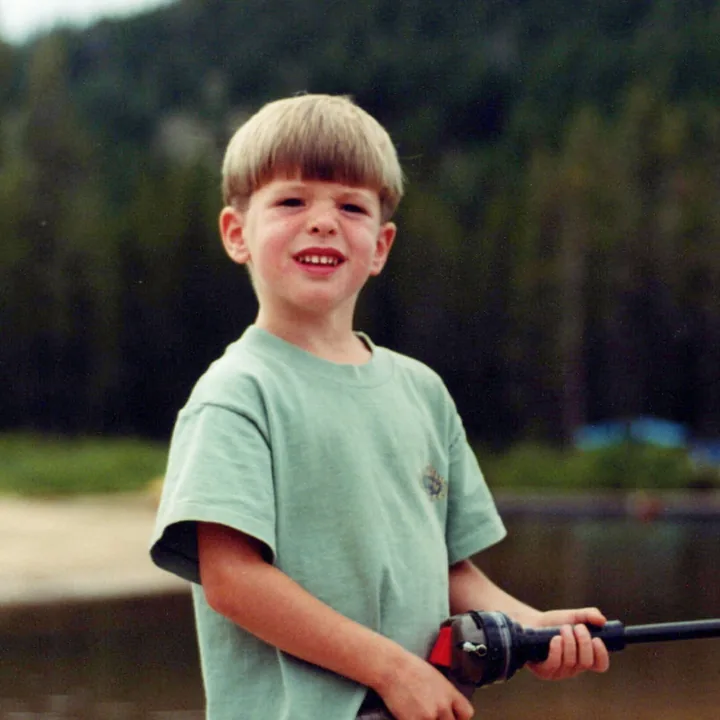
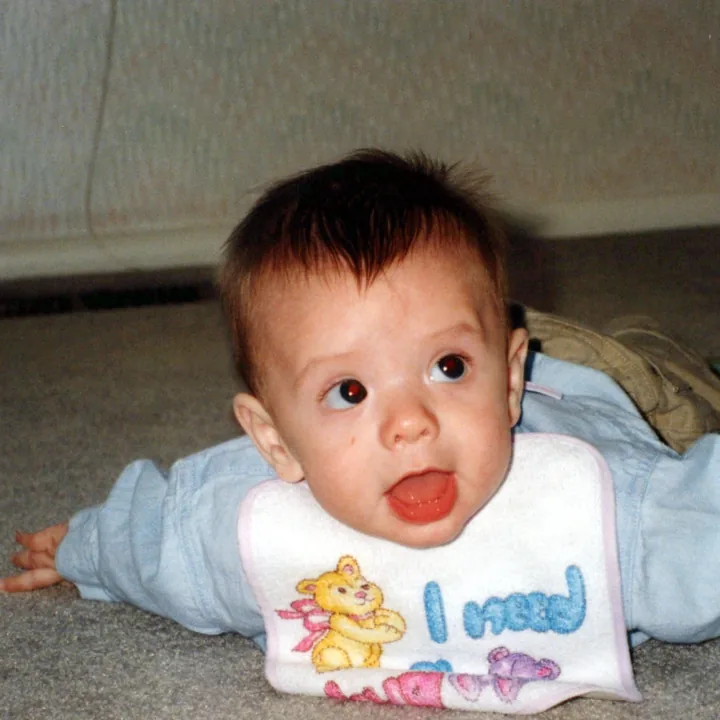
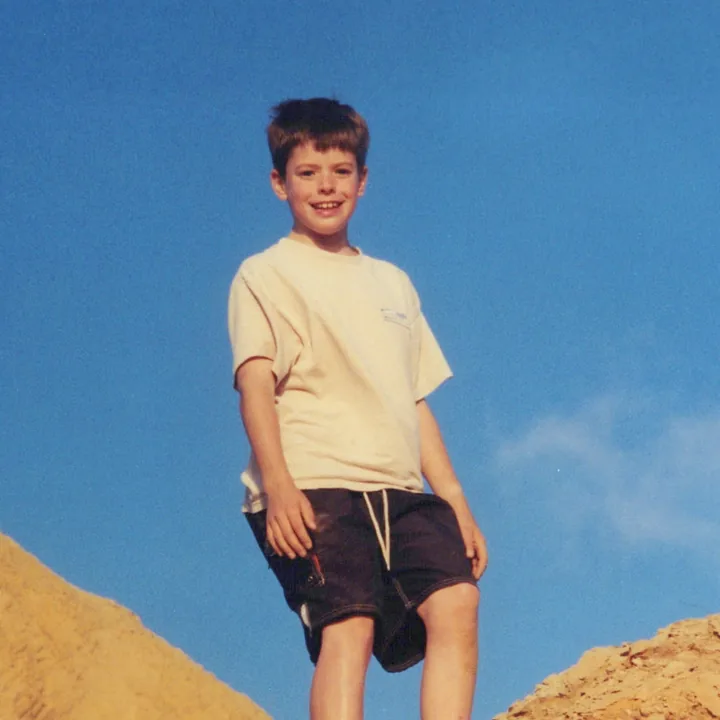
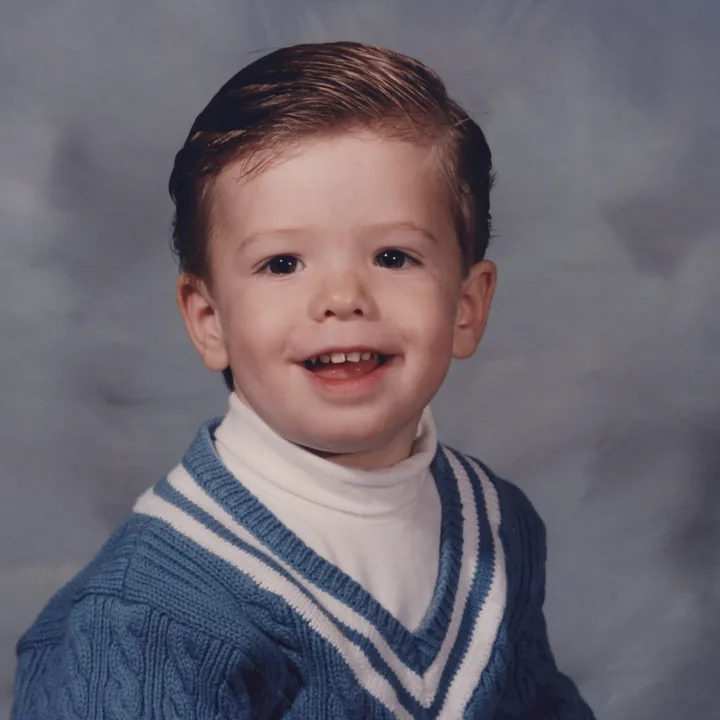
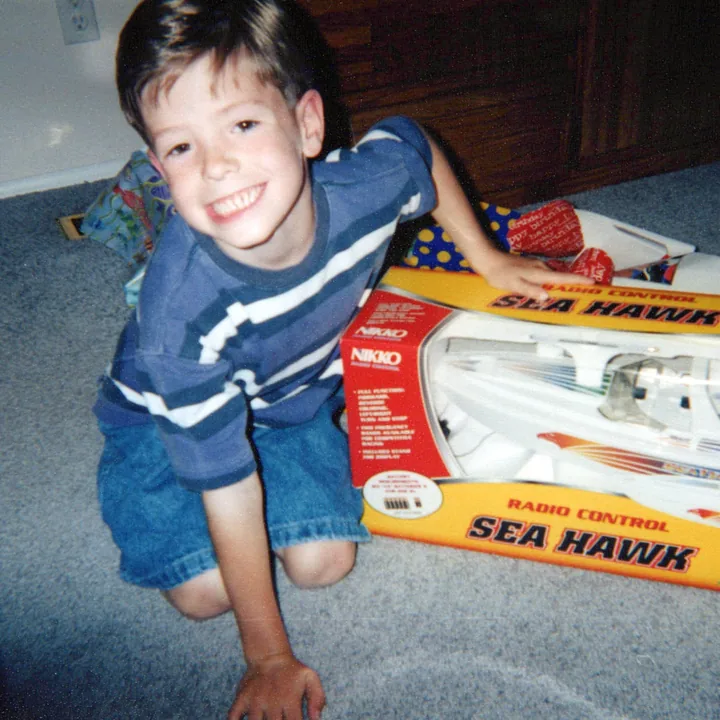
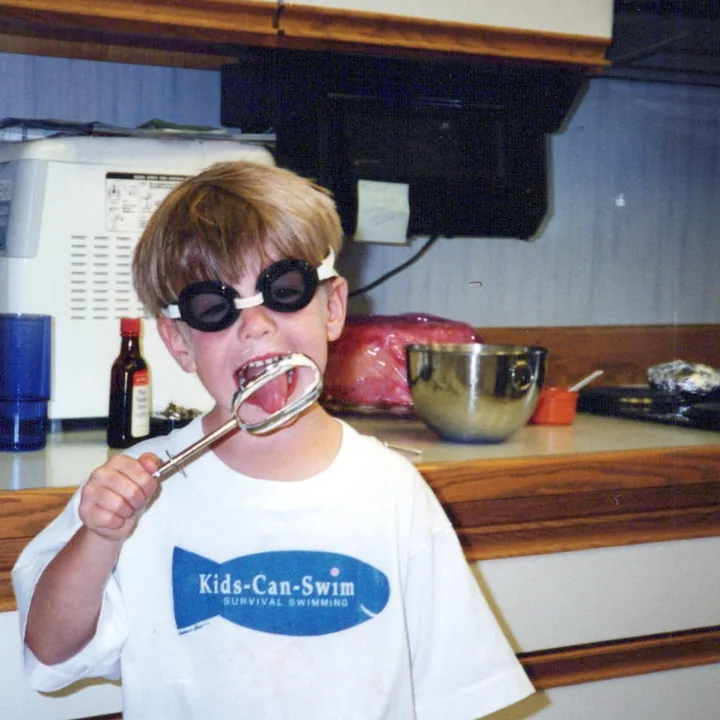
The scanner dated every print 2026.
1992–94
1996–99
2001–03
The whole collection, oldest to newest.
Already know the years? Type them in with Timeline Tagger, our free Mac and Windows app. Don’t know them? Timeline Scan, the AI photo dating service, estimates each one.
Why sorting by date fails
Every photo app sorts by the date inside the file.
Fix the dates and every app sorts itself.
Then organize photos by date taken, or read how to organize scanned photos.
The clues
11 clues, strongest first. Most photos carry two or three.
No single clue dates every photo, so the AI weighs them together. See our published accuracy results.
One photo, start to finish
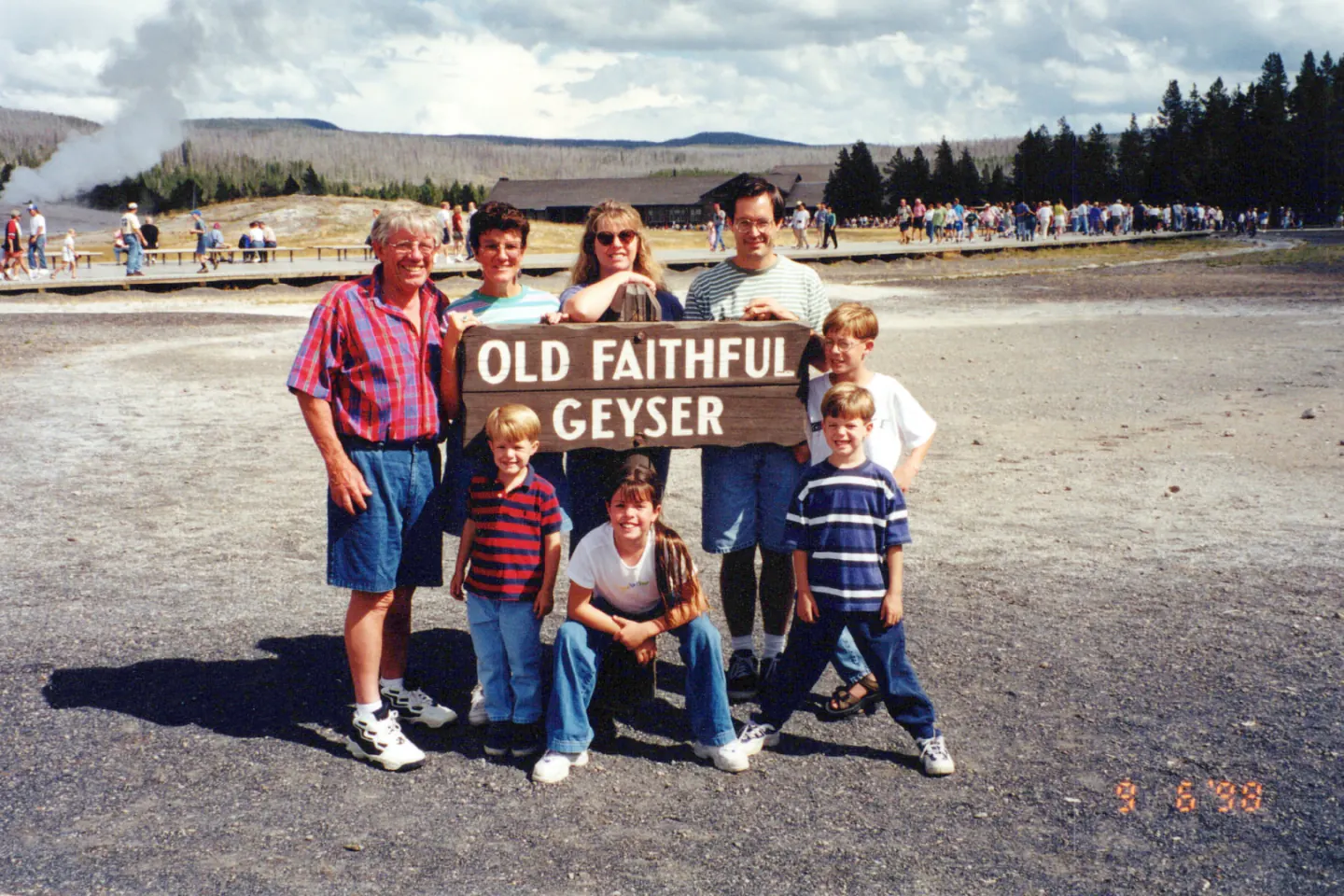
DateSCAN_0037.JPG
September 6, 1998
Placed by Timeline Scan. High
Read the date stamp printed on the photo
People
Notes
Family trip to Yellowstone with Grandma and Grandpa
Read from the back of this photo
Where
Old Faithful, Yellowstone? · set by you
Every photo comes back with its date, its people, its notes and its place filled in, and you can correct any of them.
“Doesn't my photo app already have AI?”
A wrong date stays wrong
Your app sorts it right
See it in Google Photos and Immich.
AI photo sorting in three steps
Upload your scans at timelinescan.com.
Every photo in order, oldest to newest.
By year, month or person, or straight to Google Photos or Immich.
Built for family photos
Change any date before you download.
Same pixels, same quality. Only the date inside changes.
Ordinary files on your own computer. No subscription needed to keep them.
One upload does it all
The year, often the month, then oldest to newest.
Every handwritten note, typed out.
Each photo pinned on the map.
Name each person once.
No more sideways photos.
For Google Photos, Apple Photos, Immich or folders.
Common questions
Eleven kinds of evidence, strongest first: a camera date stamp, handwriting on the front or back, a lab stamp or code, the paper's backprint, faces and their ages, dated objects, known events, the look of the era, file names, folder names, and the photos scanned around it. The AI weighs them together; you check every date before you download.
Yes. Timeline Scan recognizes the same people across your collection and uses how old each person looks, together with the birth years you share, as one of its dating clues. With handwriting and visual clues like clothing and cars, it puts photos in chronological order even when the files carry no dates.
Yes, and it is what Timeline Scan is built for. A scan carries the day it was scanned, so photo apps pile every print on that one day. Timeline Scan estimates each photo's year from handwriting, printed lab dates, faces and visual clues, then sorts the collection oldest to newest.
You review every date before you download. Read more about how we fix scanned photo dates.
Only for search. Their AI finds faces and objects, but the timeline is sorted by the date stored inside each file. On a scan that date is wrong, and their AI does not fix it.
Timeline Scan estimates the date, you check it, and it is written into the file in the standard place, so the photos sort correctly in Google Photos, Apple Photos, Immich or any other app.
No. The AI dates every photo on its own. If you like, name the key people and share their birth years to sharpen the age-based dating, and adjust any date before you download. Nothing needs tagging photo by photo.
Copies with dates added when you download, same quality. Your originals never change. Choose from six folder layouts, or send photos straight into Google Photos or Immich.
Every layout is shown on the file download page, and you can download again in a different layout at no extra cost.
Yes. Try it free on 50 photos with no credit card, and see your own photos put in order before you pay anything. After that, pricing is per photo dated; see the pricing page for current rates.
Try the AI photo sorter on 50 free photos with no credit card, and watch it put the pictures in order.
Try 50 Photos Free