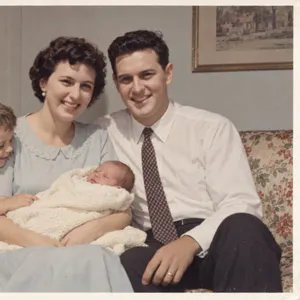
The ones for the service
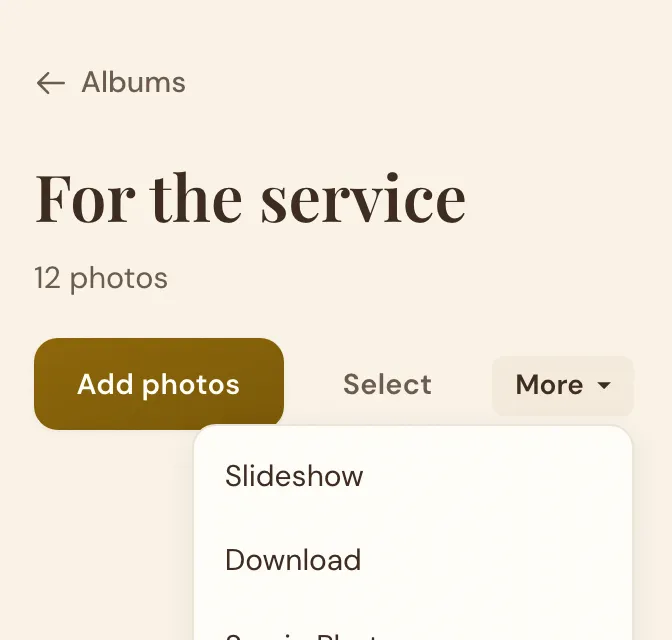
Tick them and press Album. In the album: More, then Slideshow.
For Families Preparing a Memorial
Upload the photos. We work out when each was taken. Press Play.
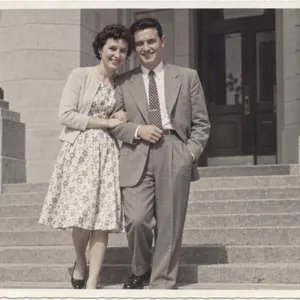 1953
1953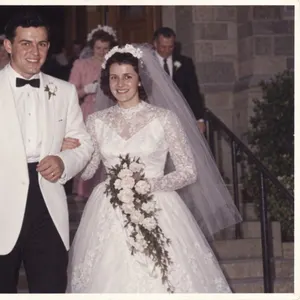 1958
1958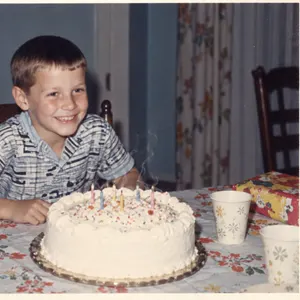 1968
1968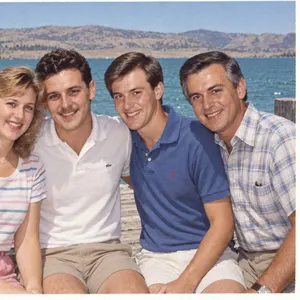 1984
1984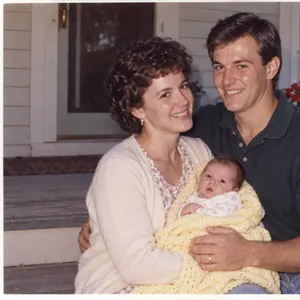 1994
1994 2024
2024How it works
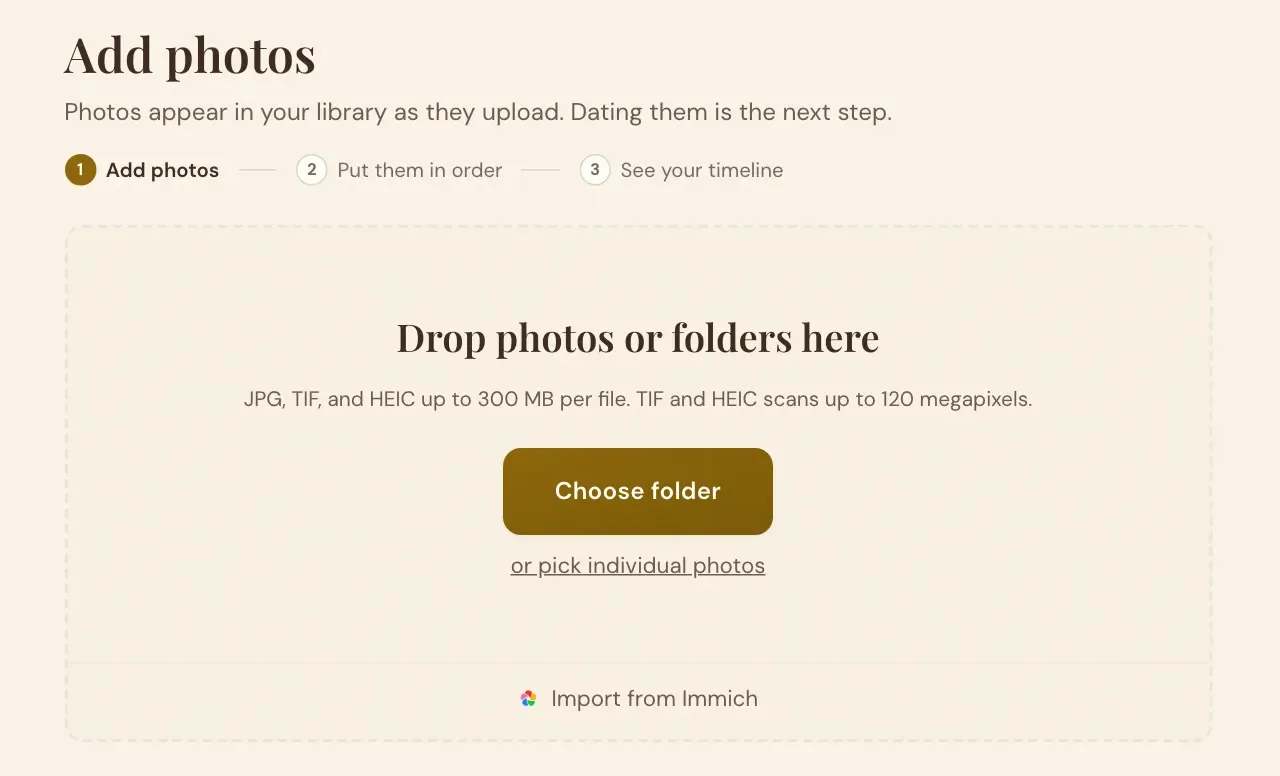
Scans or phone pictures of the prints. Choose the whole folder.
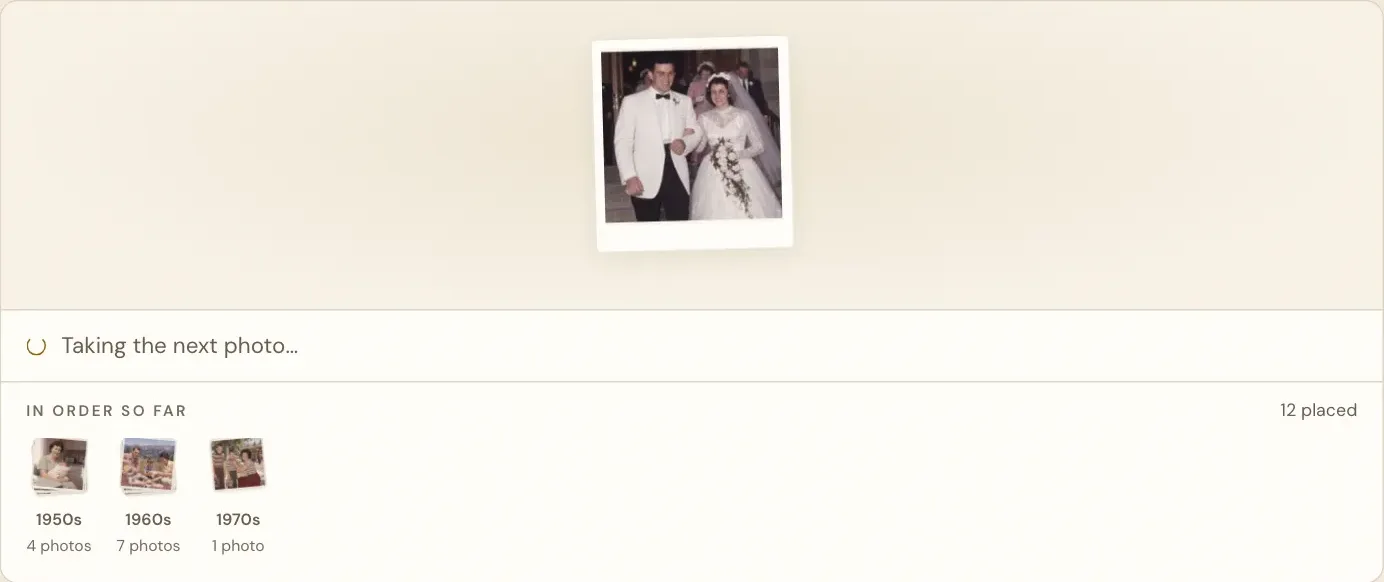
One press dates the whole box, from the backs, printed dates and the pictures.
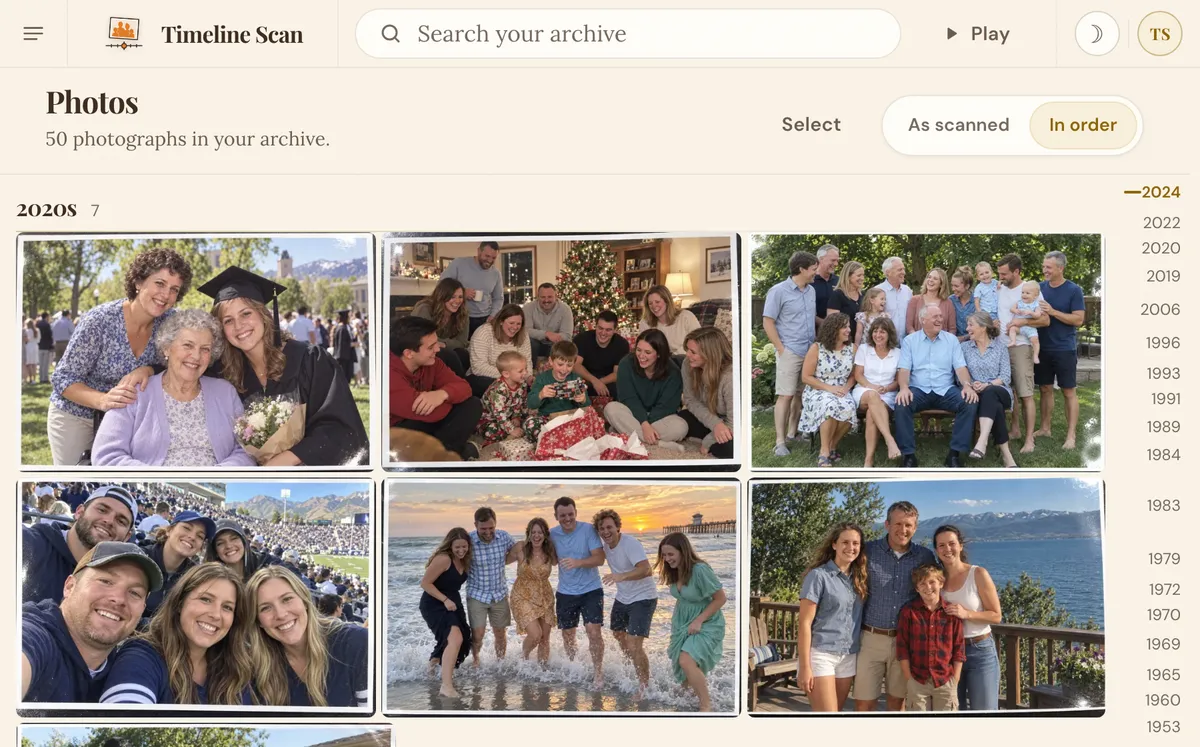
Full screen, oldest to newest, in your web browser.
Then, for the service, pick one
Option 1 · Nothing to install
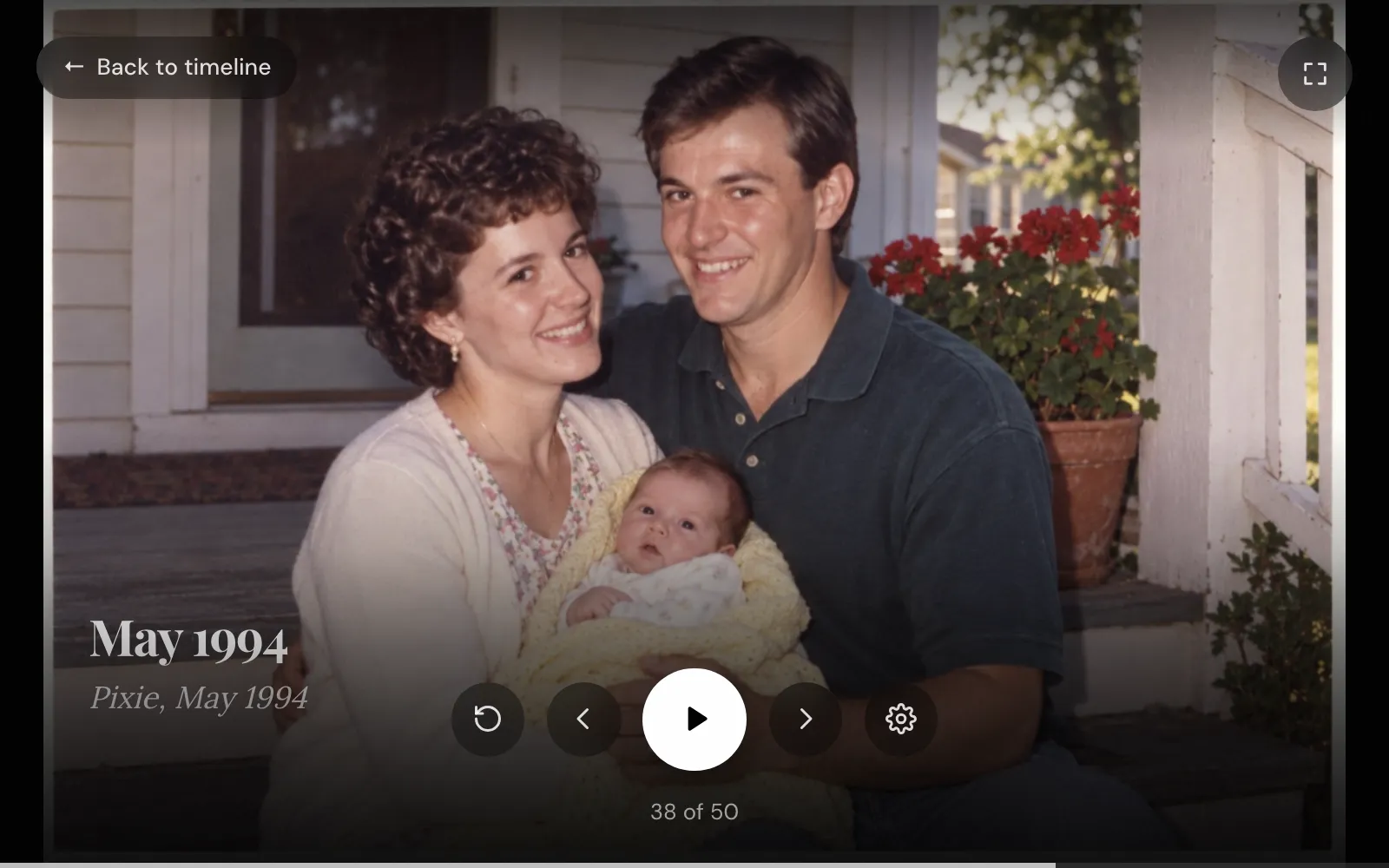
At the top of your Photos page.
The count shows how far along it is.
Turn captions on to show both.
Pick 3 to 30 seconds. It loops through a viewing.
Plug a laptop into the TV. The buttons fade away.
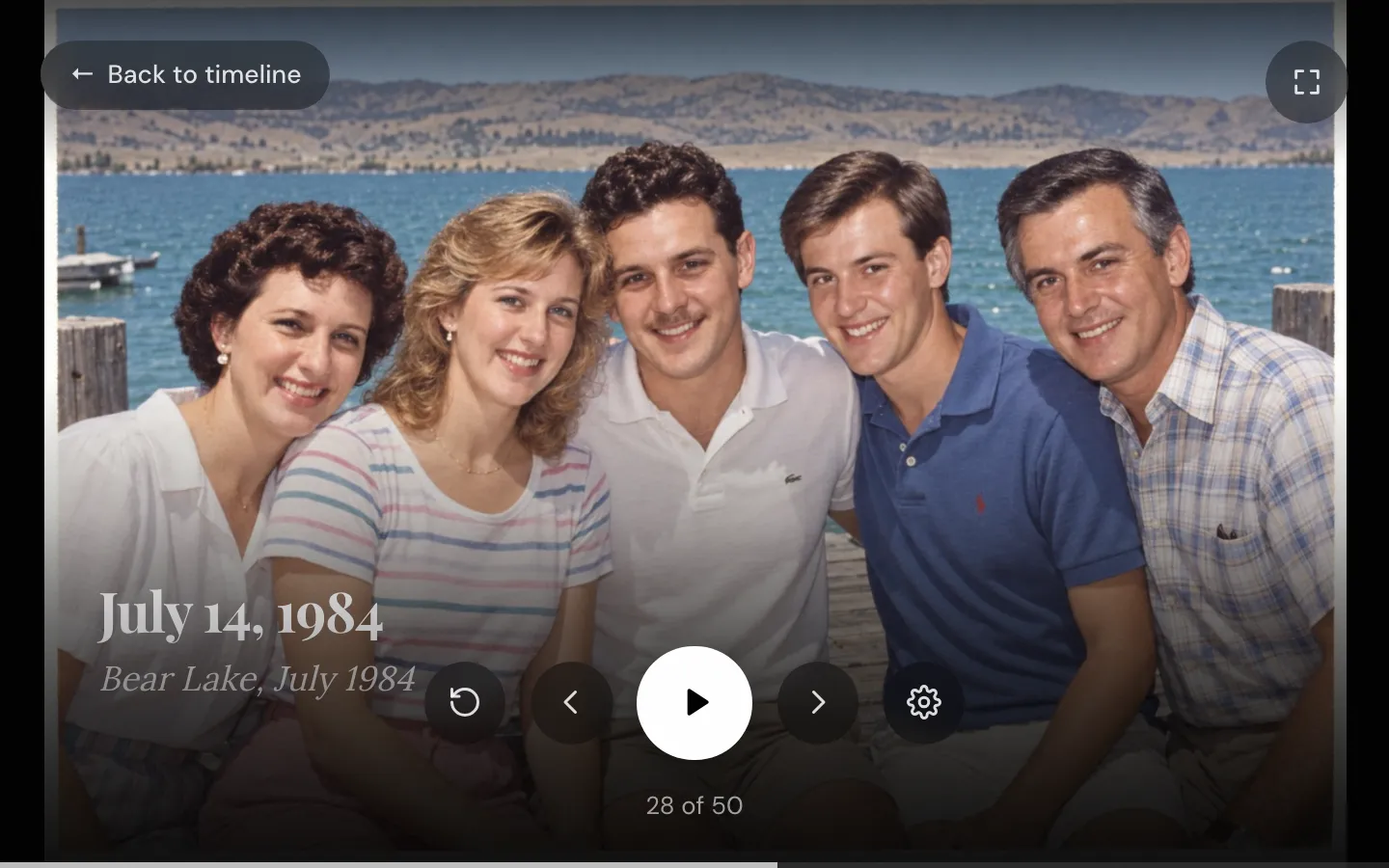
The real slideshow, with the demo family.
Tick them and press Album. In the album: More, then Slideshow.
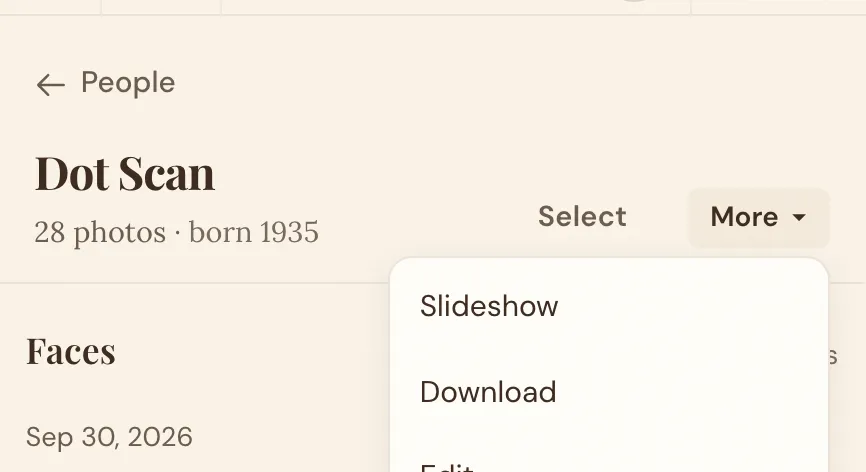
Name her face once on the People page. On her page: More, then Slideshow.
Option 2 · Hand off the files
For PowerPoint, Canva, iMovie or the funeral home.
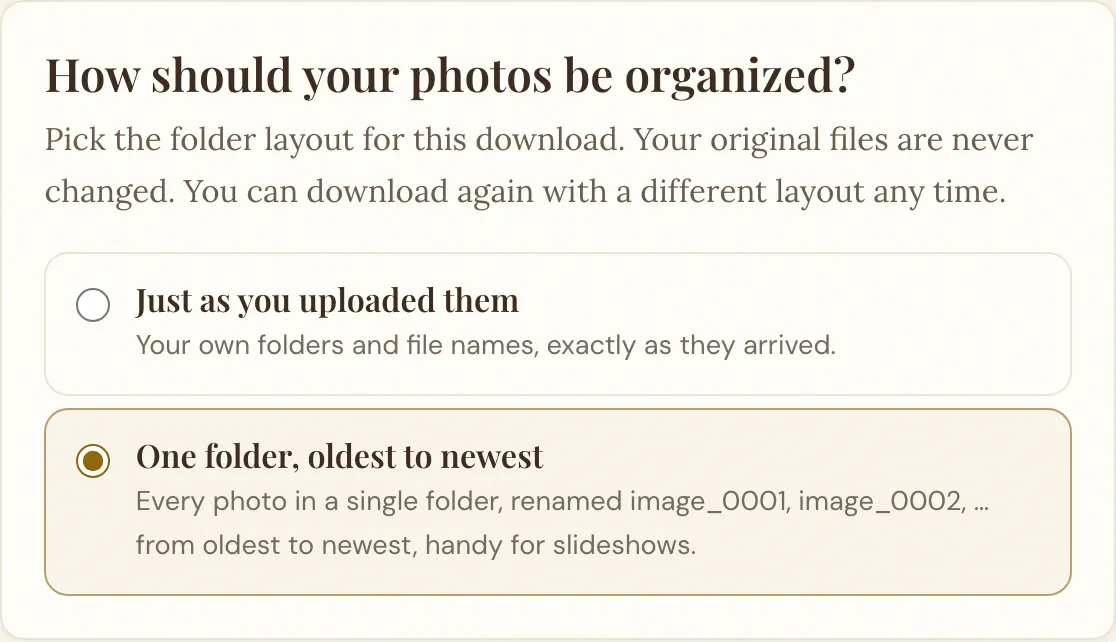
See every download layout, or why folders by year.
Option 3 · Google Photos
Choose Continue with Google. No ZIP files, no second upload.
The date is written inside each photo.
In the three-dot menu. It casts to a TV.
Relatives watch from anywhere and add photos.
Illustrative recreation. See exactly what transfers to Google Photos.
Family far away
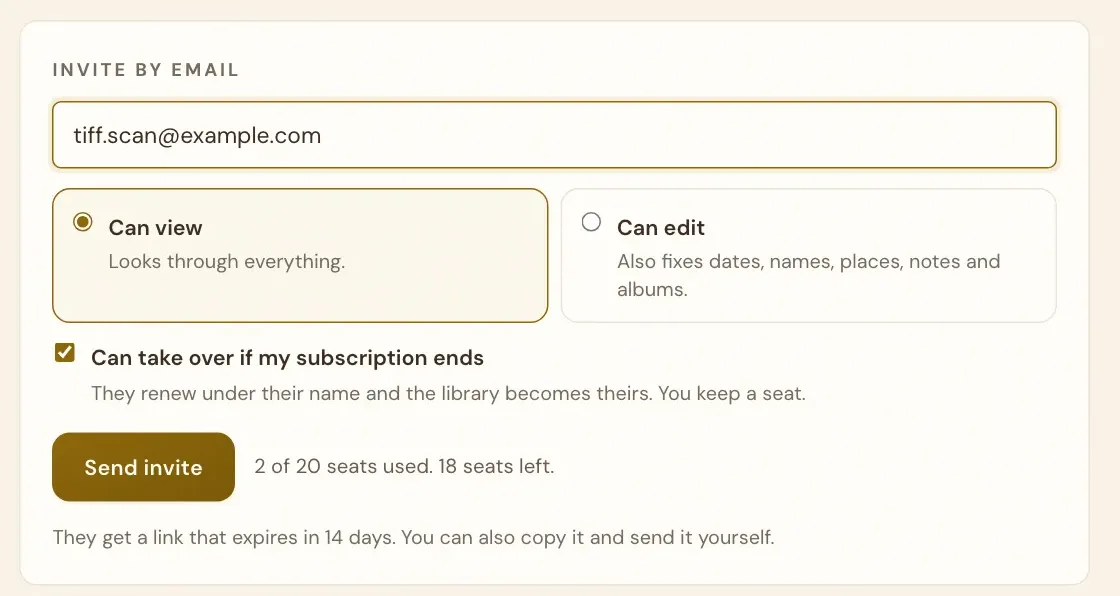
Invite brothers, sisters and cousins by email: the same photos, in the same order, at home.
The week nobody plans for
Every guide says sort them chronologically. None says how. Timeline Scan does it for you.
What the memorial guides agree on
60 photos × 5 seconds = 5 minutes
| Decision | What works |
|---|---|
| Number of photos | 60 to 80 |
| Time per photo | 4 to 5 seconds |
| Total length | 5 to 8 minutes, about one or two songs |
| Music | 1 or 2 songs they loved |
| Order | Chronological, oldest to newest |
| Ending | One recent portrait, held longer |
From memorial slideshow guides by Animoto and Funeral.com, among others.
Pick from every era. With the photos in order, the gaps show themselves.
What funeral homes ask for:
One folder, oldest to newest, covers all four.
A trial-size batch in minutes; larger collections in hours, not days.
Dates go into the copies you download.
90 days after we date them (30 on the free trial), then Family Library.
Common questions
60 to 80 photos, the number most funeral-industry guides land on. At 4 to 5 seconds each, that plays for 5 to 8 minutes, about one or two songs. Fewer is fine: hold each one on screen a little longer. If the slideshow will loop quietly during a viewing or reception, more photos work well.
Five to eight minutes: one or two songs, about 60 to 80 photos at 4 to 5 seconds each. A slideshow that plays quietly through a viewing or reception can run as long as the event; Timeline Scan’s slideshow starts over on its own when it reaches the end.
Chronological, oldest to newest. Nearly every guide recommends it, and guests follow it instinctively: a life told from childhood to the most recent years. Grouping by theme (family, work, travel) also works. Timeline Scan puts scanned photos in chronological order automatically, even when no one wrote dates on them.
Timeline Scan estimates when each photo was taken from handwriting on the backs of prints, dates printed by the photo lab or camera, and clues in the picture itself (clothing, cars, rooms), plus the photos that sat nearby in the same album or envelope.
You can check the timeline and change any photo’s date before the service. Curious about the details? See how we fix scanned photo dates.
Yes, it is built into Timeline Scan. Press Play at the top of your Photos page and it plays full screen in your web browser, from the oldest photo to the newest.
Each photo holds for five seconds by default (three to thirty if you prefer). Captions can show each date and the handwriting from the back of the print. It starts over on its own, so it can run quietly through a viewing, and an album or one person’s page plays just those photos.
It needs a connection: Timeline Scan’s slideshow plays over the internet. If the room has none, download the photos as one folder, oldest to newest, before you leave the house.
A laptop’s own photo viewer can play that folder as a slideshow with no internet at all, or the funeral home can play it from a USB stick. Do this even if you were promised wifi: guest networks in function rooms are the least reliable part of the day.
Yes. From your Download page, Timeline Scan can send your dated photos straight into a new Google Photos album, with no ZIP file and no second upload. The date is written inside each photo, so the album runs oldest to newest on its own.
Open the album, tap the three-dot menu and choose Slideshow: it plays full screen on a phone or laptop and can be cast to a TV. Share the album link and relatives can watch from anywhere and add their own photos before the service.
Yes. Invite them by email from your Family page: up to 20 people, free. They sign in with their own account, see the same photos in the same order, and can press Play on their own computer. Anyone you let edit can also fix a date or add a name.
Often, yes. Many funeral homes will assemble a tribute video or play your slideshow on their equipment. They need the photos digitized, chosen and in play order, usually a day or two before the service.
Timeline Scan’s oldest-to-newest folder is built for that hand-off: the files are renamed so alphabetical order is date order. Put your picks in an album first and the folder holds just those.
Fast enough: most families go from shoebox to slideshow in a single day. Photographing a shoebox of prints with a phone takes an afternoon, and flatbed or app scans work too.
Once uploaded, a trial-size batch is dated in minutes and larger collections typically finish in hours, not days. If you’re near Lehi, Utah, we can scan the prints for you as well.
It is free to try with no credit card, enough photos for a small slideshow, so you see your own photos dated and in order before paying anything. After that, you pay per photo dated; see the pricing page for current rates.
Your photos stay online for 90 days after we date them (30 days on the free trial), and you can download them any time. Keeping them online for the family after that is Family Library, $39 a year or a small monthly fee.
Start free, no credit card. See your photos in order before you decide.
Try Photos FreeGoogle Photos is a trademark of Google LLC. The album above is an illustrative recreation, not a screenshot of Google's product. Timeline Scan is not affiliated with or endorsed by Google.