
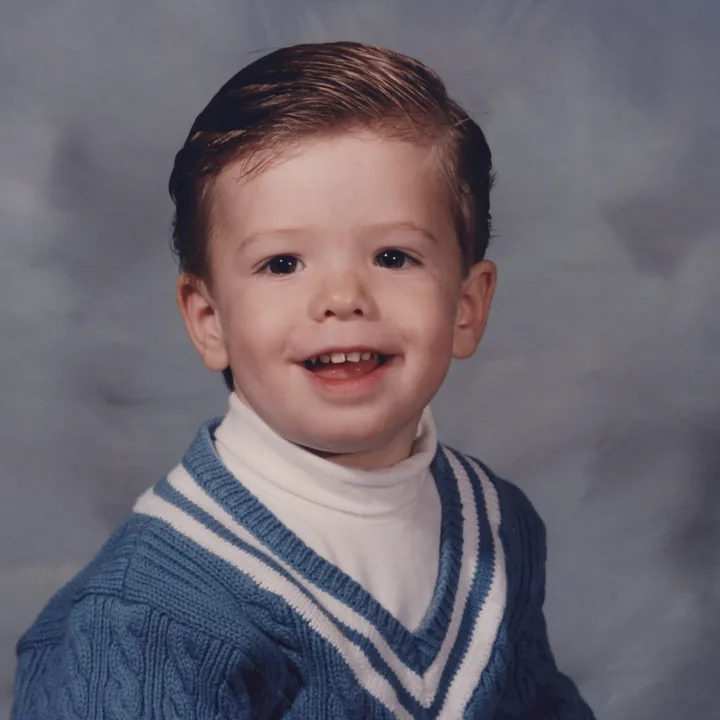
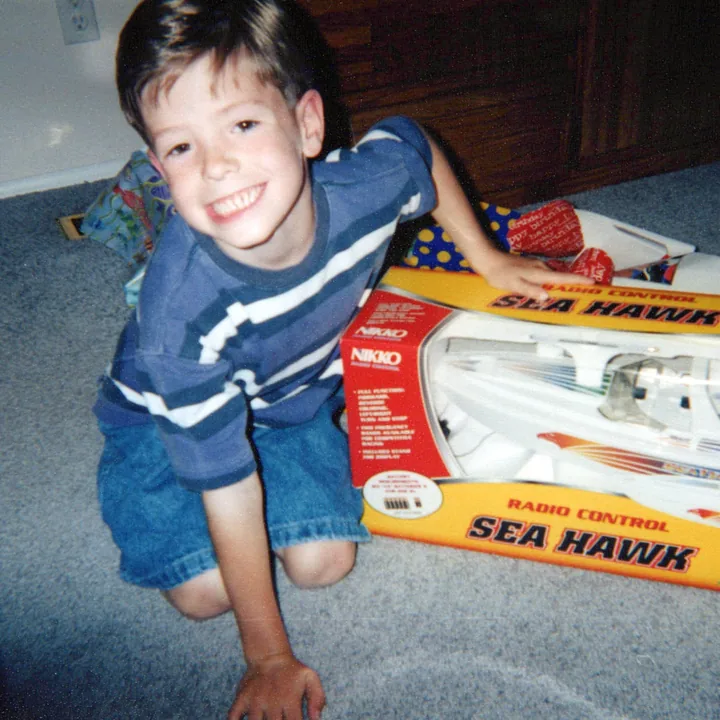
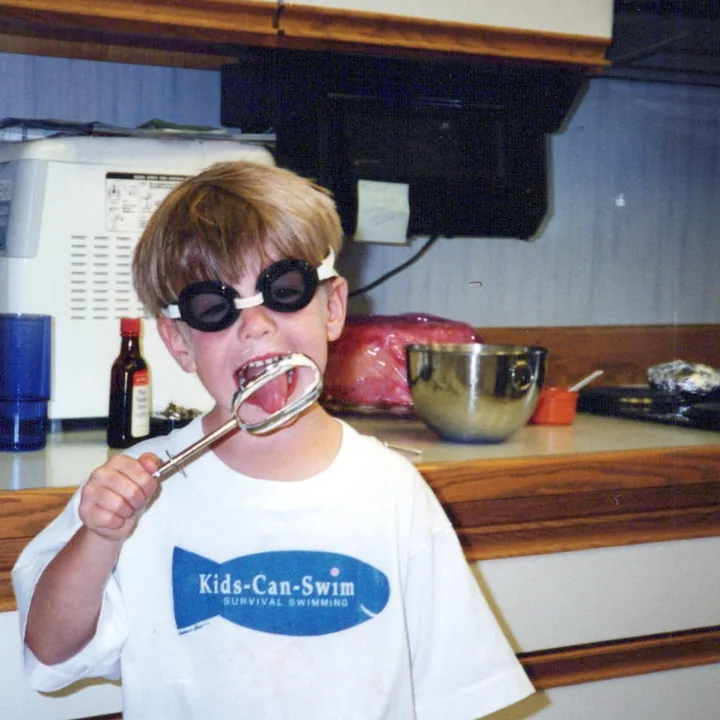
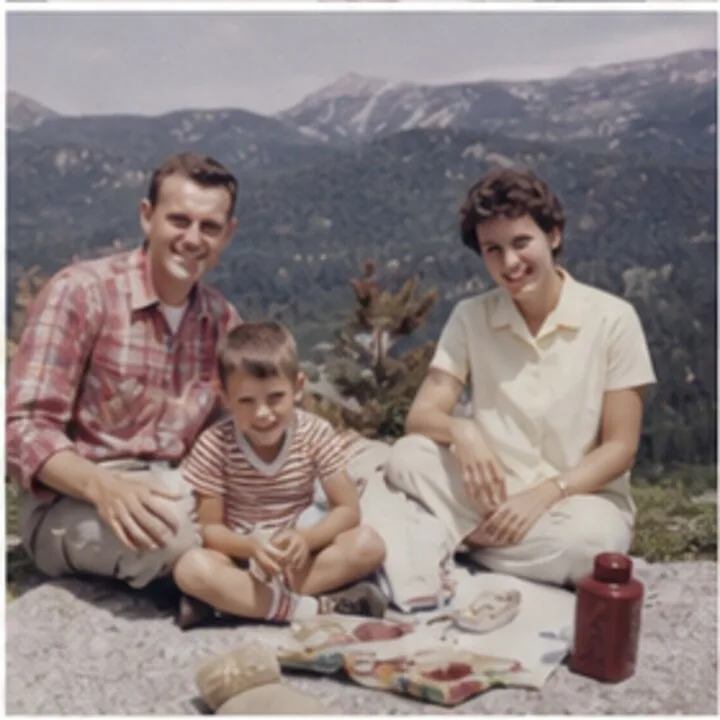
Add your scans
Open timelinescan.com in your web browser and add the files: from your scanner, a USB stick from a scanning service, or an old backup. Nothing to install.
You scanned them. Now what?
Scanned photos can't be auto-sorted, because the files remember the day they were scanned, not the day they were taken. Timeline Scan puts the real dates back, then hands your scans back in folders by year and lined up correctly in your photo library.
The problem no sorter app mentions up front
Photos from a phone or digital camera carry the moment they were taken inside the file, and every sorting tool reads that. A scanner can't know when a print was taken, so it stamps the scan date instead. Your 1974 wedding photo, scanned last month, is filed as last month by every app on earth.
That's why folder sorters, photo apps, and "sort by date taken" all give the same useless answer for scans: one giant clump on scanning day. The sorting isn't the hard part. The dates are. Timeline Scan's whole job is restoring the real dates, and once they're back in the files, everything sorts itself.
Three steps, no software to learn
Open timelinescan.com in your web browser and add the files: from your scanner, a USB stick from a scanning service, or an old backup. Nothing to install.
Timeline Scan reads handwriting on the backs, printed lab dates, and clues in each picture, and uses the photos around it to place every scan on a timeline. You review and adjust anything before delivery.
Download tidy folders by year, and let the same corrected dates put your scans in the right place in Google Photos, Apple Photos, or Immich. Same files, finally in order everywhere.
What you get back
The corrected date is written inside each file in the standard place every photo app reads. That one change organizes your scans everywhere at once, and it travels with the files wherever you take them.
Pick the layout when you download: folders by year, years with months inside, one folder oldest to newest, or folders by person.
Every layout, with examples, on the file download page. Re-download in a different layout any time, free.
Because the date lives inside each file, your favorite photo app finally shows scans where they belong:
No lock-in: the fix is in the files themselves, so the order holds in any app you switch to, today or twenty years from now. Compare all the delivery options.
Your options, honestly
All three get piles of scans into order eventually. The difference is who supplies the missing dates: you, or the service.
| Sorting by hand | Auto-sorter apps | Timeline Scan | |
|---|---|---|---|
| How it works | You look at each photo, decide on a year, rename or drag it into a folder | Tools like PhotoMove or folder scripts move files into date folders using the date already inside each file | Works out when each photo was taken, writes the date into the file, then sorts folders and photo apps from that |
| Works when scans have no real date? | YesBut you are the one supplying every date | NoScans only carry the scan date, so everything files under scanning day | YesRestoring missing dates is the core of the service |
| Reads handwriting on the backs, lab dates, and photo clues? | Only as fast as you can flip prints and squint | NoThey never look at the picture | YesBacks, printed dates, clothing, cars, and neighboring photos all count as evidence |
| Fixes the order inside Google Photos, Apple Photos, Immich? | Only if you also edit each photo's date in the app, one by one | NoFolder moves don't change the date the apps sort by | YesThe corrected date is written into the file, so every app sorts it right |
| Time for a few thousand scans | Weeks of evenings; most people never finish | Minutes, but the result is one giant folder named this year | Upload, review the timeline, download. The dating runs for you |
Comparing dating tools instead? See Timeline Scan vs MyHeritage PhotoDater.
Made to be comfortable
If you can attach a photo to an email, you can use Timeline Scan. There's no program to install, and you end up with ordinary folders and ordinary files.
Same pixels, same quality. Only the date metadata inside each file is corrected, in the standard fields photo software reads.
The organized files live on your own computer and in your own photo library. No subscription is needed to keep them in order, because the order is in the files.
Common questions
Digital cameras and phones write the moment a picture was taken inside the file, and sorting tools read that. A scanner can't know when a print was taken, so it writes the scan date instead. A photo from 1974 scanned in 2026 sorts as 2026 in every app. Until the real date is put back into each file, no software can sort scanned photos correctly.
Those tools move photos into folders based on the date already stored in each file, which works well for camera and phone photos. Scanned photos only carry the scan date, so an auto-sorter files every scan under the day you scanned it. Timeline Scan solves the missing step: it works out when each photo was actually taken and writes that date into the file, after which any sorter, and any photo app, puts them in the right order.
Timeline Scan reads handwriting on the backs of prints, dates printed by the photo lab or camera, clues in the picture like clothing, cars, and rooms, the photos from the same album page or film roll, and family details you share such as names and birth years. Every date is shown on a timeline you can review and adjust before you download. The details are on the fix scanned photo dates page.
Two things at once. First, your files in tidy folders: by year, by year and month, one folder sorted oldest to newest, folders by person, or exactly the folders you uploaded. Second, because the corrected date is written inside each file, the same photos line up in the right order in Google Photos, Apple Photos, Immich, and any other photo app you use.
No. The pictures themselves are never edited or recompressed: same pixels, same quality. Only the date metadata inside the file is updated, in the standard place photo apps read.
You can try it free with no credit card, and see your own scans dated and sorted before paying anything. After that, pricing is per photo dated; see the pricing page for current rates.
Start with free photos, no credit card required. See your own scans jump into chronological order before you decide anything.
Try Photos Free