A reachable server
Your Immich needs a web address Timeline Scan can reach, the same one you'd use away from home. Local-only addresses won't work.
Immich Integration
Connect your own Immich server and pick the scans that need dating. We write the results straight back onto the same photos. No re-uploads, no duplicates.
Both directions, carefully
We read small preview copies of your photos, your existing dates, and the people you have already named. Your full-size originals never leave your server.
We update each photo's details only. If a photo changed on your server since import, we skip it rather than guess.
No hunting required
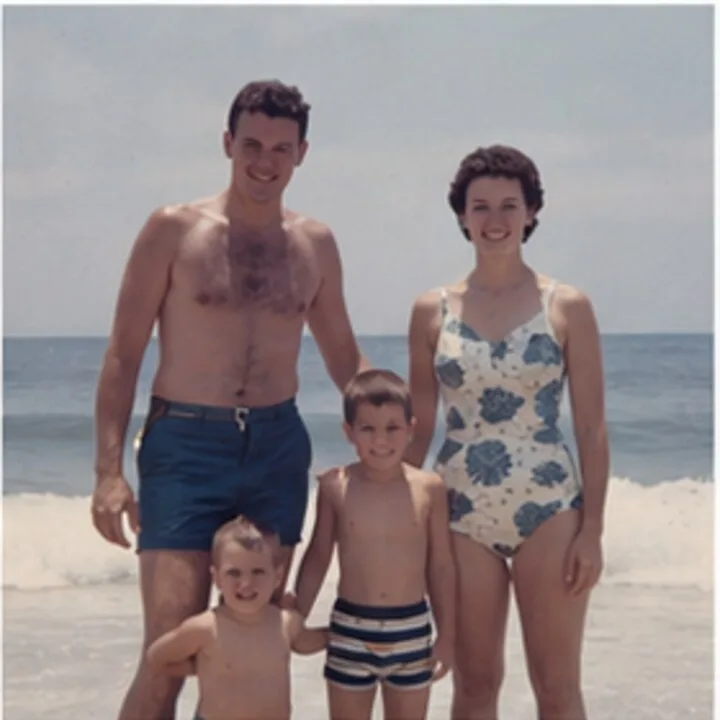
Scanned photos rarely know when they were taken. The scanner stamps the day they were digitized, so a print from 1987 files itself under 2019, buried among thousands of correctly dated photos. Timeline Scan combs your library and gathers those stuck photos into one list.
New to the problem? Read the full guide: getting scanned photos in the right order in Immich.
You pick which ones to send. Photos that already carry a real date are left alone.
The manifest
Four things, written onto the exact photos you picked. Backs get their front's date and note, so pairs stay together.
Updated on each photo
Written onto the photo and locked, so Immich will not overwrite it. The photo moves to its right spot on your timeline.
Saved as the photo's description, right where Immich shows captions. No quirks, unlike Google Photos.
Rotated using Immich's own edit feature (needs Immich v2.5 or newer). The stored file itself is never re-rotated.
Each named face becomes a person in Immich. We match existing people by name, and create the rest.
Never touched
Never modified, replaced, or re-uploaded. Every byte on your server stays exactly as it was.
We never rename a person. Immich's own face groups are left alone.
After the sync
Open a synced photo in Immich. Point at a number to see where it lands.
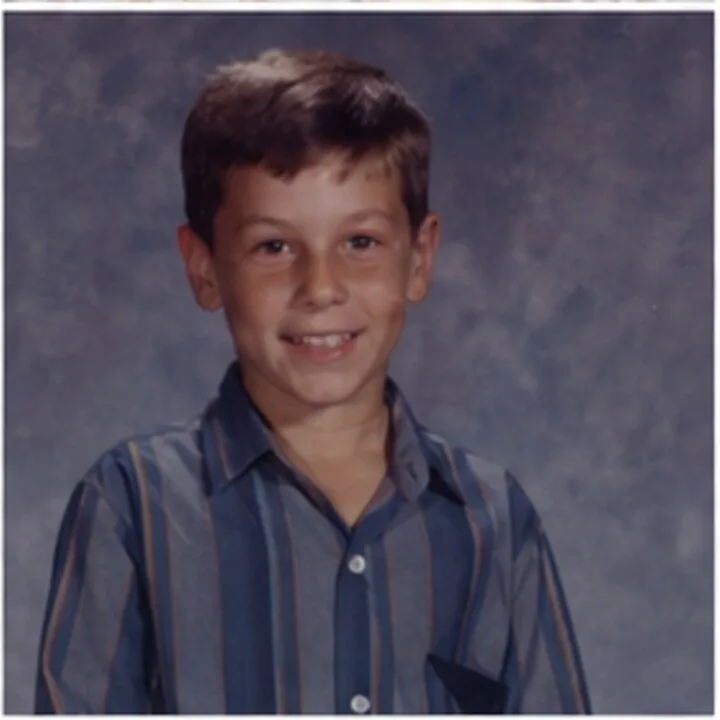
The photo now sits in its real year, and the date is locked so it stays there.
The note from the back shows right where Immich displays descriptions, and it's searchable.
The faces you tagged arrive as real Immich people, names included. Google Photos cannot accept this from any app.
Only the photo's details changed. Your original file stays exactly as it was, on your own hardware.
Illustrative recreation of the Immich detail panel, using a sample generated family photo.
Good to know
Your Immich needs a web address Timeline Scan can reach, the same one you'd use away from home. Local-only addresses won't work.
Made in Immich under Account Settings, then API Keys. We store it encrypted. Disconnect any time and we delete it.
Dates, notes, and people write back to any recent release. Upright rotation uses Immich's own edit feature, which needs v2.5 or newer.
More ways to get your photos back
Relatives who will never run a server? Family Library is the hosted option, for $39 a year or a small monthly fee: up to 20 invited relatives see the same timeline from a computer or phone and help add names, dates, places and notes.
Want them side by side? Compare what every option keeps.
Start with free photos, no credit card required. Connect Immich when you're ready.
Try Photos FreeImmich is an open-source project; its name and logo belong to the Immich project (FUTO). The interface above is an illustrative recreation, not a screenshot. Timeline Scan is not affiliated with or endorsed by Immich or FUTO.