Where was this taken?
Find Where Your Old Photos Were Taken
Timeline Scan, the AI photo dating service, looks at each photo and suggests where it was taken. Photos are grouped by place, so you check a whole group at once.
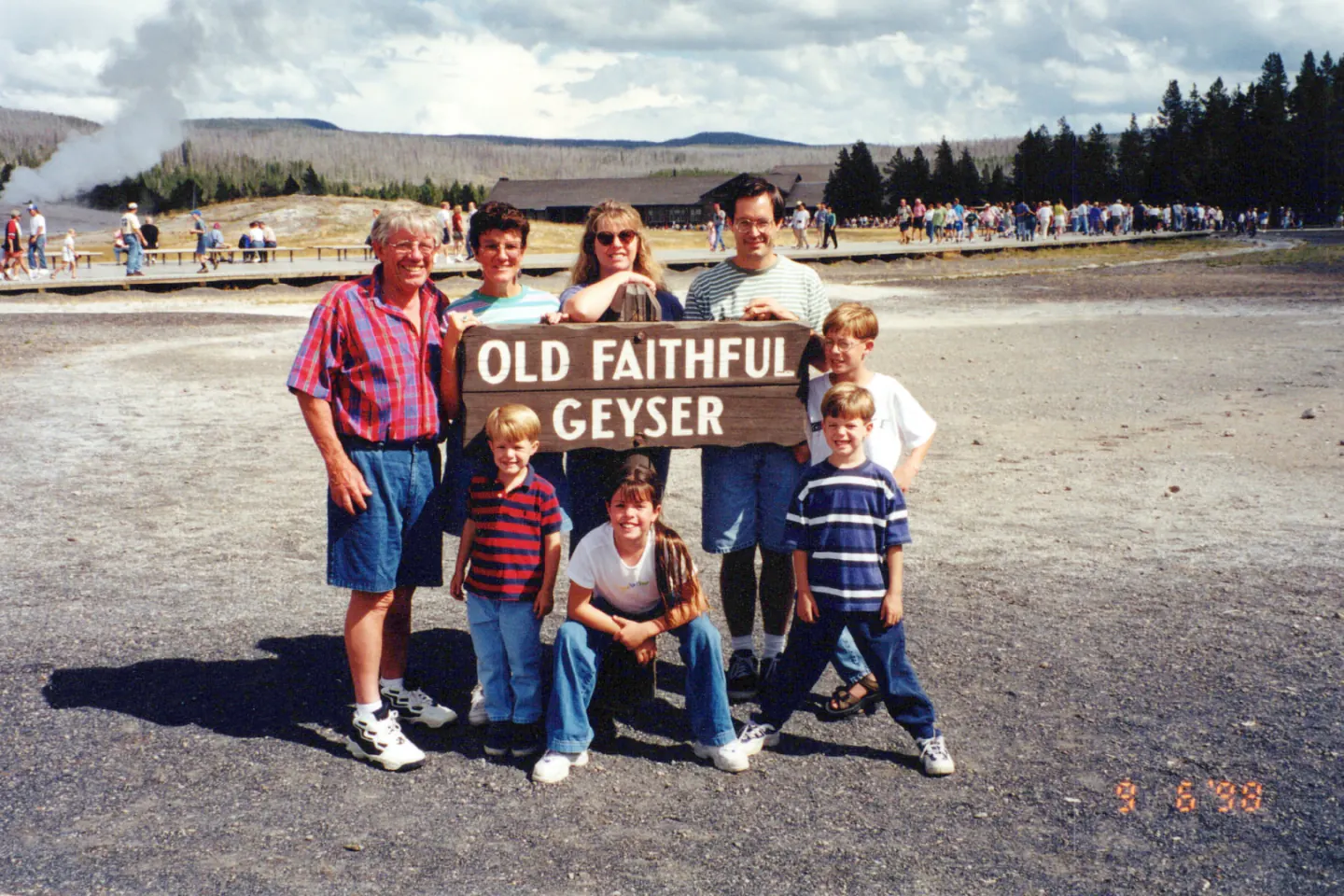
Timeline Scan suggests
Old Faithful, Yellowstone National Park, Wyoming
Accept it, and it is saved as the photo's map location
Already know the years? Type them in with Timeline Tagger, our free Mac and Windows app. Don't know them? Timeline Scan, the AI photo dating service, estimates each one.
The clues
How AI Works Out Where a Photo Was Taken
-
Signs and landmarks
A park sign, a famous building, a pier.
-
The scenery
Mountains, coastline, lakes and desert.
-
The back, if you scanned it
A place written there, read for you.
-
How sure it is
High, Medium or Low beside every guess.
A suggestion, not a fact. Only the places you accept are saved into your photos. A place you turn down is never offered again.
Check them fast
Grouped by Place, Checked a Group at a Time
One press answers every photo in a group.
-
Bear Lake, Utah

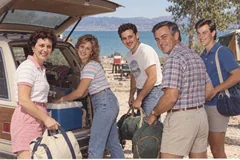

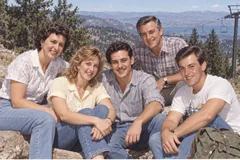

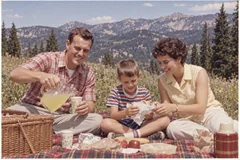 +18
+18
-
Oceanside Pier, California
-
Ogden, Utah
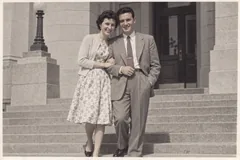


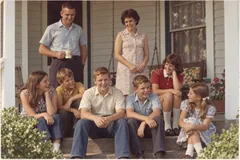

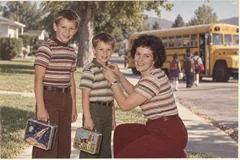 +25
+25

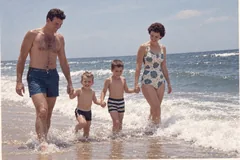

-
Upload your scans
From any scanner. The fronts are enough; backs add more clues.
-
The AI suggests a place
For each photo it can place, then groups them by place on the Locations page.
-
Accept, adjust or say “Not here”
A whole group at once, or Accept all. Adjust moves the pin when it is close but not quite.
-
Fill in the rest yourself
Photos with no place wait under Missing. Select many, set one place.
Ways to set a place yourself
- Type a town, city or address.
- Type coordinates, like 41.95, -111.40.
- Drop a pin on the map.
- Save a place like Grandma's house, and pick it again in one tap.
- See the whole library on a map on the web.
Saved in the file
Your Places Show Up on Every Map
The place is saved inside each photo, like a phone photo.
-
Google Photos
On its map.
-
Apple Photos
In Places.
-
Immich
On its map.
-
Folders on your computer
Read by most photo apps.
The details: how the place is saved
- As GPS coordinates: EXIF GPS and XMP GPS, the fields a phone camera writes.
- Only accepted places. A suggestion you have not answered is not written in.
- Your originals never change. The place goes into the copies you download.
- Every field, and which apps read it: what we save in your photos.
One upload does it all
Everything Timeline Scan Does for Your Scans
-
Dates every photo
The year, often the month, then oldest to newest.
-
Reads the backs
Every handwritten note, typed out.
- This page
Finds the place
Each photo pinned on the map.
-
Groups the faces
Name each person once.
-
Turns scans upright
No more sideways photos.
-
Saves it in the file
For Google Photos, Apple Photos, Immich or folders.
- Free trial, no card
- From $12 for 100 photos
- Places included
- Pay once
Place suggestions are in every pack. See all prices.
Common questions
Photo Location Estimation: FAQ
Can AI tell where an old photo was taken?
Often, when the picture gives a clue. Timeline Scan looks at each photo for landmarks, signs and scenery, and reads any place written on a scanned back. It suggests a place on the map with a High, Medium or Low confidence word and groups the photos by place, so you accept, adjust or turn down a whole group at once.
How accurate is the location estimate?
It depends on the clue. A readable sign or a famous landmark is the strongest; scenery alone is a rougher guess, which is why every suggestion shows how sure the AI is. We have not published a location accuracy test yet, so nothing is saved into your files until you accept it.
What happens to a place I turn down?
It is removed and not offered again, and nothing is written into the file. Only places you accept, or set yourself, are saved into your downloaded photos.
Can I give a whole box of photos one location?
Yes. Open Missing on the Locations page, select the photos, and set one place for all of them: type a town, an address or coordinates, drop a pin, or pick a saved place like Grandma's house.
Will the location show in Google Photos and Apple Photos?
Yes. The place is saved as GPS coordinates inside each downloaded file. Google Photos and Immich show it on their maps, and Apple Photos shows it in Places.
Does it also date and transcribe my photos?
Yes. One upload dates every photo, reads the handwriting on the backs, suggests places, groups faces for naming and turns sideways scans upright. Place suggestions are included in every pack at no extra cost.
Are my photos used to train AI?
No. Your photos are never used to train AI models. Your originals are never changed, and you can delete them at any time. Dated photos stay online for 60 days after they are dated, or 30 days on the free trial.
Put Your Family Photos on the Map
Your first 50 photos are dated and placed free, no credit card required.
Place 50 Photos Free