By Spencer Baker, founder of Timeline Scan · Last updated: October 2026
Quick answer
After scanning, fix the dates so your photos sit in the order they happened, then bring them back into daily life: a slideshow on the TV, one printed photo book per decade, shared family albums, a recorded memory interview and photo gifts. Most take an afternoon, not a year.
Eight Ways to Bring Scanned Family Photos Back into Daily Life
✦
Daily Flashback to the Family Group Chat
Once your scans carry real dates, your photo app’s “on this day” memories reach back decades. Send the oldest one to the family group chat.
On this day
1953
1974
1994
Cast a Slideshow to the Living-Room TV
Google Photos, Apple Photos and Amazon Photos all cast a slideshow to a Chromecast, Apple TV or Fire TV. Shuffle the whole archive, 8 to 10 seconds a photo.
Some scans came out sideways? Our free Timeline Upright app for Mac and Windows turns a whole folder the right way up before you press play.
Print One Photo Book per Decade
Make one book per decade, 80 to 120 photos each, for $50 to $120 a volume. Give a parent the next decade every birthday.
The 1970s
The 1980s
The 1990s
Build Shared Albums by Family Branch
Make one shared album per branch in Google Photos or Apple Photos and invite the relatives in it. They add the names and dates you don’t know.
Want one place the whole family enjoys? Family Library keeps the archive in one timeline for $39 a year or a small monthly fee, and up to 20 relatives join at no extra cost.
Shared albums
Mom’s Side
Dad’s Side
Grandma’s House
Run a Memory Interview with an Elderly Relative
Hand a grandparent a tablet of 50 old photos, record on your phone and point. Don’t put this one off: those stories can’t be scanned later.
“Tell me about this one.”
Local to Utah? Have it filmed
If you want this handled professionally, Recordtale creates personal legacy films through guided, open-ended conversations. You fill in an intake survey, come in for a 40 to 45 minute studio interview, and a producer shapes it into a polished video that keeps the person’s voice and mannerisms.
Make a Themed Slideshow for the Next Big Family Event
For a birthday, anniversary, graduation or funeral, filter the archive on the person of honor and drop the photos into Keynote, Google Slides or Canva.
A 12-month wall calendar of family photos costs $25. A single 11×14 print of a photo no one has seen since 1968 means more to most relatives than anything from a store.
11×14 print
Build a Time Capsule for the Kids
Make a private album for each child: every photo of them, plus their parents and grandparents at the same age. Share it on their 18th or 21st birthday.
Every guide on scanning, organizing and enjoying family photos.
Get the Order Right First
Every idea above works better with the photos in the right year. Timeline Scan dates each scan automatically and writes the date into the file, so your library reads in order.
 1962
1962 1971
1971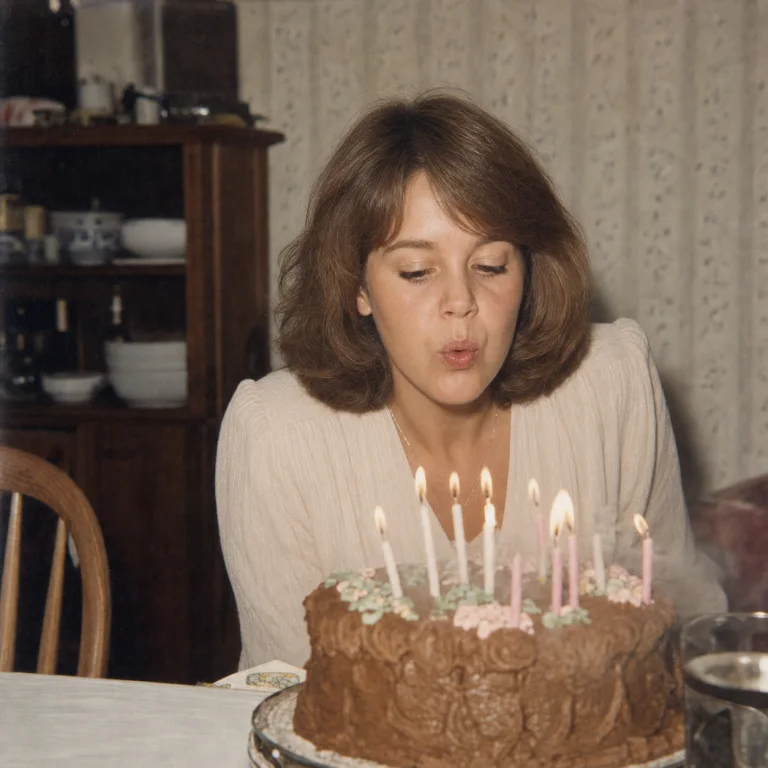 1987
1987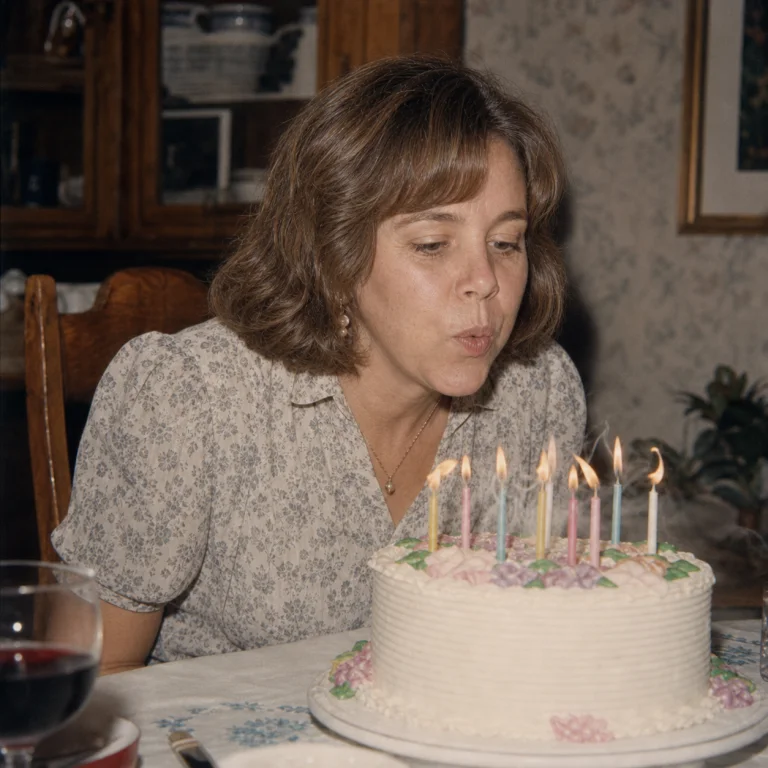 1996
1996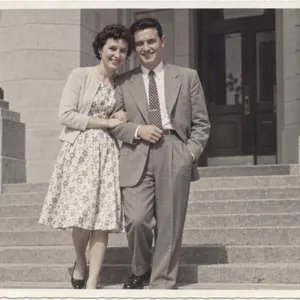 1953
1953 1974
1974 1994
1994