How do I use Timeline Scan on my iPhone?

Your photos, dated, on your phone.
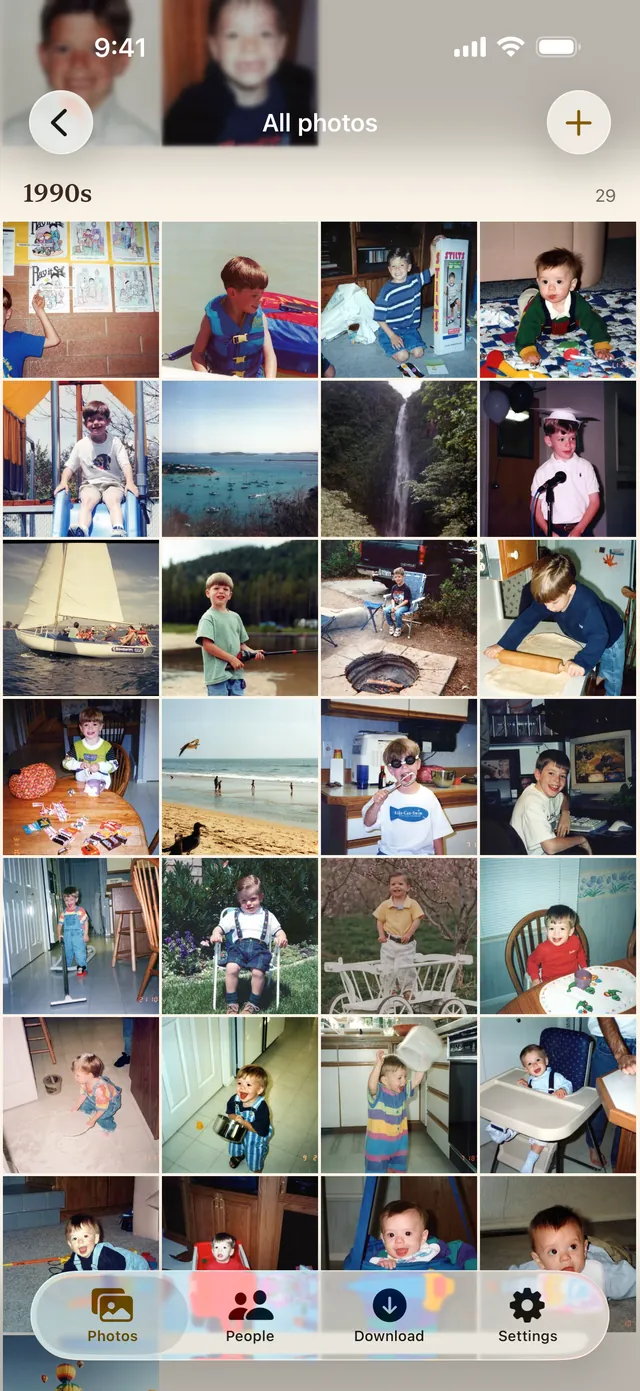
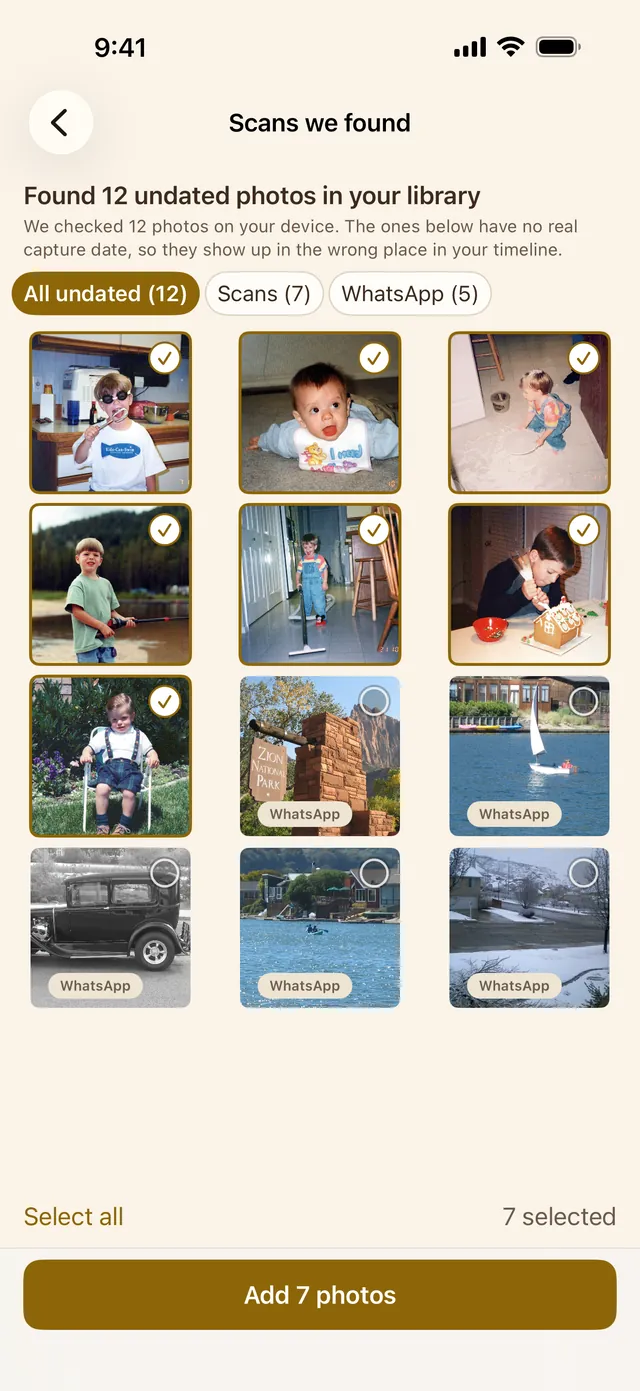
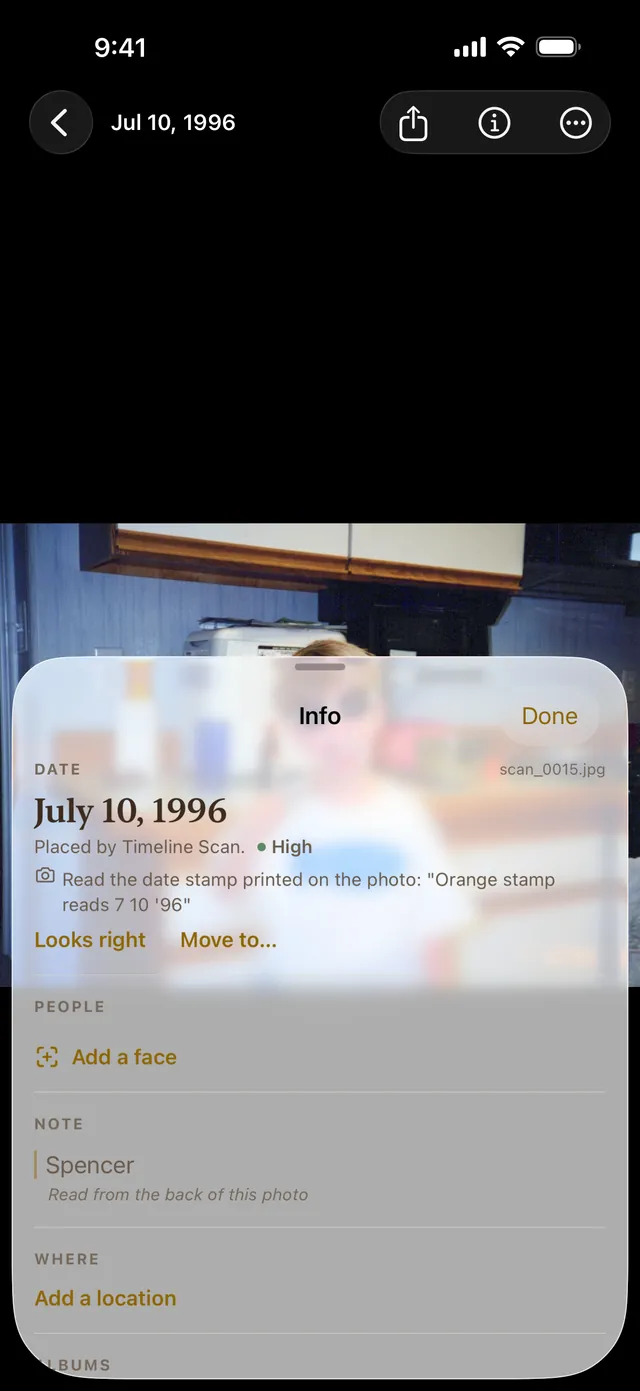
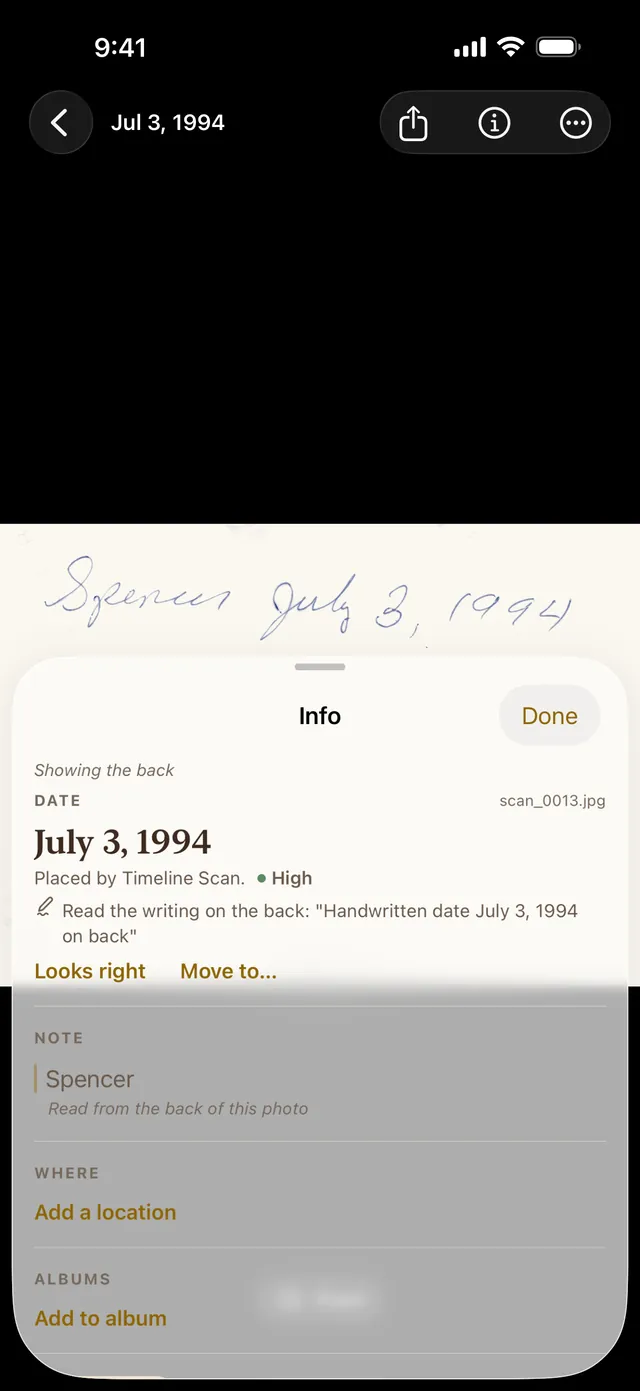
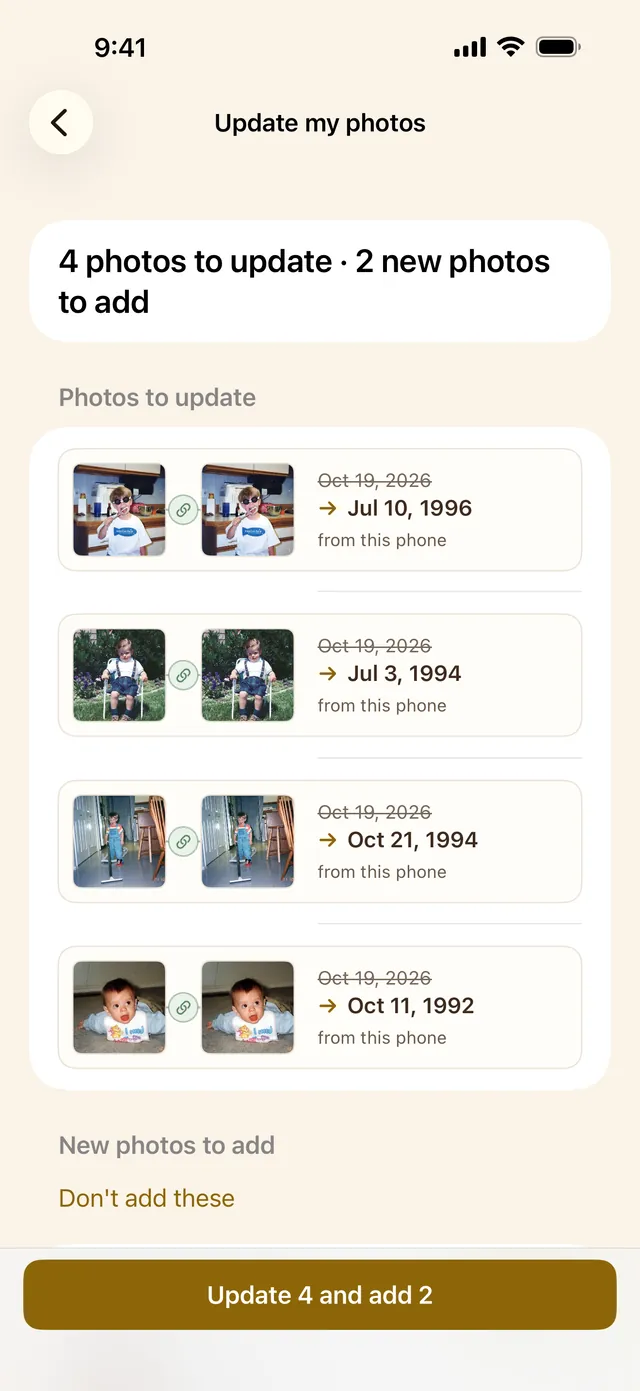
The iPhone app's All photos grid, with the scanned prints sorted into the 1990s The iPhone app listing the undated scans it found on the phone, seven picked, with an Add 7 photos button A photo's details in the iPhone app: the date July 10, 1996, the date stamp it was read from, and Looks right or Move to The back of a print in the iPhone app, its handwriting reading Spencer, July 3, 1994, with the date and note read from it The iPhone app's Update my photos screen, each photo's scan date crossed out beside its corrected date, with an Update button

Still stuck?

We usually answer within a day.