For photo scanning and digitizing businesses
Sell Organized Photos With Every Scanning Order
Timeline Scan dates your clients’ scans and puts them in order. You pay a discounted price per photo and charge what you like.
Spencer gives you a demo and sets up your account.
- Discounted price per photo
- You set your own price
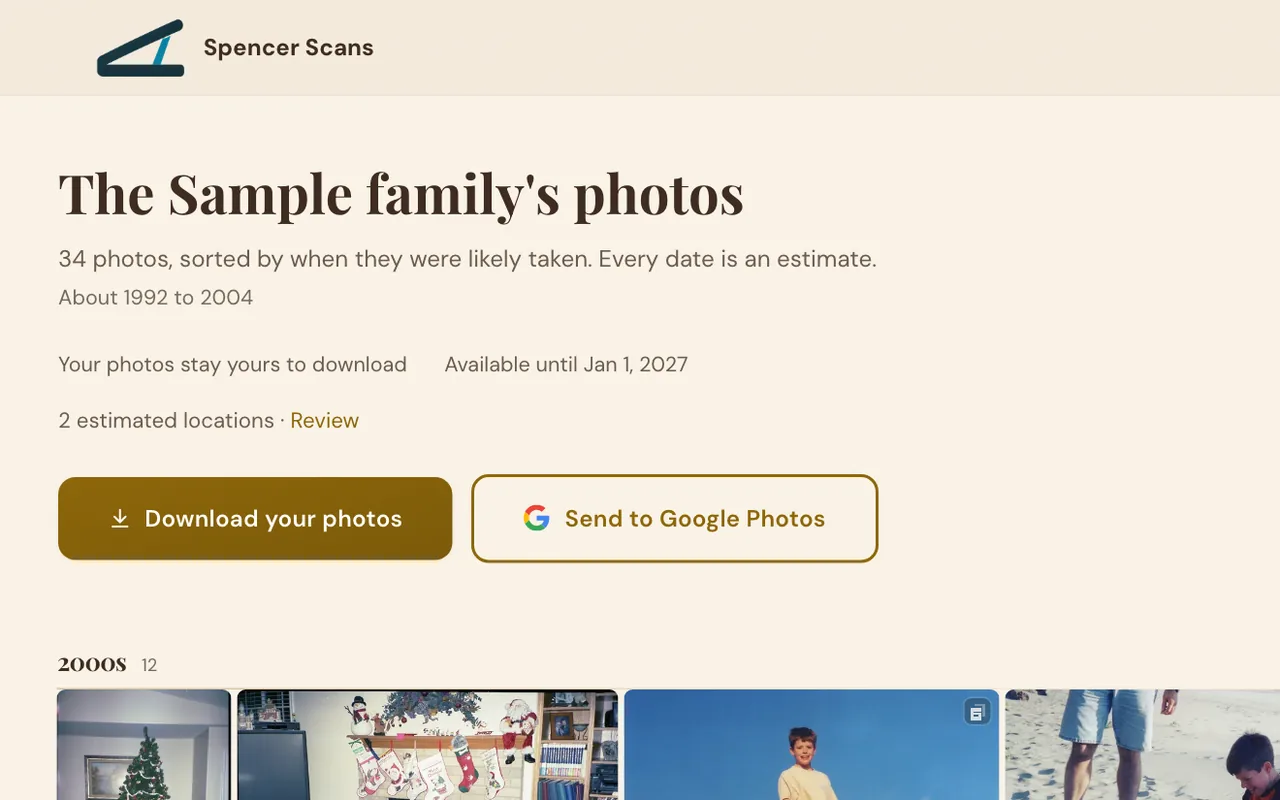
- Your logo on your client’s page
- We host the download
Timeline Scan’s partner program lets photo scanning businesses add AI photo dating to their orders at a discounted price per photo. Partners set their own prices and deliver the dated photos themselves, or through a hosted download page with their logo and business name.
What Timeline Scan Does
Year, month and day, then oldest to newest.
BeforeJumbled, no dates
AfterIn order, each with its year
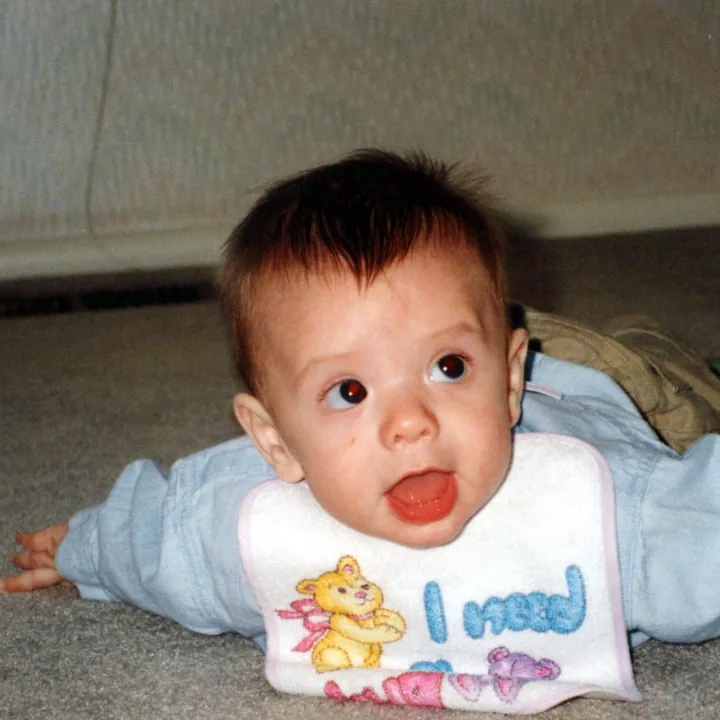 1992
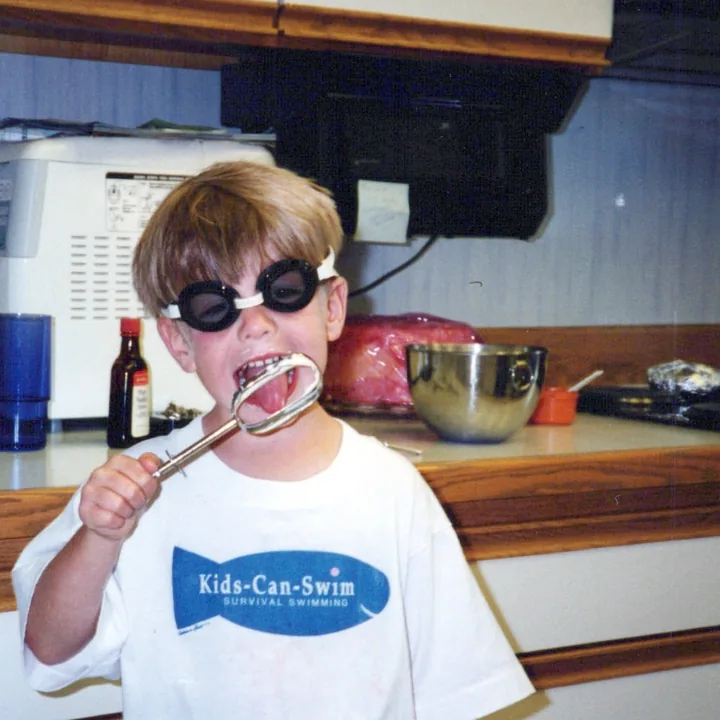 1996
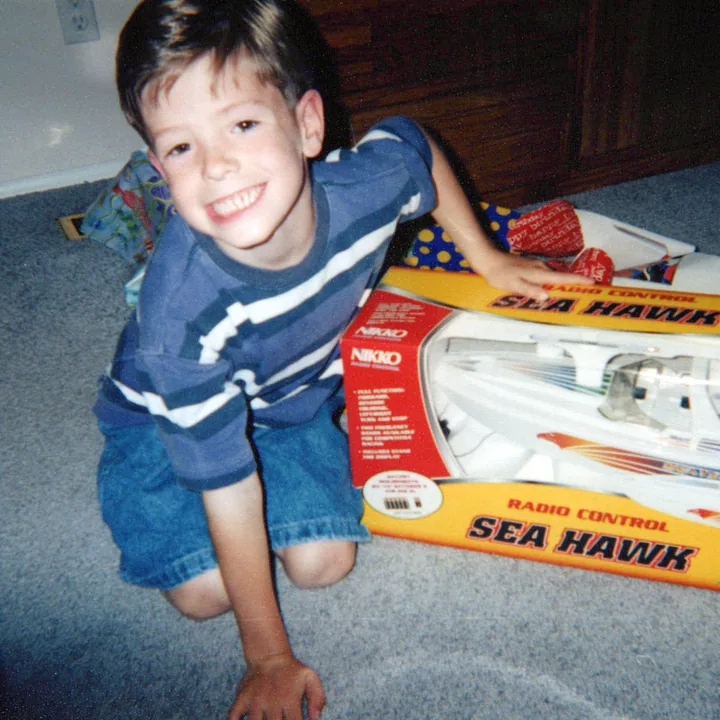 1999
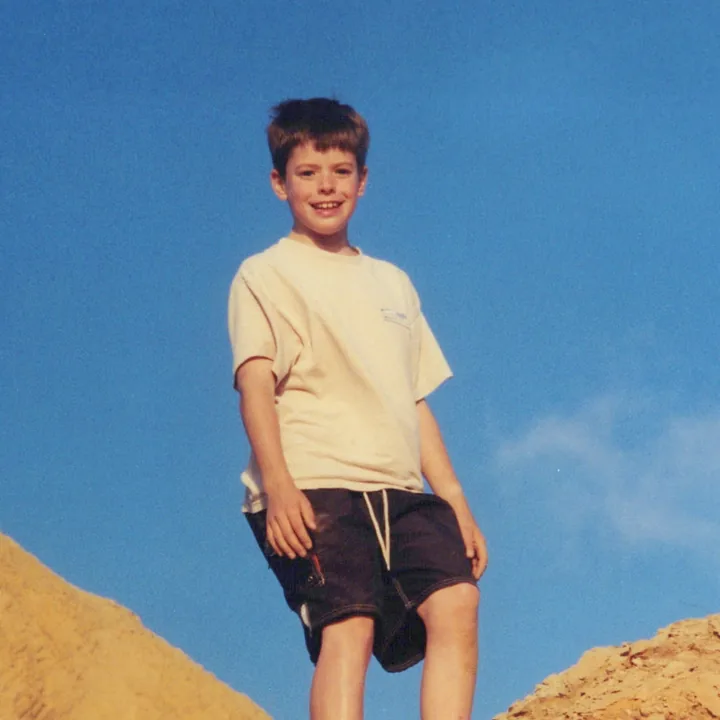 2003
What does it read on each photo?
- Dates the camera printed on the front, and the lab’s print date on the back
- Handwriting on the back, typed out and saved with the photo
- Things in the picture with a known date, and the look of the era
- The photos scanned around it
- Where it was likely taken, as a suggestion your client can accept
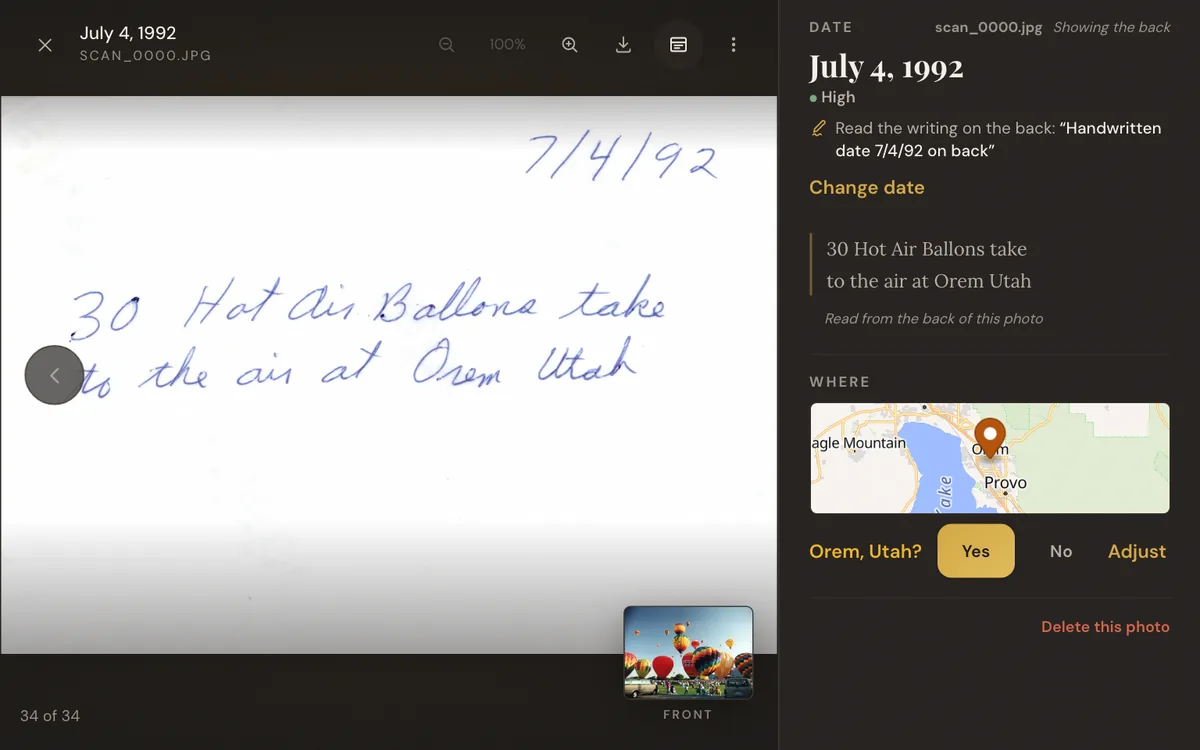
The Writing on the Back, Saved
An add-on you can sell.
- An Epson FastFoto scans fronts and backs in one pass.
- We type out the handwriting and save it inside each photo’s file.
- Your client’s notes are never lost.
How do the backs work?
- An Epson FastFoto names each back after its front, ending in _b, so they pair up by themselves. From other scanners, name them like photo001_a and photo001_b, in the same folder.
- A front and its back count as one photo.
- The typed note goes into each file’s standard description fields (EXIF, IPTC and XMP), where Google Photos, Apple Photos and other photo apps show it.
- A date written on the back helps date the photo.
- Your client sees each note under its photo on their page, and can download the backs too.
How It Works
-
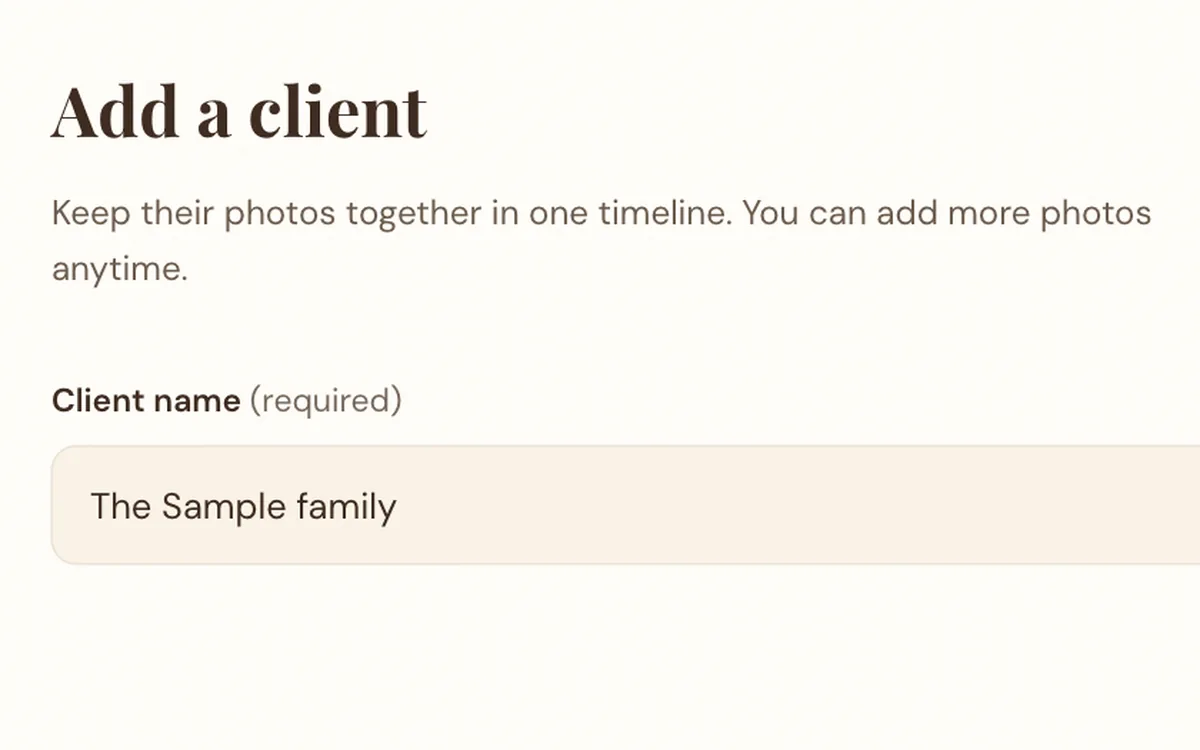
Add your client’s scans
Fronts and backs, on your partner desk.
-
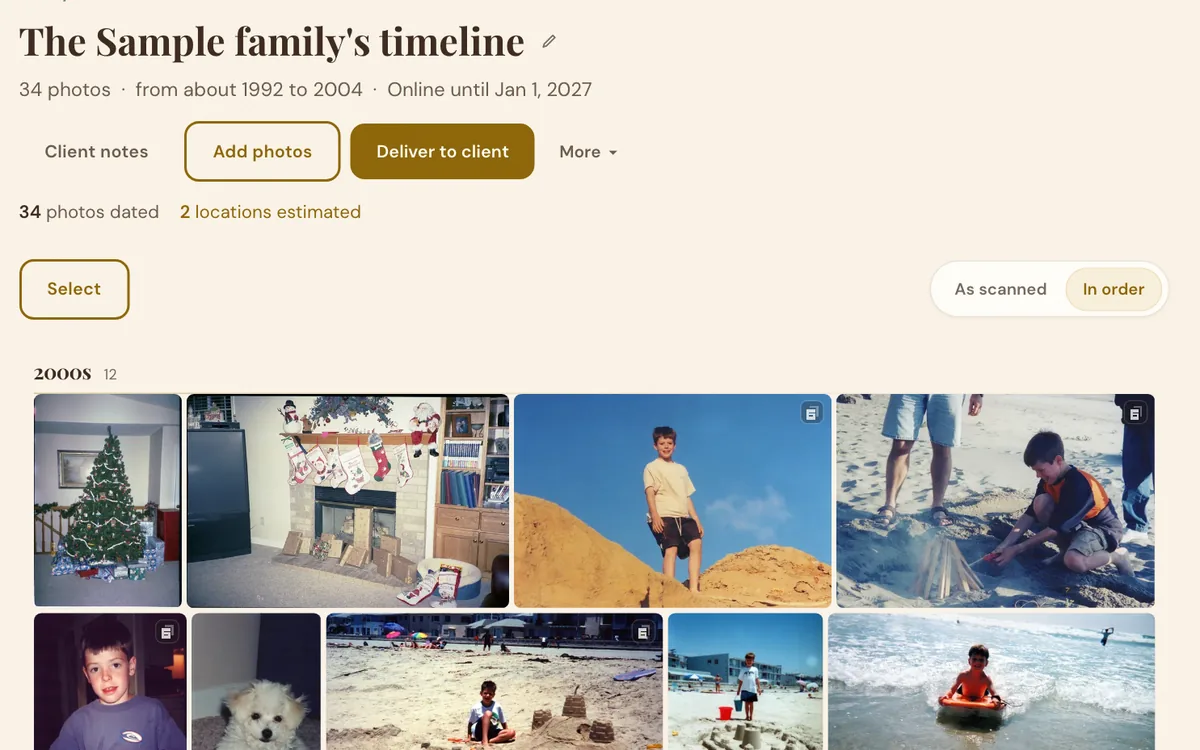
We date them and put them in order
Every photo gets a date you can change.
-
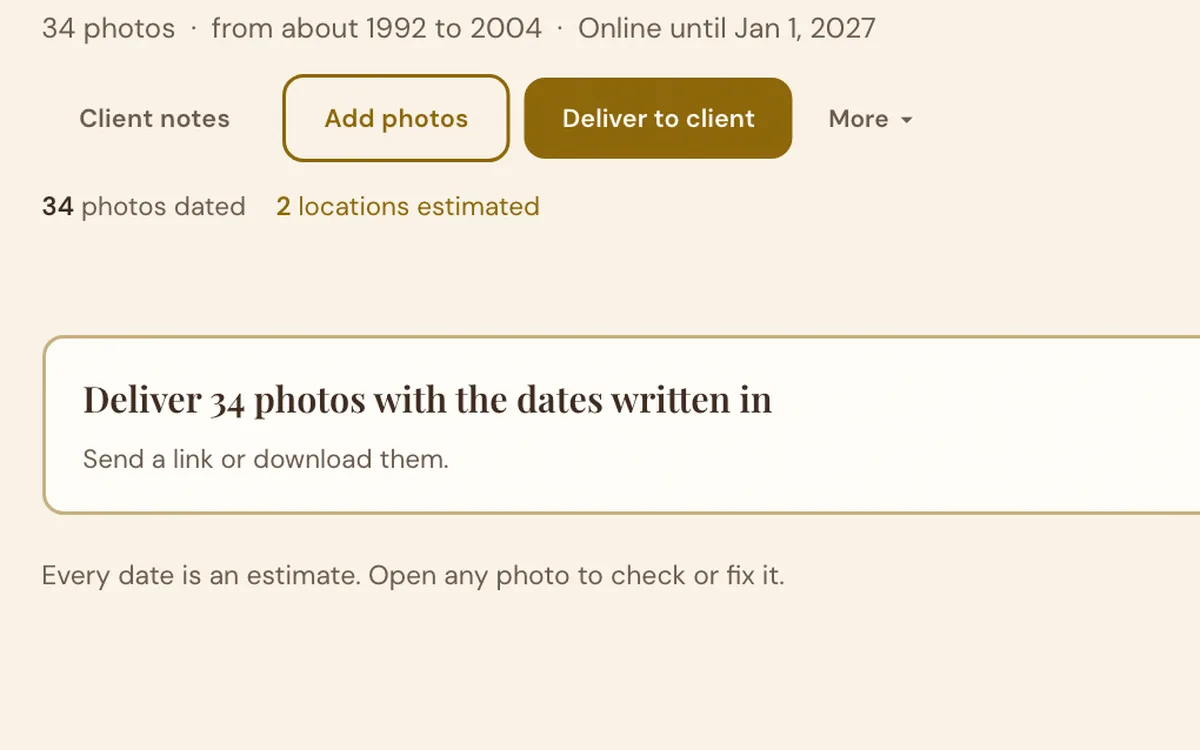
Deliver
Download them, or send your client a link.
Two Ways to Deliver
Choose for each client.
-
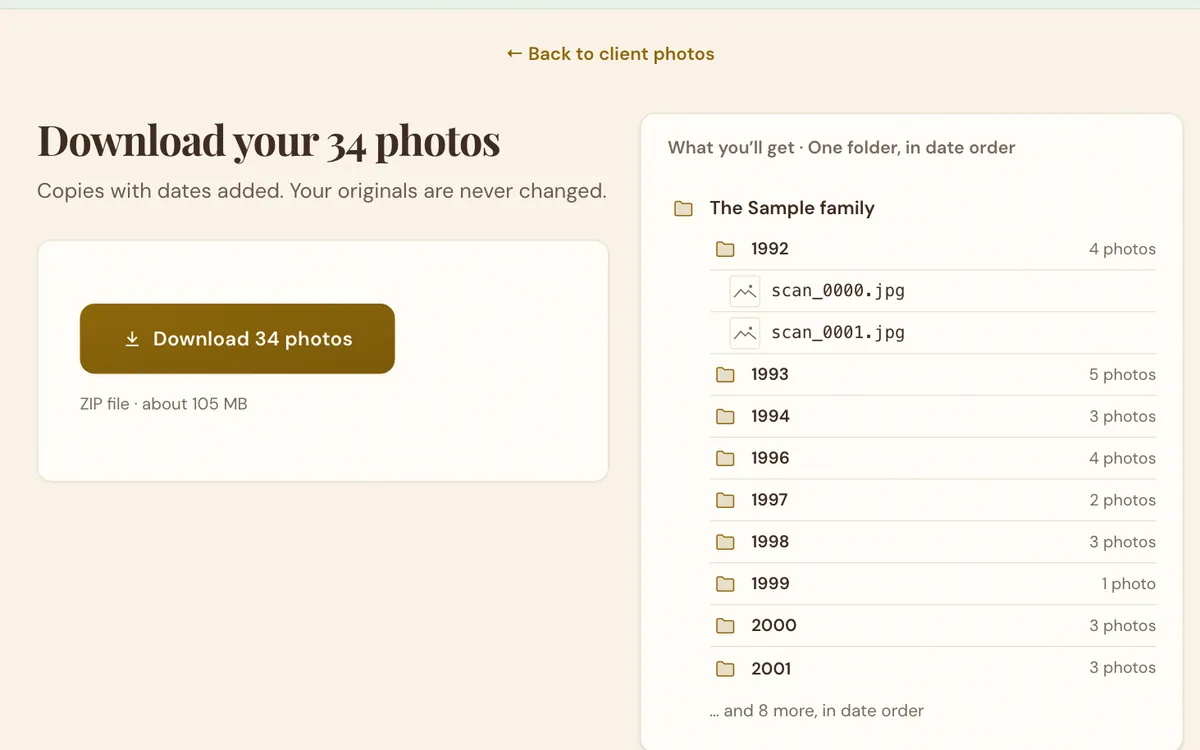
Download and deliver your way
- A ZIP file or a folder
- Every file carries its date
- USB drive, disc or your own cloud
-
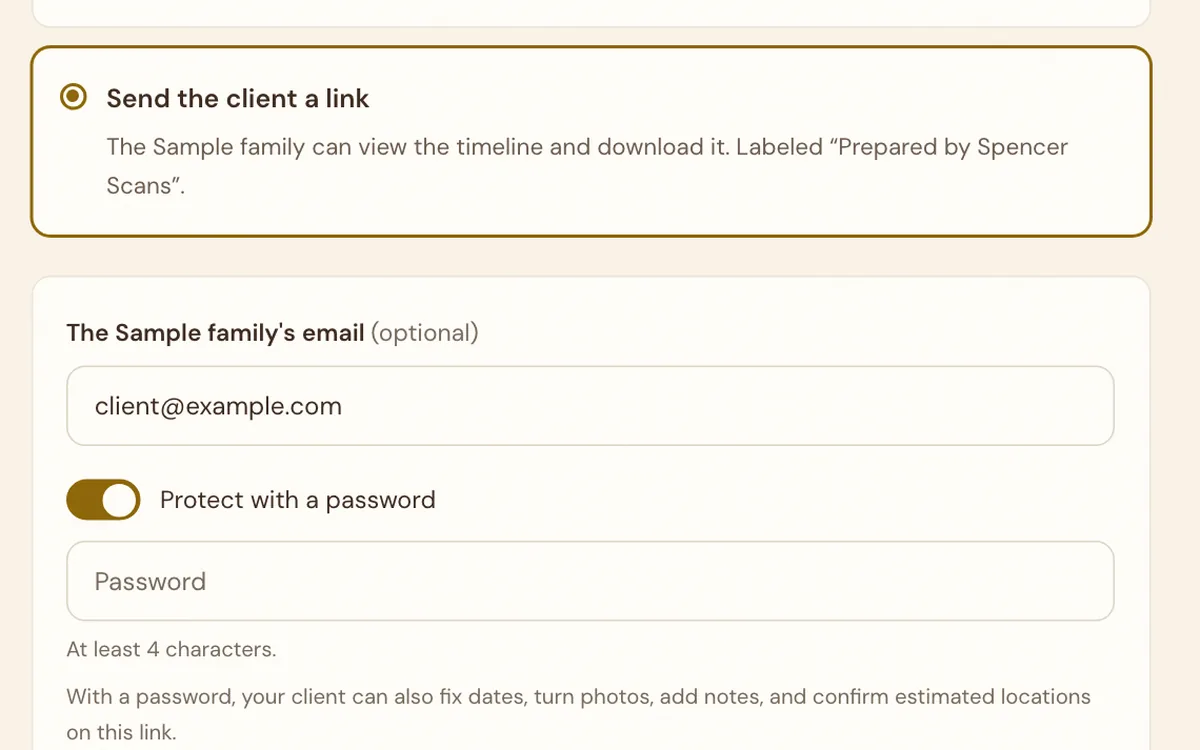
Send your client a link
- We host the page and download
- Emailed with your logo
- Optional password
- No account for your client
What Your Client Sees
Real screens. Tap one to enlarge it.
-
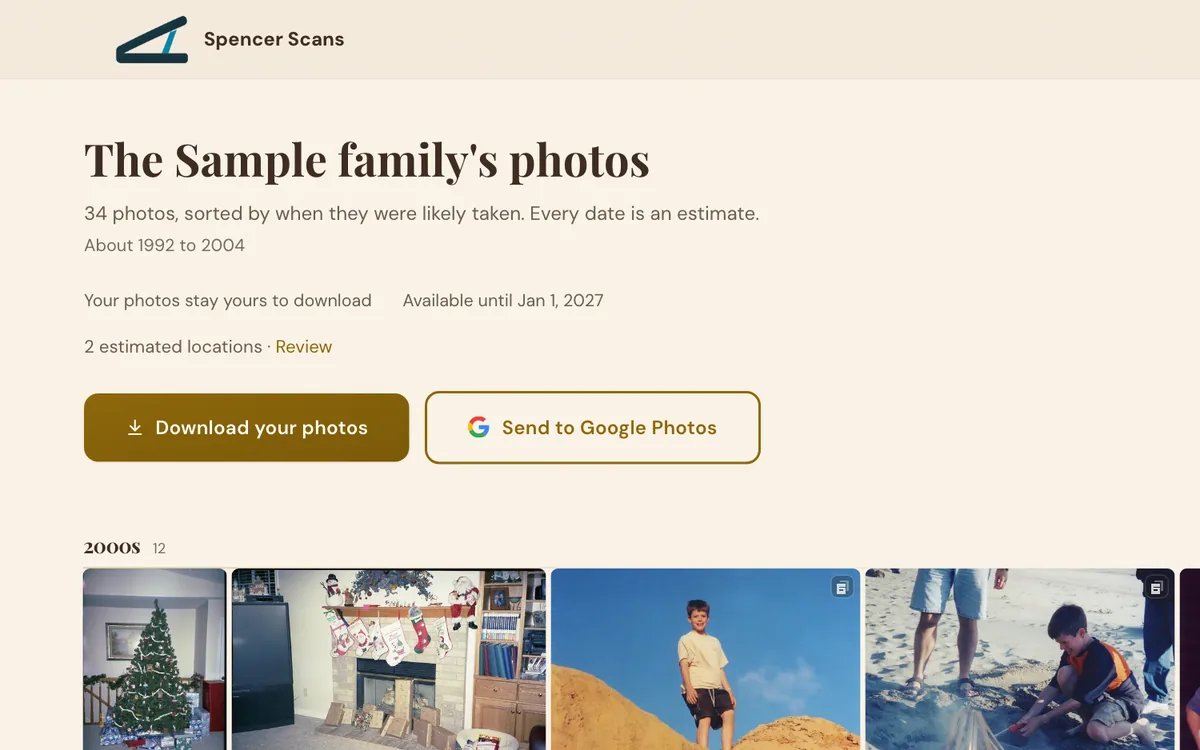
Your logo and name at the top -
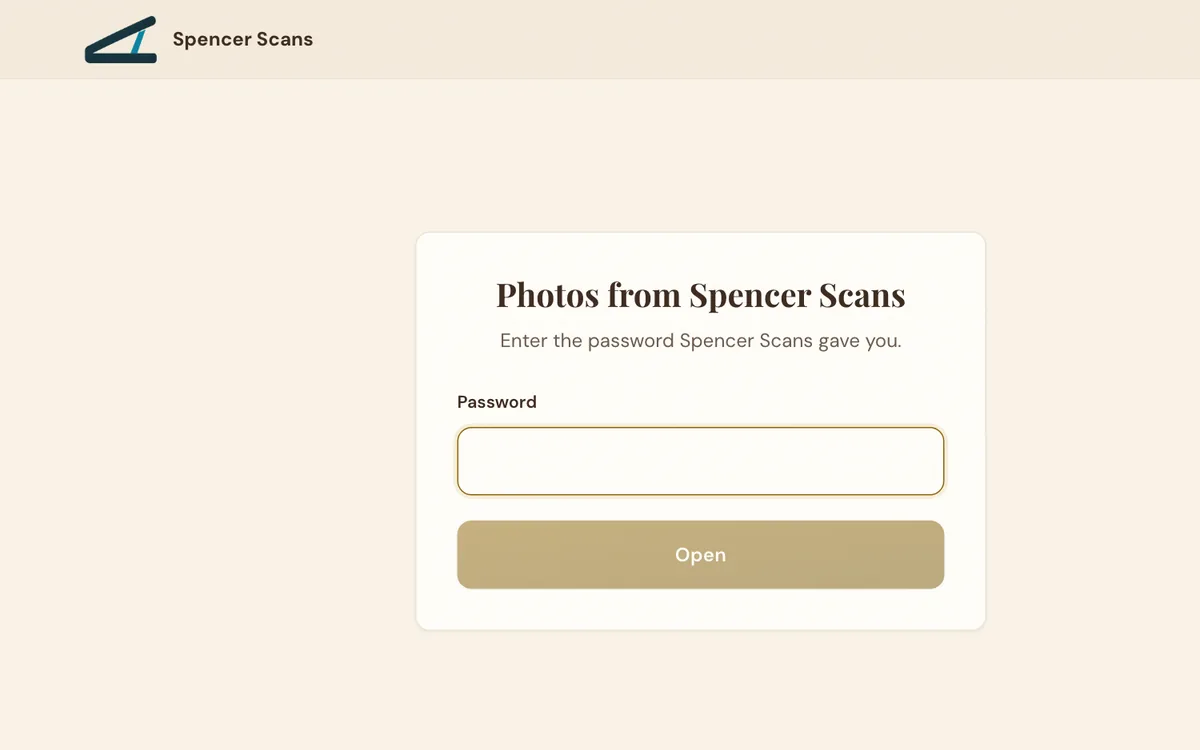
An optional password -
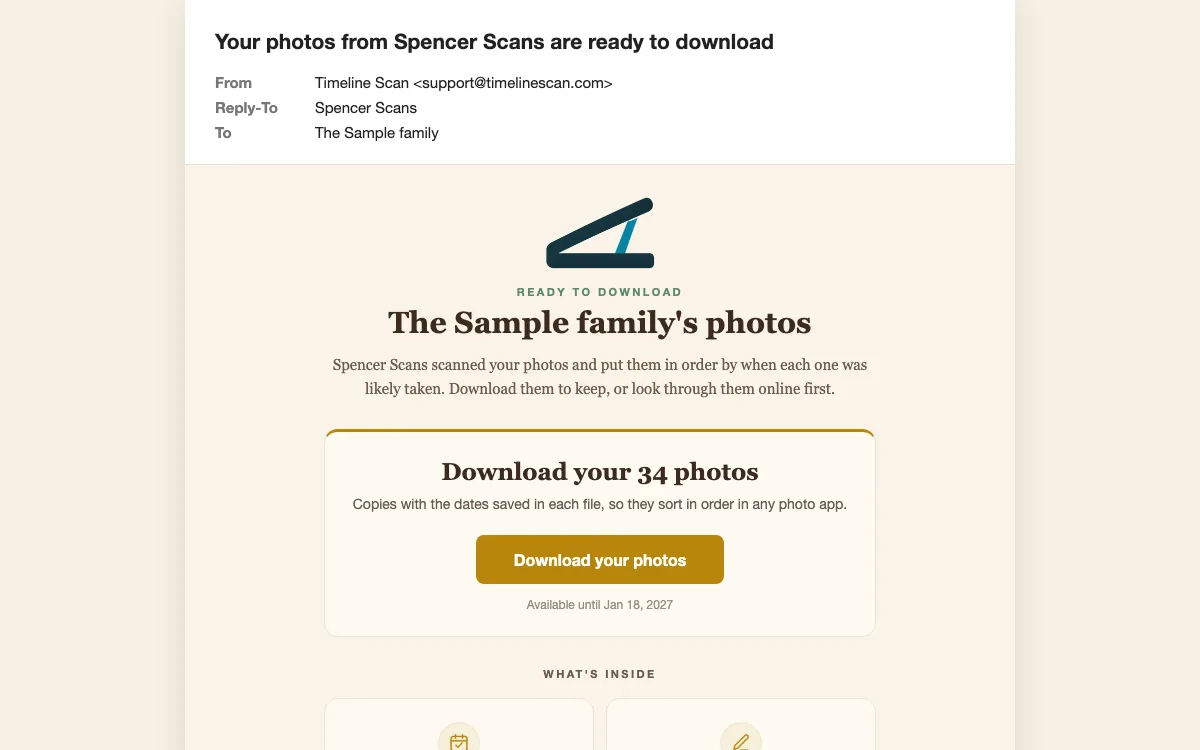
The email, with your logo -
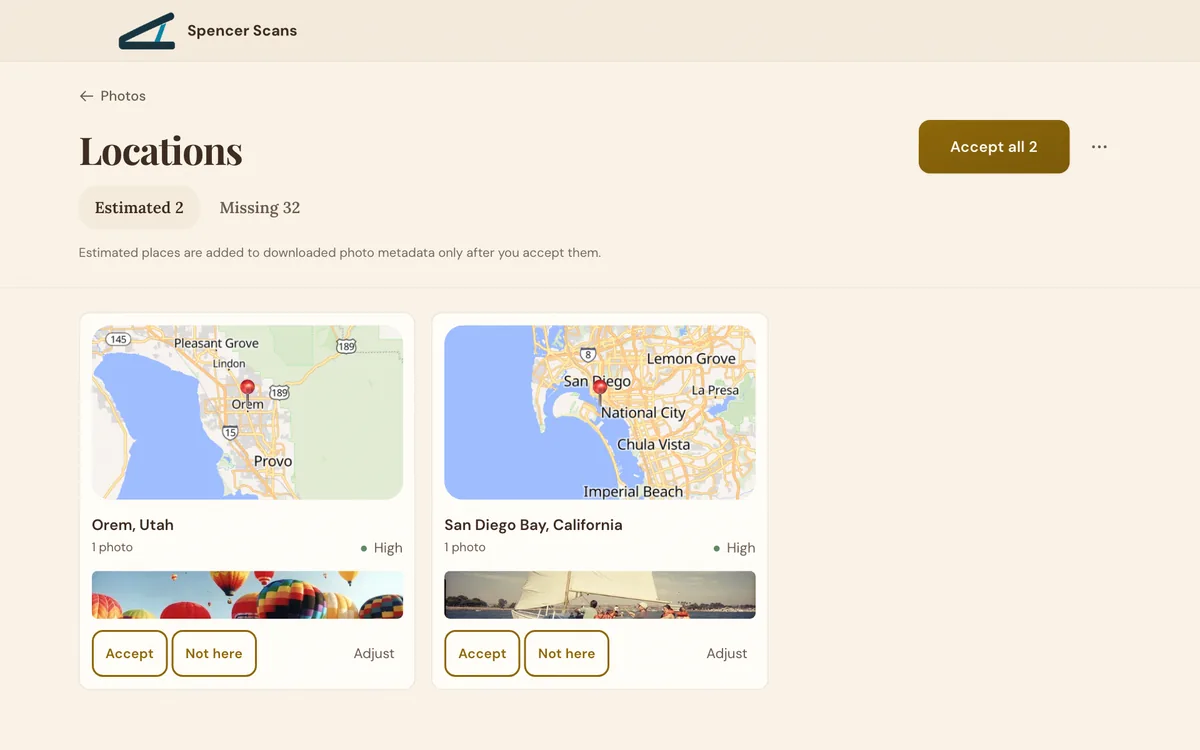
Accept every estimated place at once -
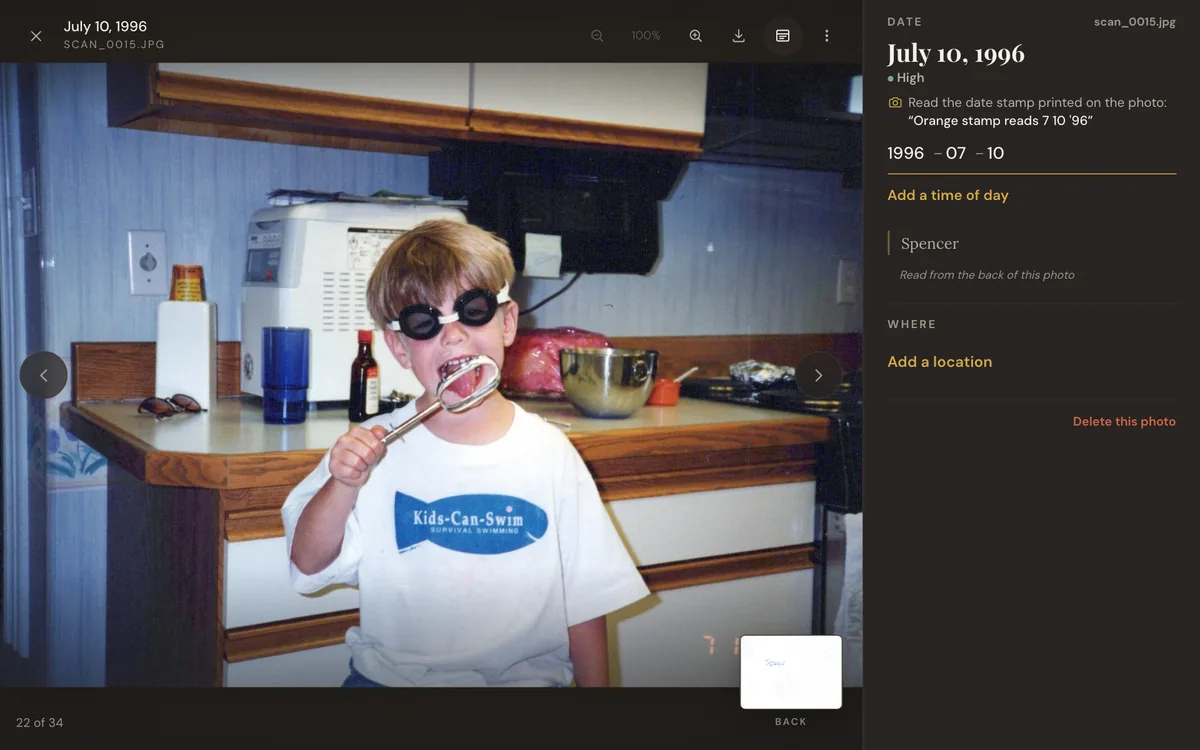
Change any date, place or rotation -
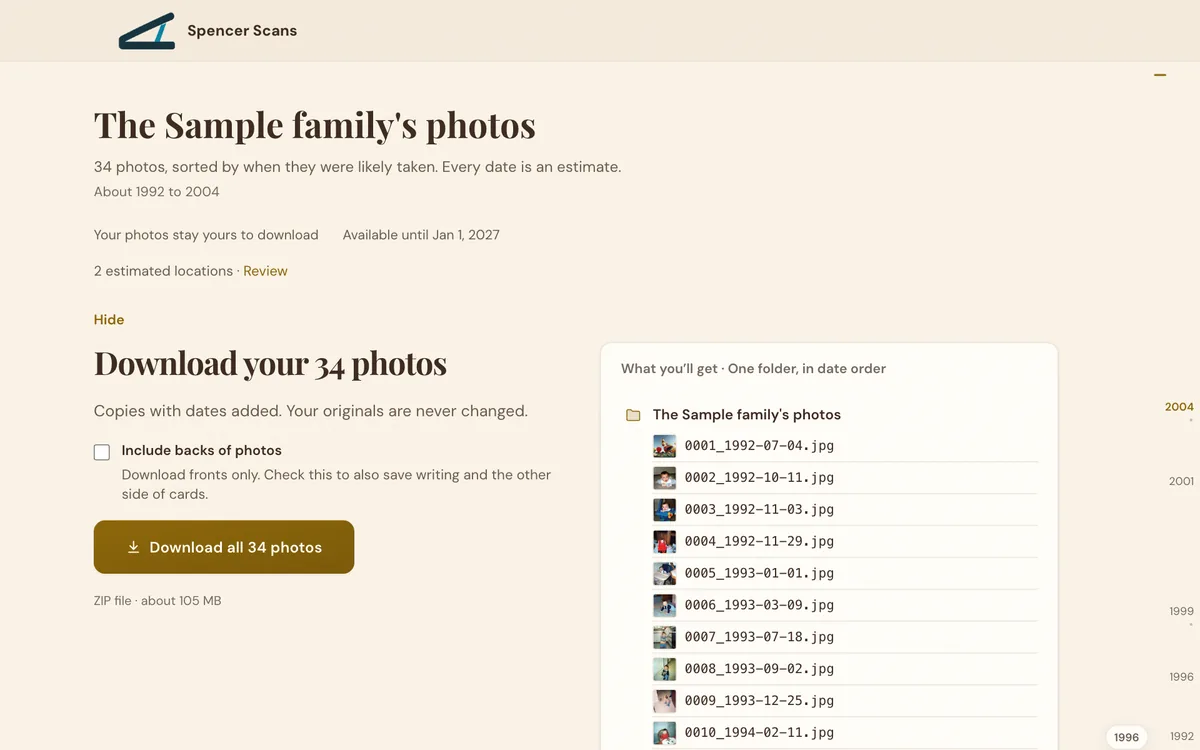
Dated copies. Originals never change.
Changes and places work on links with a password.
Pricing
-
A partner rate
Per photo, below our public prices.
-
Your price
Charge what you like. We never bill your clients.
-
Your rate
We agree on it together.
Questions
What files and scanners work?
Scans from any scanner: JPEG, PNG, TIFF and HEIC files, up to 300 MB each.
Scan the backs too. Each back is paired with its front by file name, and the writing on it is read.
How good are the dates?
When a print carries a date on the front or back, 98 to 100% of photo pairs land in the right order and 99 to 100% within a year of the true date. Bare prints in no particular order land 89% of photo pairs in the right order and 96% within five years.
Every date is an estimate, and any date can be changed. How accuracy is measured
Does my client need an account?
No. Your client opens the link in any web browser, with no account, app or sign-in.
If they choose Send to Google Photos, Google asks them to sign in to their own Google account.
Can my client send the photos to Google Photos?
Yes. Your client presses Send to Google Photos on their link and signs in to their own Google account, and the photos go straight in, with nothing to download first.
Each photo carries its date inside the file, so they sit in date order in Google Photos.
Can I use my own logo and business name?
Yes. Your logo and business name sit at the top of your client’s page and the password screen, and your logo leads the email.
Timeline Scan stays in small print: the page footer says Sorted with Timeline Scan, the link is on Timeline Scan’s web address, and the email comes from Timeline Scan’s address.
Who can see my client’s photos?
You, and whoever has the link (and its password, if you set one).
Client photos never join your own photo library, face recognition stays off for them, and they are never used to train AI.
How long do the link and the photos stay online?
For 60 days after the photos are dated. Your client’s page shows the last day, and you can turn the link off at any time.
Can my client change a date?
Yes, on a link with a password. Your client can change the date, place and rotation of any photo, and say yes or no to each estimated location, before downloading.
A link without a password is for looking and downloading only.
What goes into the downloaded files?
Each file is a copy with its date saved inside it (EXIF, IPTC and XMP), so the photos sort in order in Google Photos, Apple Photos and other photo apps.
Confirmed places are saved as GPS, turns as the photo’s orientation, and the writing from the back as its description. The original scans never change.
Can I choose the folder layout?
Yes. The download can be one folder in date order, a folder for each year, year and month folders, or the folders the scans came in.
You choose for your own download, and your client chooses on their link.
How do I get started?
Email Spencer or send the form below. He sets up your partner account and your rate, shows you a demo and answers your questions. Then you add your first client’s scans.
Set Up a Partnership

I set up every partner myself. I’ll show you a demo, answer your questions and set your rate.
Spencer Baker, founder of Timeline Scan
Email Spencersupport@timelinescan.com