Can I merge albums or start a box over?
What you can change about an album, and what you cannot yet.
Each box you add becomes its own album in Timeline Scan. You can rename an album, add photos to it and take photos out. A few things cannot be done in the app yet, and this page says so plainly, with the way round each one.
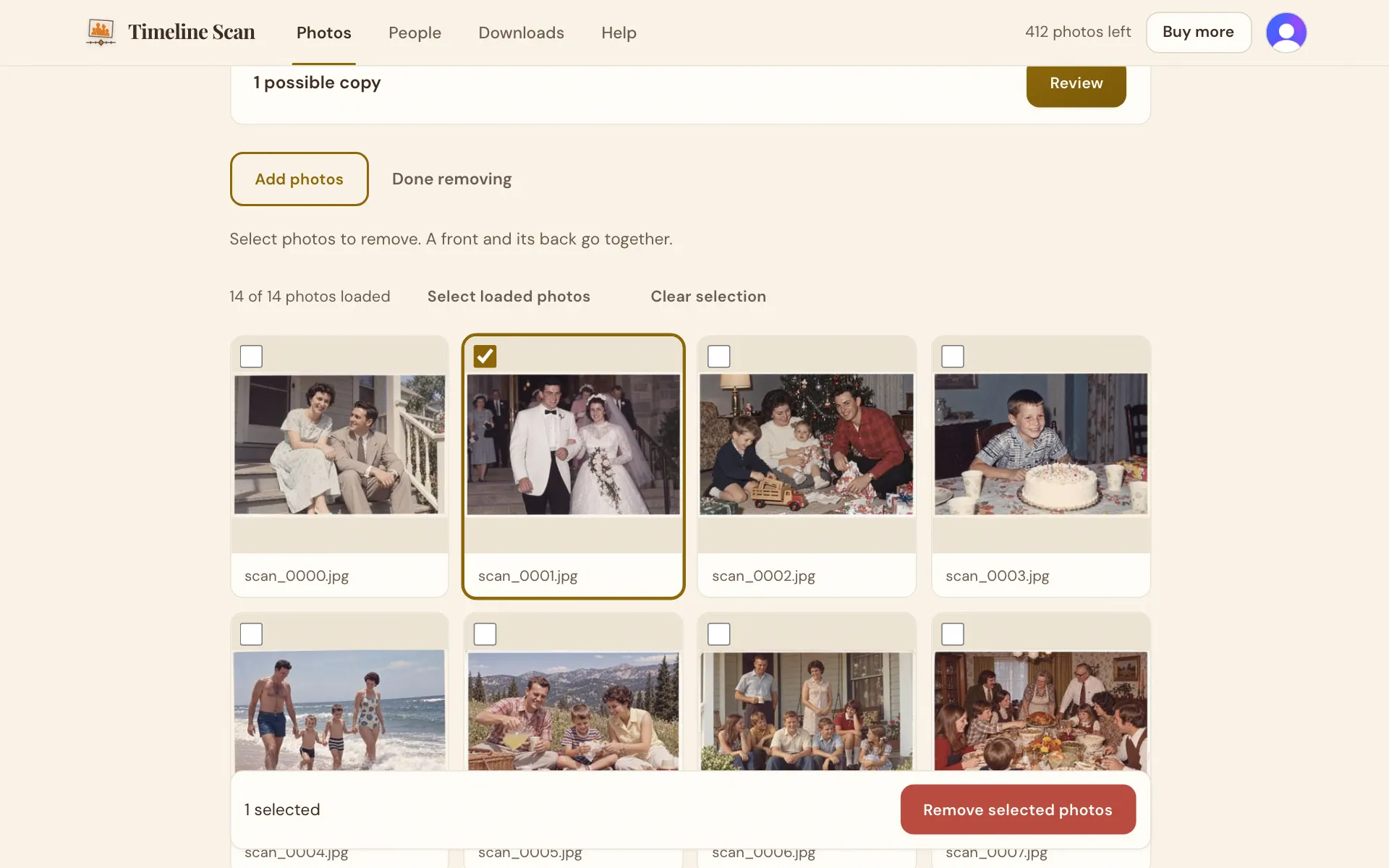
Rename an album: press its name at the top of the album's page, type the new name and save it. Add photos: open the album's Add or remove photos page and press Add photos. Take photos out: on that same page, press Remove photos, tick them and press Remove selected photos. Photos already dated stay charged; a photo you paid for that is not dated yet goes back on your balance.
Merge two albums: this cannot be done in the app. You may not need to: your timeline shows every album together in date order, and Download everything on the Downloads page takes every album at once.
Split a front and back that were paired by mistake: this cannot be done in the app either, because a pair is kept together once it is made. Message us and say which photo it is.
Hide a single photo: there is no hide for one photo. Take it out of the album instead, and it leaves your timeline and your downloads.
Good to know
I uploaded the same box twice. What now?
Open one of the two albums and remove its photos before you press Sort, so they are not dated twice. If both are already dated, message us.
Can I start completely over?
Yes, by deleting your account from Your account and signing up again, but that deletes everything. Write to us first; there is usually an easier way.
Is an album the same as a box?
Yes. Each box of prints you add becomes one album, and you can name it however you like.