Which photo files can I add?
JPEG, PNG, TIFF and HEIC, up to 300 MB each.
Timeline Scan reads the photo files scanners and phones make: JPEG, PNG, TIFF and HEIC. Anything else in the folder is skipped and listed, so you know exactly what went in and what did not.
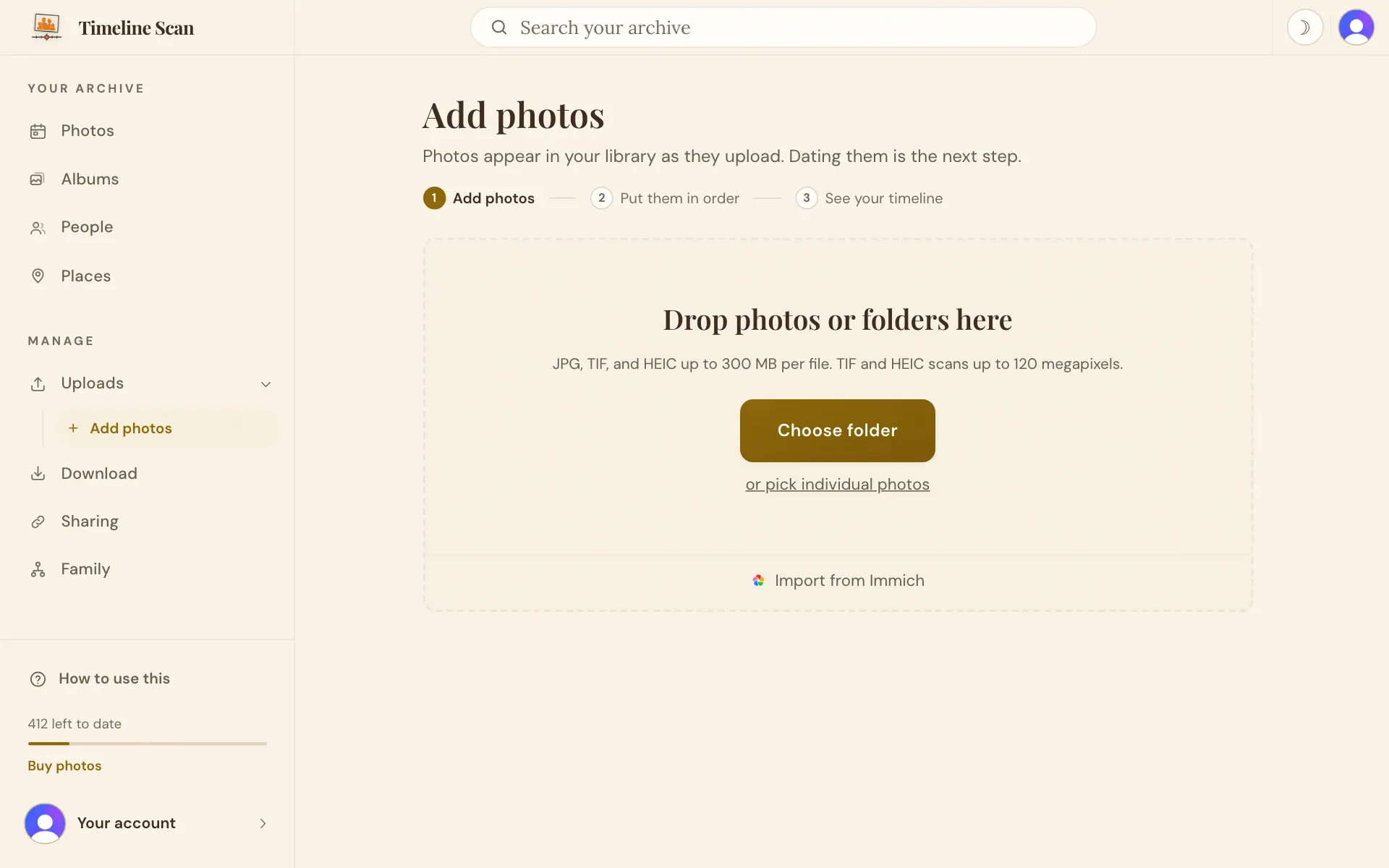
Timeline Scan takes JPEG (.jpg and .jpeg), PNG, TIFF (.tif and .tiff) and HEIC or HEIF files, up to 300 MB each. A file is read by what is inside it, so an iPhone photo saved with a .jpg ending is still read correctly.
It skips camera RAW files such as DNG, CR2 and NEF, as well as GIF, WebP, PDF and Word files, videos and ZIP files. The upload page lists what it left out. To include a RAW scan, save it as a JPEG or TIFF first with the program that made it.
The count in Timeline Scan can differ from the count in Windows or on a Mac. A front and its back count as one photo; skipped files are not counted; and Windows folders often hold hidden files, such as Thumbs.db and desktop.ini, that are not photos at all.
Good to know
Should I scan as JPEG or TIFF?
Either works. JPEG files are smaller and quicker to upload; TIFF files are larger. Timeline Scan dates both the same way.
My scan is bigger than 300 MB. What can I do?
Save a copy as a JPEG, or scan that print at a lower resolution, and add the smaller file.
Are copies of the same picture counted twice?
Timeline Scan points out possible copies before you sort, so you can keep just one. See Add or remove photos.
Can I add photos straight from my iPhone?
Yes, HEIC photos from an iPhone are read as they are. See Add photos from iPhone.