An Honest Side-by-Side Comparison
Timeline Scan, the AI photo dating service, vs dating scanned photos by hand
Free tools can change a photo’s date. None of them can tell you what the date should be.
By Spencer Baker, founder of Timeline Scan · Last updated: November 10, 2026 · steps checked against each tool’s own help pagesQuick answer
You can fix a scanned photo’s date by hand for free: Google Photos, Apple Photos, ExifTool and digiKam all let you type one in. None of them works out what the date should be. Timeline Scan, the AI photo dating service, estimates the date of every scan and writes it into the file.
- Know the dates, and it is a few dozen photos? Do it by hand, free.
- Don’t know the dates, or it is a whole box? Timeline Scan.
By hand
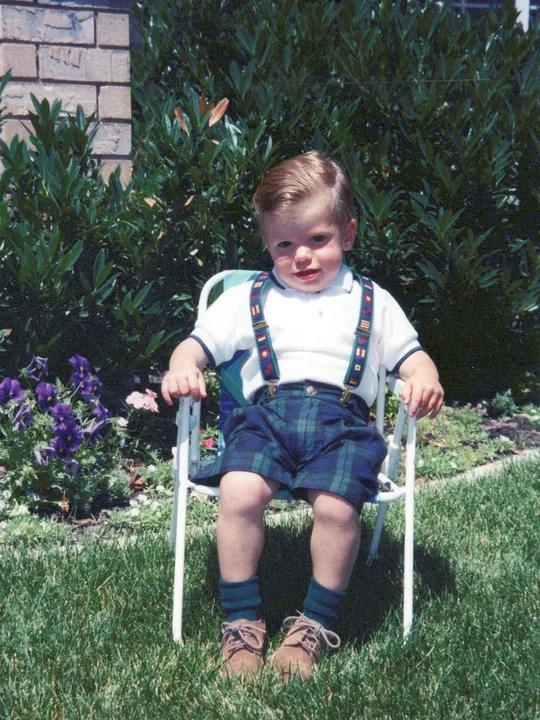 1994
You typeeach date
Timeline Scan
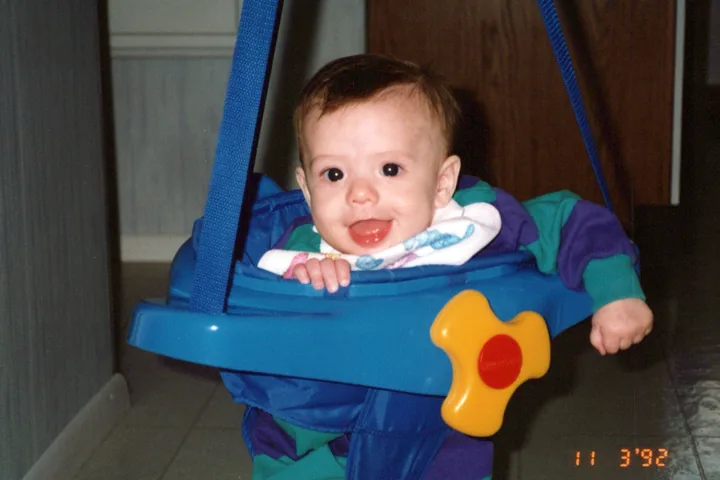 1992
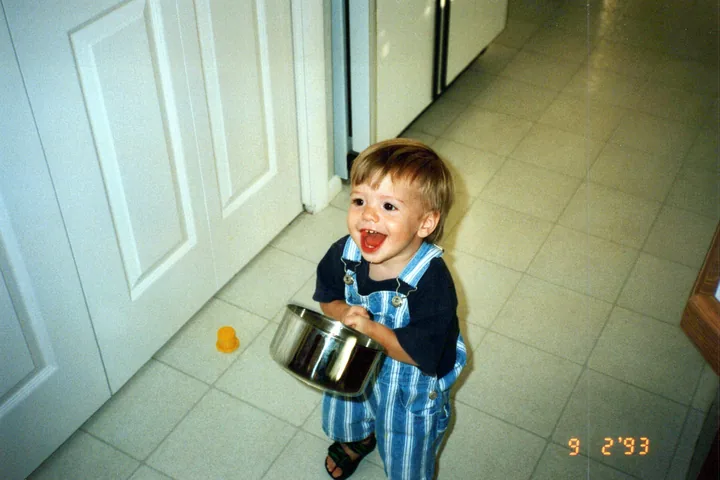 1993
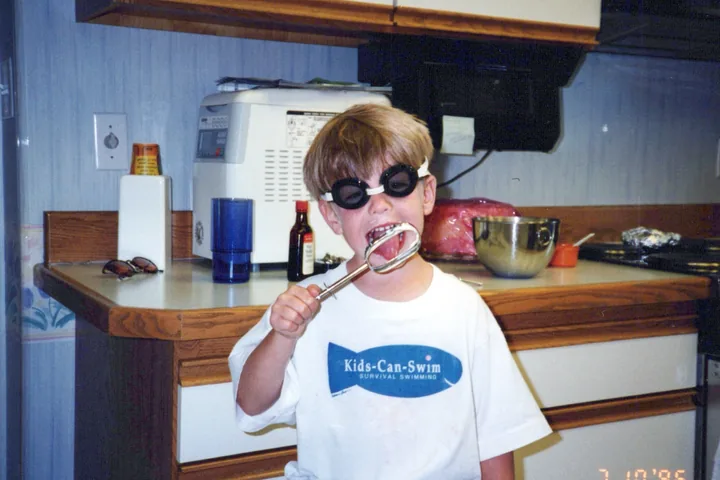 1996
 2001
It findsevery date
Side by side
By Hand vs Timeline Scan: Comparison Table
| Feature | By hand, in a free tool | Timeline Scan |
|---|---|---|
| Finds the date for you | NoYou type each date | YesFrom the back, lab dates and the scene |
| Saves the date inside the file | DependsExifTool and digiKam do; Google Photos does not[1] | YesEXIF, IPTC and XMP |
| A whole box at once | NoOne photo, or one date for a batch | YesEach photo gets its own date |
| Reads the writing on the back | NoYou read it | YesSaved as the photo’s caption |
| Price | FreeYour time | 50 photos free, then from $12 for 100, paid once |
The four free tools, one by one
- Google Photos: on photos.google.com, select photos, then Edit date & time. A selection can take Set one date & time or Shift dates & times. Google says a photo you download or share “may show the original date and time saved by your camera”[1].
- Apple Photos on a Mac: select photos, choose Image > Adjust Date and Time, type the date in the Adjusted field and click Adjust[2]. Photos keeps the new date in its library; an exported copy carries it.
- ExifTool: a free command-line tool. Its
AllDatesshortcut writes the date into the file as DateTimeOriginal, CreateDate and ModifyDate[3]. - digiKam: free and open source. Its Time Adjust tool writes timestamps into file metadata; its manual names scanned images as the typical case[4].
The honest recommendation
When Each One Is the Right Choice
Do it by hand if…
- You already know the dates
- It is a few dozen photos, not a box
- One date fits a whole batch
- Nothing should leave your computer
Choose Timeline Scan if…
- You don’t know when the photos were taken
- There are hundreds or thousands of scans
- The backs have writing worth keeping
- You want every photo app to sort them in order
Common questions
Dating Photos by Hand vs Timeline Scan: FAQ
Can I change the date of scanned photos for free?
Yes. Google Photos, Apple Photos, ExifTool and digiKam all let you type a new date at no cost. They change the date; they do not work out what it should be. You need to know each photo’s date already, or read it off the back yourself.
How do I change the date taken on many scanned photos at once?
ExifTool and digiKam can write one date to a whole folder in a single pass, and Google Photos can set one date for a selection. That works when a batch shares a date. When every scan needs its own date, Timeline Scan estimates each one and writes it into the file.
Does changing the date in Google Photos fix the file?
No. Google says the edited date shows in Google Photos, but a photo you download or share to other apps “may show the original date and time saved by your camera”[1]. For a scan, that is the day it was scanned. A date written into the file itself travels with it.
What does Timeline Scan do that the free tools do not?
It finds the date. Timeline Scan reads the handwriting on the backs, printed lab dates, camera date stamps and the scene itself, estimates when each photo was taken and writes that date into the file. You review the results and can change any date.
How accurate is Timeline Scan’s dating?
It depends on what the print carries. In tests on 1,300 scanned prints from one family archive, taken 1986 to 2005, prints with a date on the front or back land 98 to 100% of photo pairs in the right order and 99 to 100% within a year of the true date.
Bare prints land 89% of photo pairs in the right order and 96% within five years. The accuracy page has the method and the limits.
How much does Timeline Scan cost?
The first 50 photos are free, with no credit card. After that you pay once per pack: $12 for 100 photos, $49 for 500, $149 for 2,500 or $499 for 10,000. There is no subscription and nothing renews.
Show your work
Sources
The 4 sources
- Google Photos Help: “Edit your photos” (checked November 10, 2026). Documents Edit date & time, Shift dates & times and Set one date & time, and states that a shared or downloaded photo “may show the original date and time saved by your camera.”
- Apple, Photos User Guide for Mac: “Add titles, captions, and more to photos and videos on Mac” (checked November 10, 2026). The section “Change the date and time of a photo or video” gives the Image > Adjust Date and Time steps.
- ExifTool by Phil Harvey: ExifTool FAQ (checked November 10, 2026). States that AllDates is a shortcut for DateTimeOriginal, CreateDate and ModifyDate. ExifTool is a free command-line application.
- digiKam Manual 9.2.0: “Time Adjust” (checked November 10, 2026). The tool “allows to adjust or write the timestamps in file metadata,” for images with no date in metadata, “typically when the contents were digitized by a scanner.”
Google Photos, Apple Photos, ExifTool and digiKam are the property of their owners. Timeline Scan is an independent service and is not affiliated with any of them.
Out of date? Tell us and we’ll correct it.