What if my download stops or a part is missing?
Press Resume download. It picks up where it stopped.
A big album can take a while to download, and a slow connection or a sleeping computer can stop it part way. Your photos are safe in Timeline Scan, and you do not have to start over.
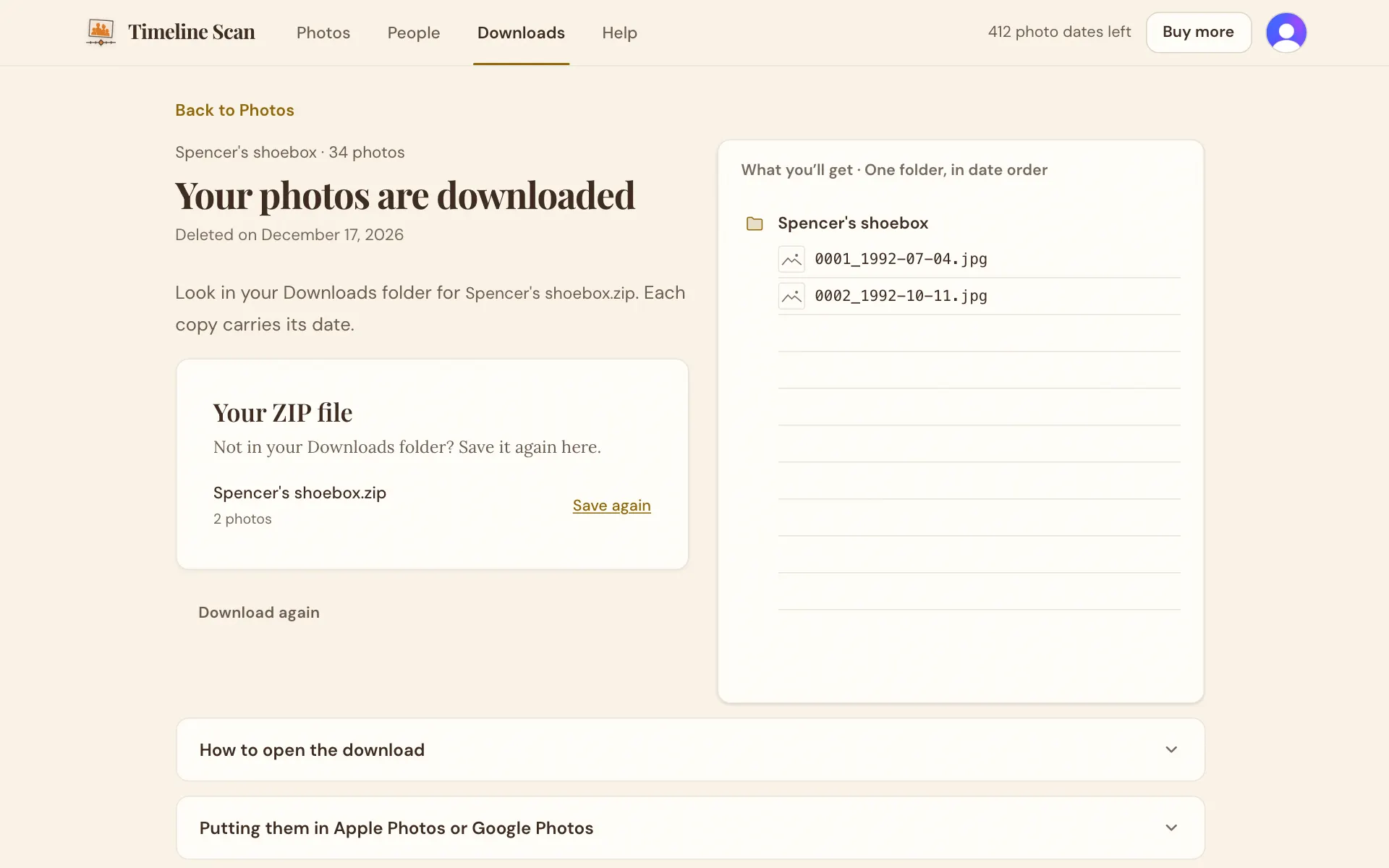
If the page says The download stopped before it finished, press Resume download. Timeline Scan picks up where it stopped, so the photos already saved are not saved again. Keep the page open until it says Your photos are downloaded, and keep the computer from going to sleep.
A big album comes as more than one ZIP file. When it is done, the page says how many to look for in your Downloads folder, and lists any file that could not be saved. Open every ZIP file; together they hold the whole album.
If you saved into a folder and the page says it cannot reach that folder, choose the folder again and the download carries on. If your computer says it is out of space, make room or pick a drive with more space, then press Resume download.
A send to Google Photos can pause when Google's daily limit is reached. The card says Paused. It resumes on its own, and it carries on by itself; you do not need to press anything.
Good to know
I closed the page by mistake. Is the download lost?
No. Open the album's download page again and press Download; the ready download is found again and saved.
It keeps stopping at the same place. What now?
Message us with the album's name and what the page says. We can see where it stopped and help you finish it.
How long do I have to download?
Until the album's deletion day, shown on the Downloads page. See How long do you keep my photos?