Blog · Before You Scan
How to Scan Multiple Photos at Once on a Mac
Quick answer
To scan multiple photos at once on a Mac, lay four to six prints on the flatbed, scan once, and let photo-splitting software save them into separate files. The free FrontBack Scanner also straightens each one, turns it upright and pairs every back with its front.
The Method: A Bedful Per Pass, Not a Photo Per Scan
One scan
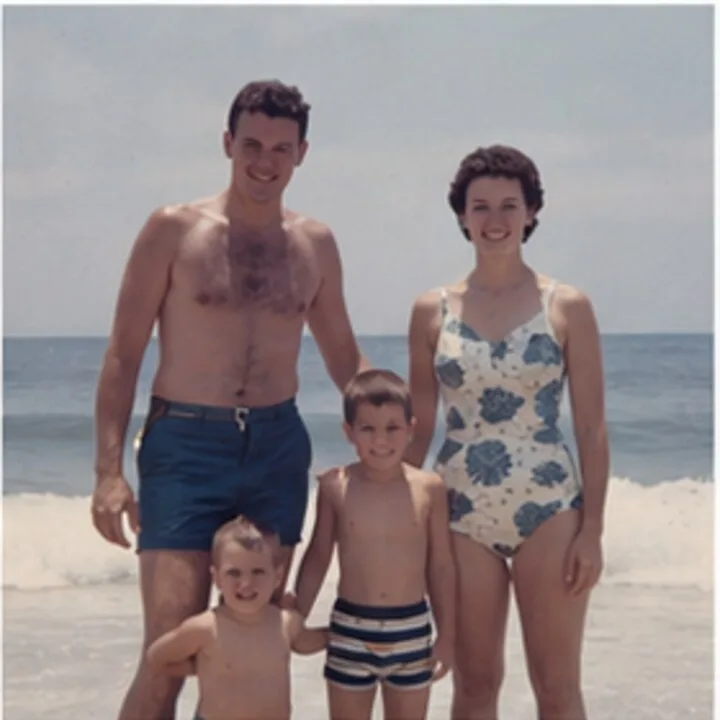
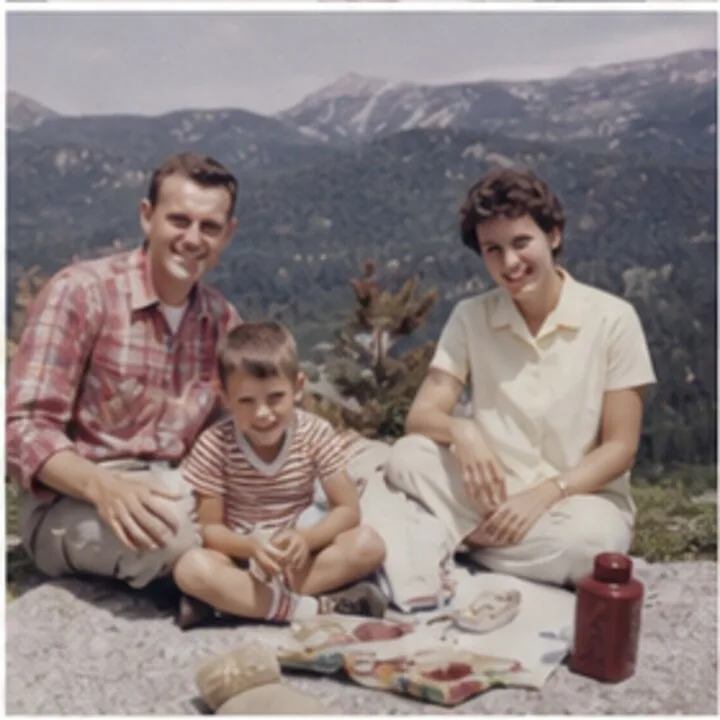
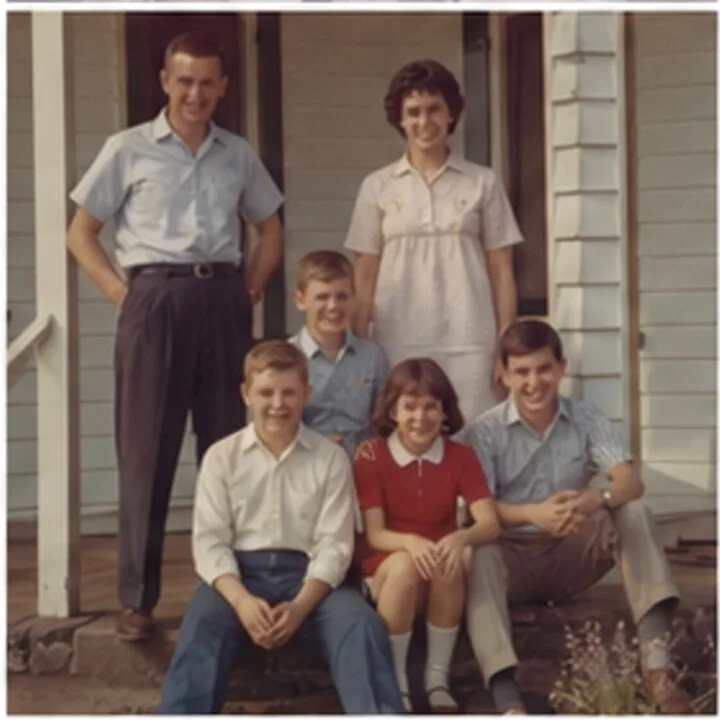
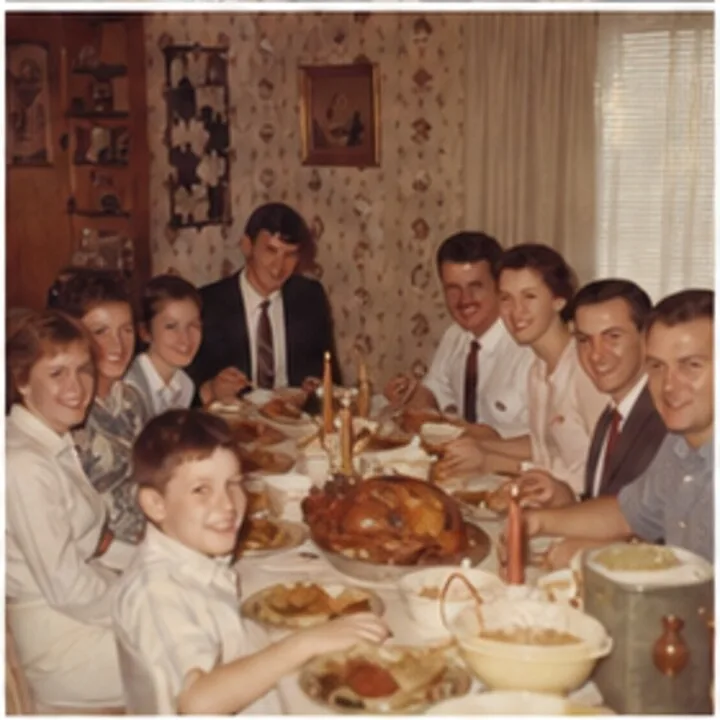
Four files
scan_0001.jpgscan_0002.jpgscan_0003.jpgscan_0004.jpg
-
Lay Four to Six Photos on the Glass
Any flatbed works, even an all-in-one printer’s. Leave a finger’s width between prints; four 4×6 prints fit most letter-size beds.
-
Preview, and Let the Software Find Each Photo
A preview pass detects each print. Some tools do it automatically; some make you draw every box.
-
Scan Once: Get One File Per Photo
One pass saves each photo as its own cropped, straightened file. Four at a time, a 400-photo box takes an afternoon.
-
Flip the Pile and Scan the Backs
Flip each print where it lies and scan again. Almost no software pairs the backs with their fronts.
Why scan the backs?
Scanned backs are what let a service like Timeline Scan put every photo in its real year automatically. See our scanning best practices for the full checklist.
Watch the orientation. Most software saves a sideways print sideways. Pick one that turns each print upright for you.
The Mac Software That Can Split a Bedful, Compared
We build one of these, so judge accordingly: the table only lists what each tool does.
| Software | Splits a bedful | Good to know | Price |
|---|---|---|---|
| FrontBack Scanner | Automatically, even tilted, nearly touching or white-bordered prints | Turns photos upright and names them; the only one that pairs backs with fronts. macOS 14+ | Free (ours) |
| Image Capture | With “Detect separate items” on, “Use document feeder” off | Document-oriented: struggles with white-bordered prints and photos lying close; no orientation fix; generic file names | Free, built into every Mac |
| Epson Scan 2 / vendor apps | Epson’s thumbnail mode, reasonably well on its own hardware | Quality varies by vendor; orientation usually left to you; none handle backs | Free with Epson, Canon or HP scanners |
| VueScan | Multi-crop exists, but photo batches aren’t its focus | Best known for keeping orphaned scanners alive (5,000+ models) and for film and slides; famously dense interface | Paid, with a watermarked trial |
| SnipTag | Batch-crops the composite after you scan it with something else | A Mac app; two-app workflow: scan with Image Capture, then split in SnipTag; adds metadata captions | Paid |
| Photomyne (phone) | Not a scanner app: photographs prints with your phone camera and splits them | Fast for casual sharing; camera captures can’t match flatbed quality for archiving; glossy prints reflect glare | Subscription |
The honest summary: with a Mac and any flatbed, FrontBack Scanner is free and does the whole job. No install? Image Capture’s “Detect separate items” is serviceable for photos with clear edges; fix crops and orientation by hand.
Comparing one with FrontBack Scanner? Sourced, honest pages:
- Photomyne
- VueScan
- Epson ScanSmart
- ScanSpeeder and AutoSplitter (both Windows-only)
- Image Capture’s multi-photo mode
More: scan the front and back of photos, and stitch prints bigger than the glass.
What About Photo Albums and Fragile Prints?
-
Photos glued into albums
Scan the whole page instead. Don’t peel them out.
-
Fragile or curled prints
If a print can’t lie flat, a bedful at a time won’t work.
-
A box too big for a weekend
Our drop-off scanning service in Lehi, Utah does fronts, backs, dating, and organizing from $0.25 per photo.
Whichever software you use, scan at 600 DPI as JPG (best settings), then see what to do after scanning.
Once the dates are fixed, Family Library keeps the scans in one timeline for $39 a year or a small monthly fee.
Keep Reading
-
Scanning Best Practices for Family Photos
The four settings that matter most.
-
Common Mistakes When Scanning Family Photos
Ten pitfalls, from low DPI to skipped backs.
-
How to Organize Scanned Photos
From boxes of prints to a family timeline.
Ready to Empty the Shoebox?
Get FrontBack Scanner free and scan a bedful at a time, backs paired. Then Timeline Scan puts every photo in its real year.
Get FrontBack Scanner Free Then Date the Scans