
Timeline Tagger · Application help
How to Use Timeline Tagger
Every screen below is the real app, caught mid-job. Step through a guide, or jump to the shortcut you came for.
Before the first photo
Point It at a Folder
Two screens, and then you are dating photos. There is nothing to import and nothing to configure unless your scanner names backs its own way.
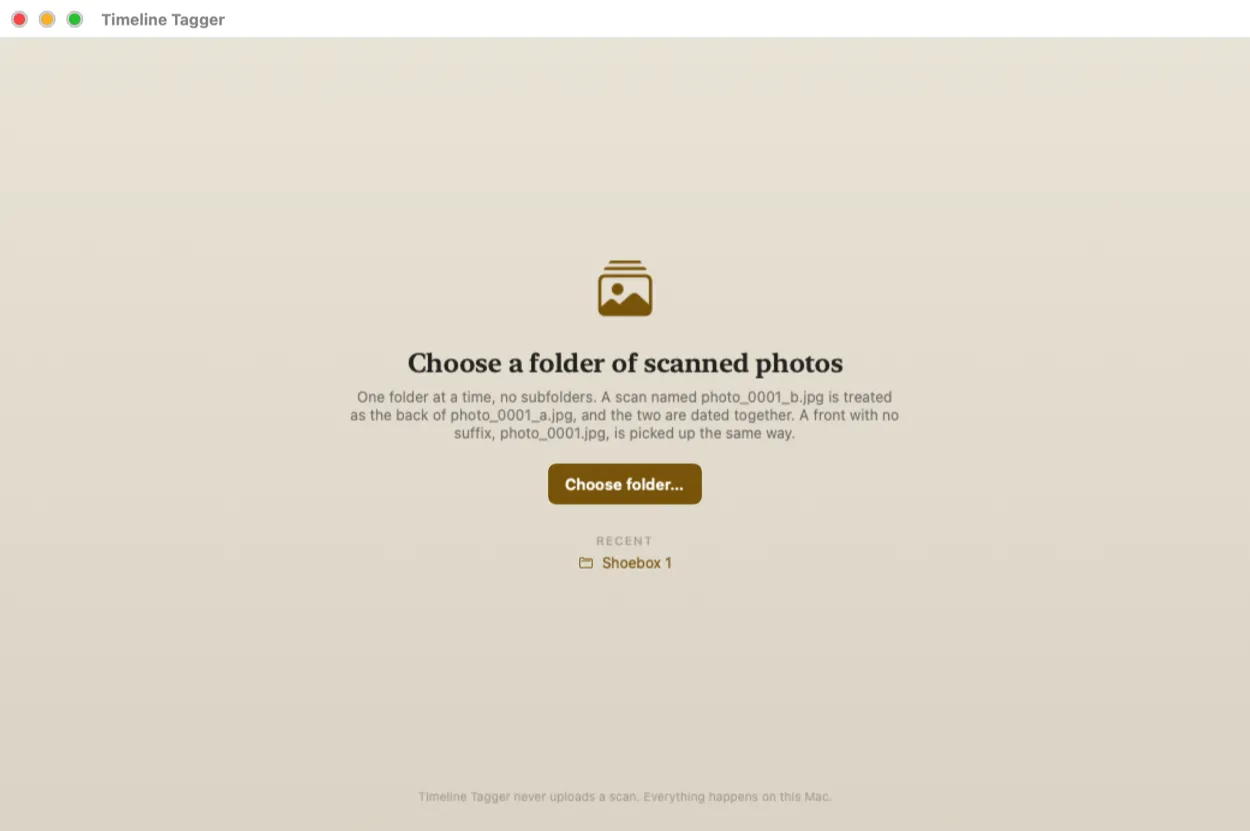
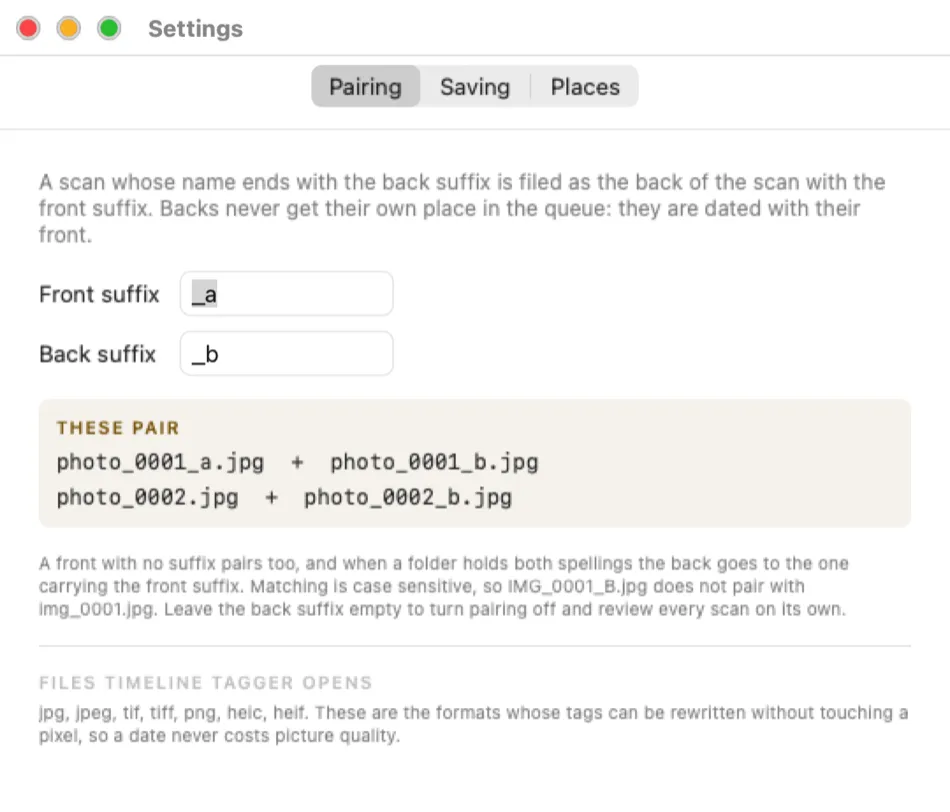
_b marks a back, and a front with no suffix pairs the same way.Guide one
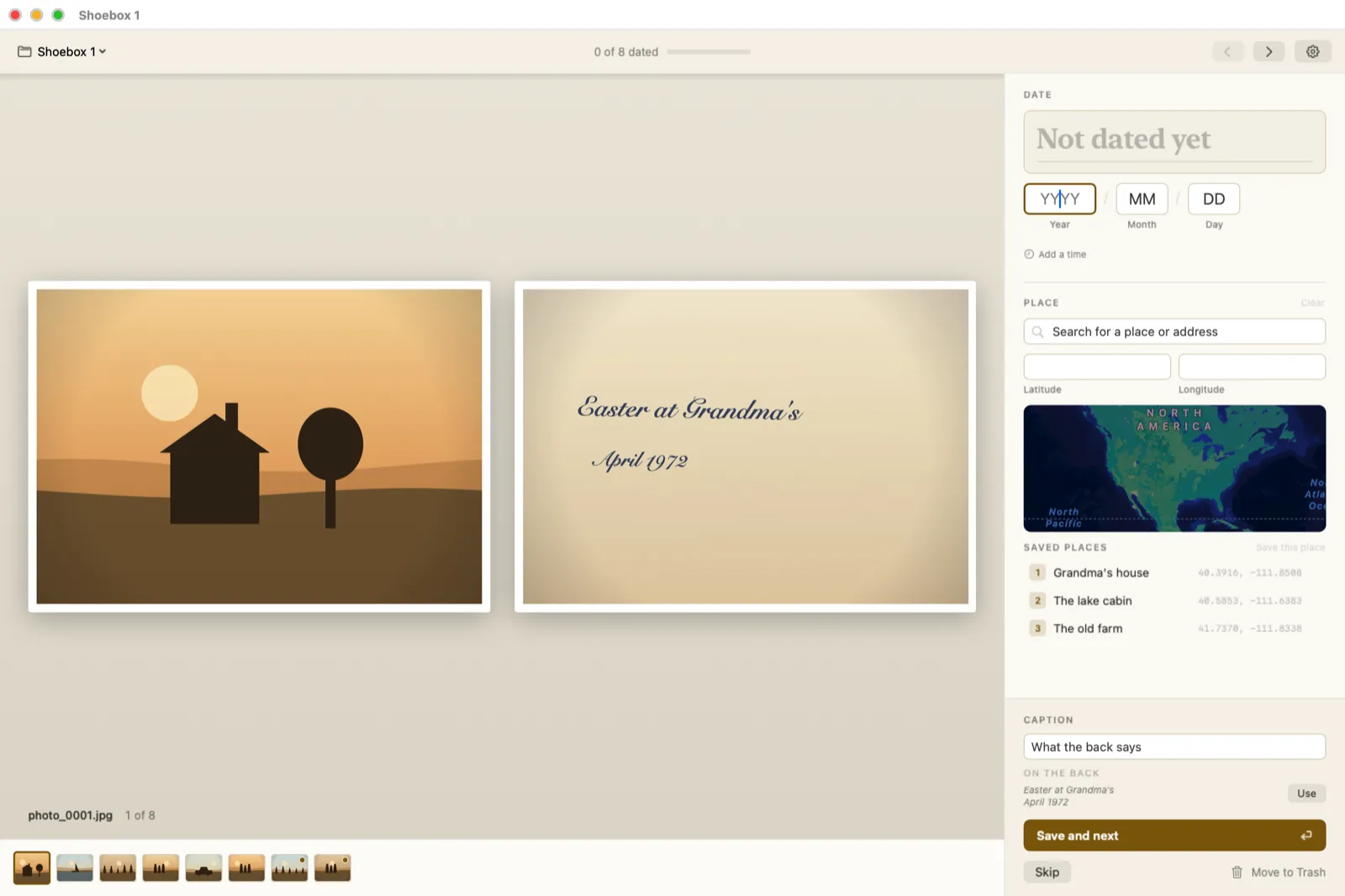
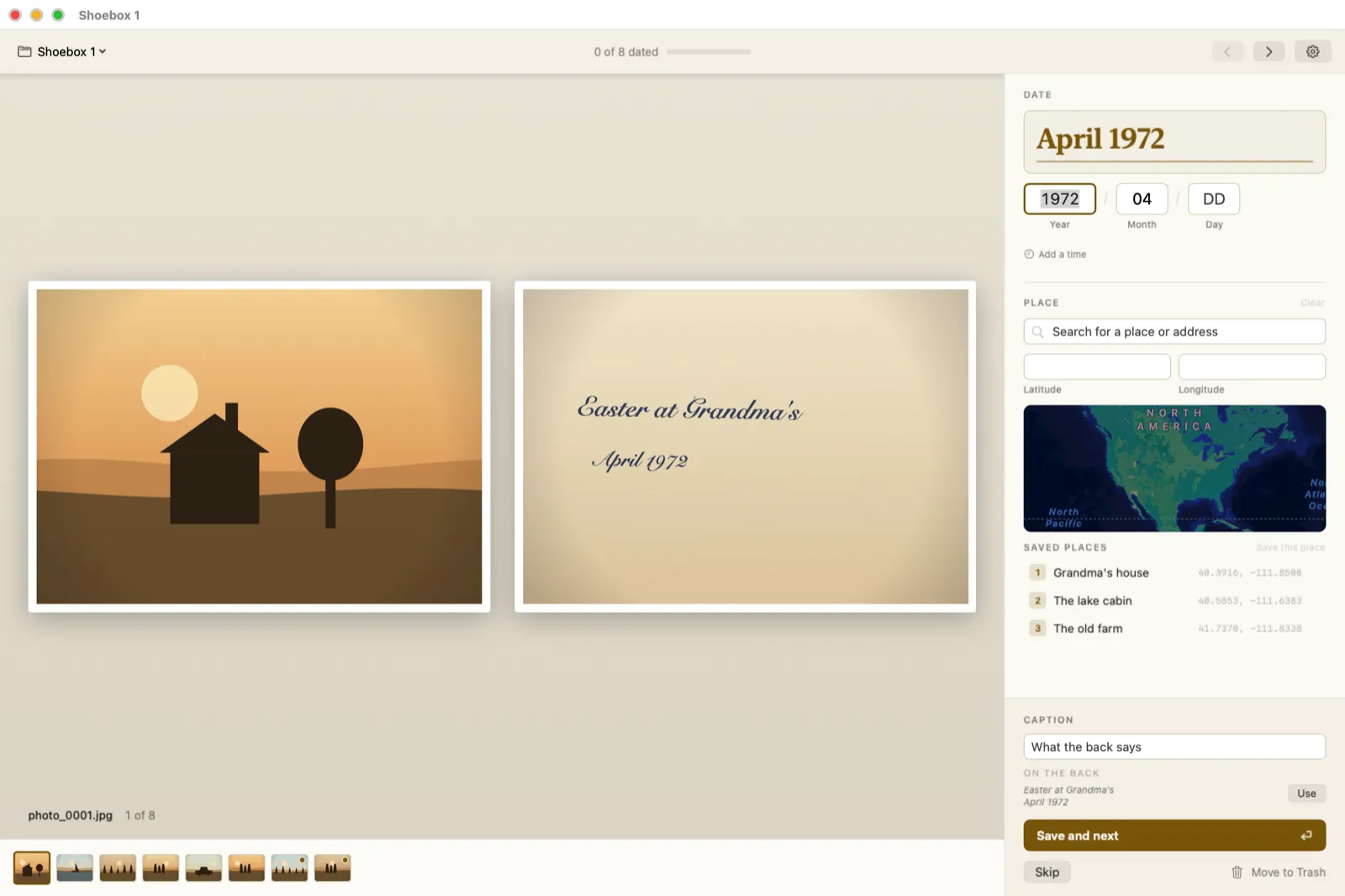
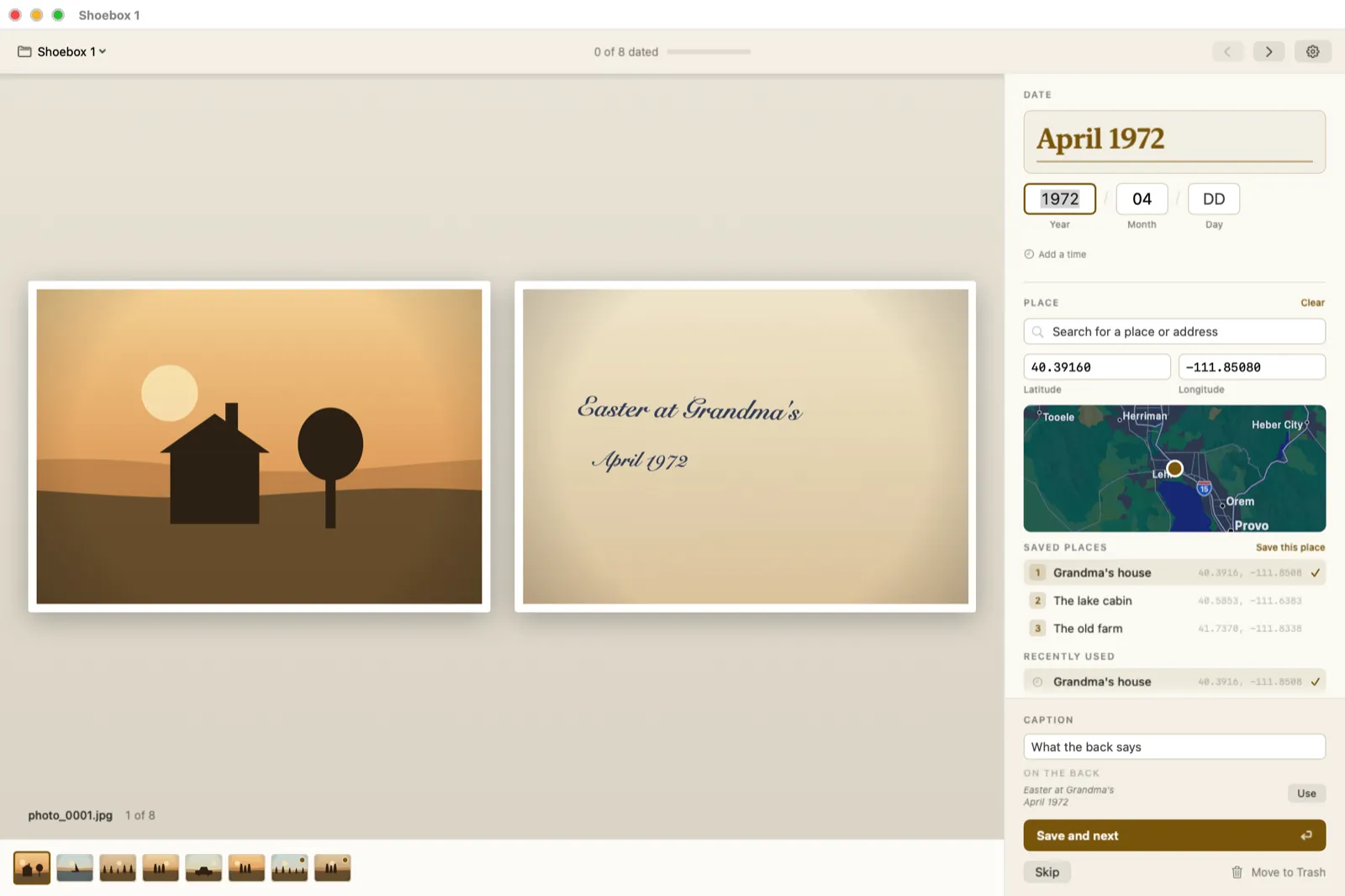
Date a Photo, Front to Back
The whole app is this loop. Read the back, type the year, press Return.
Guide two
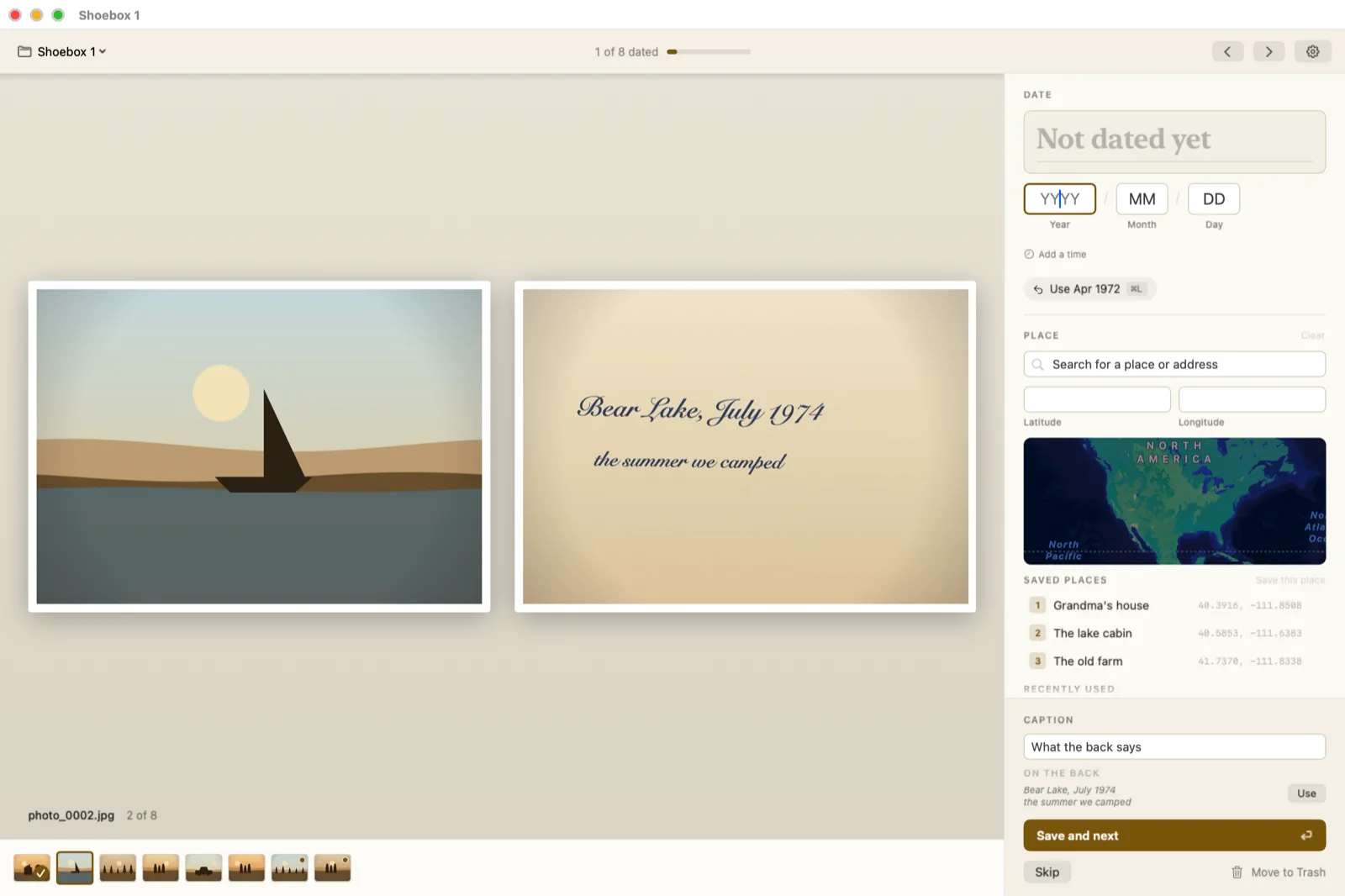
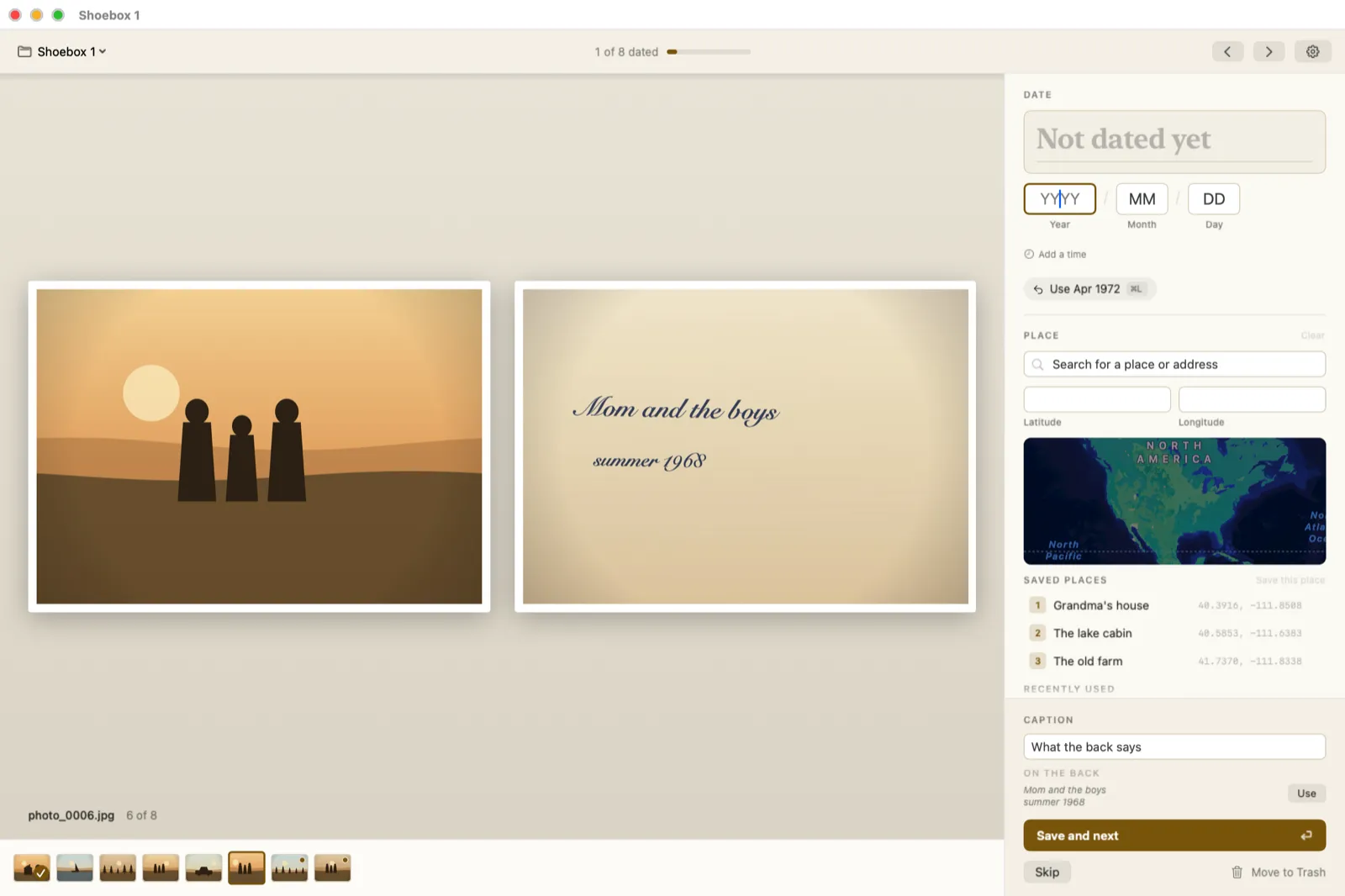
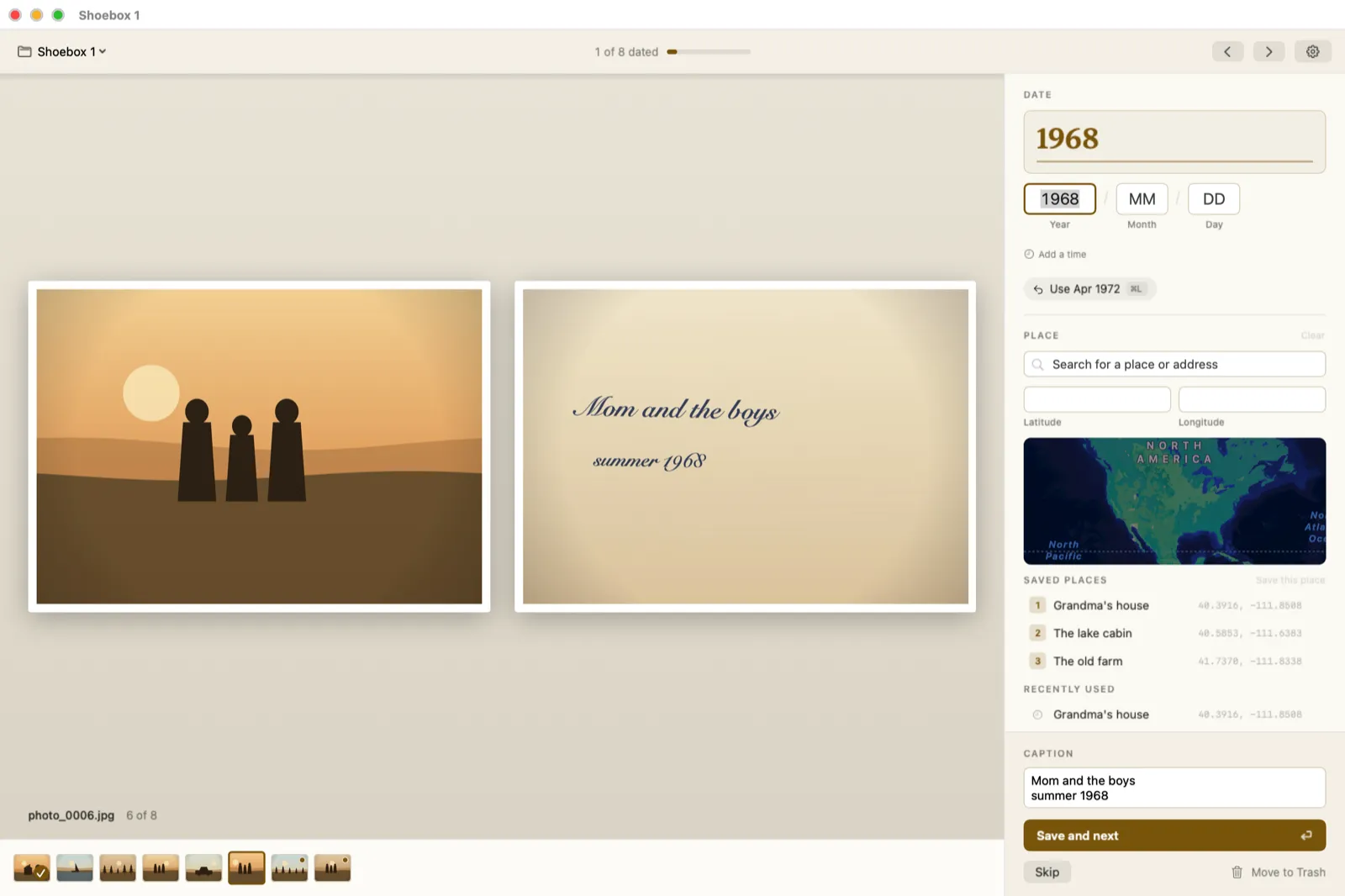
Let It Read the Back
The handwriting is why the back is on screen at all. The app reads it here on your Mac and offers what it found.
Guide three
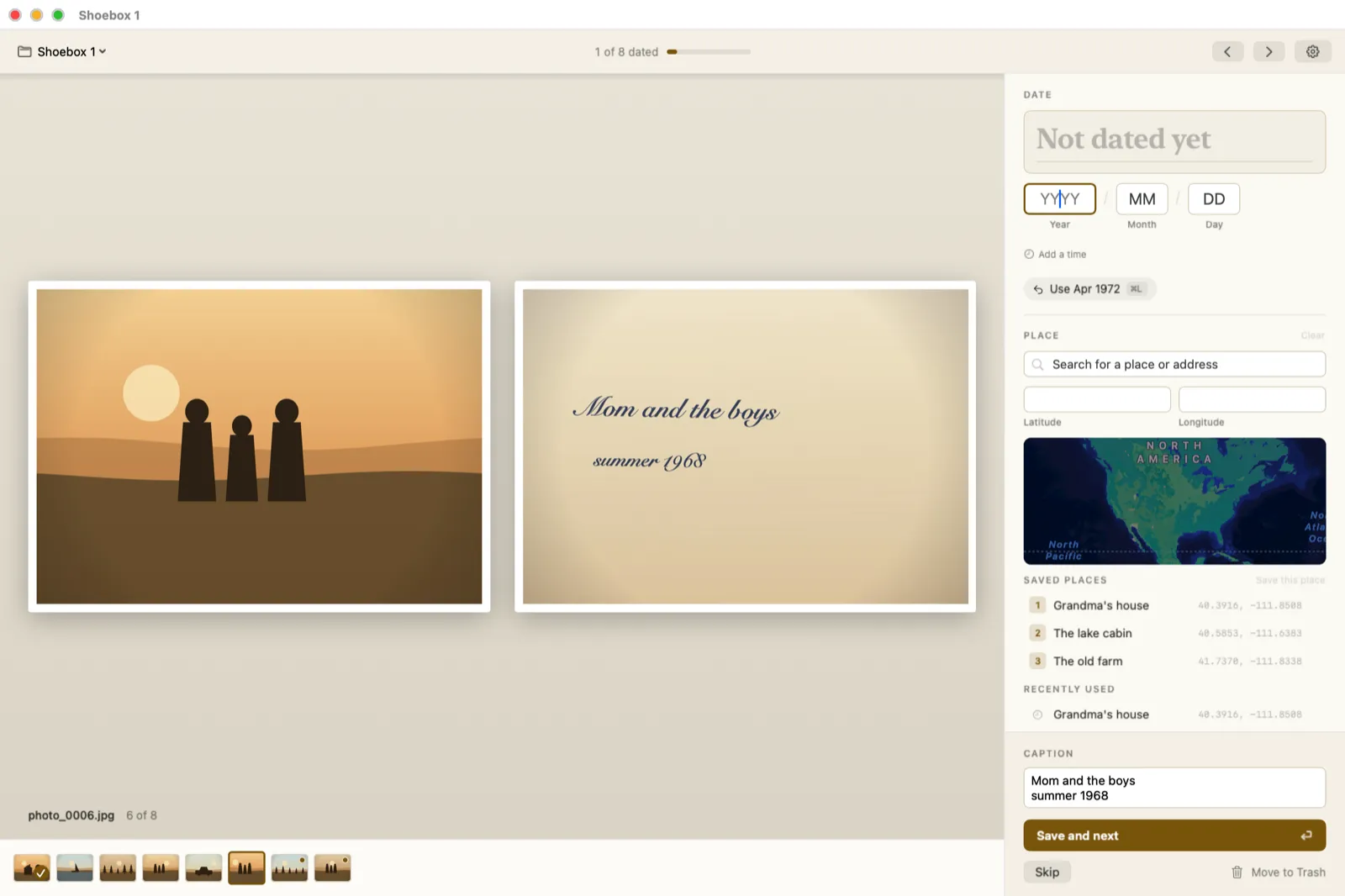
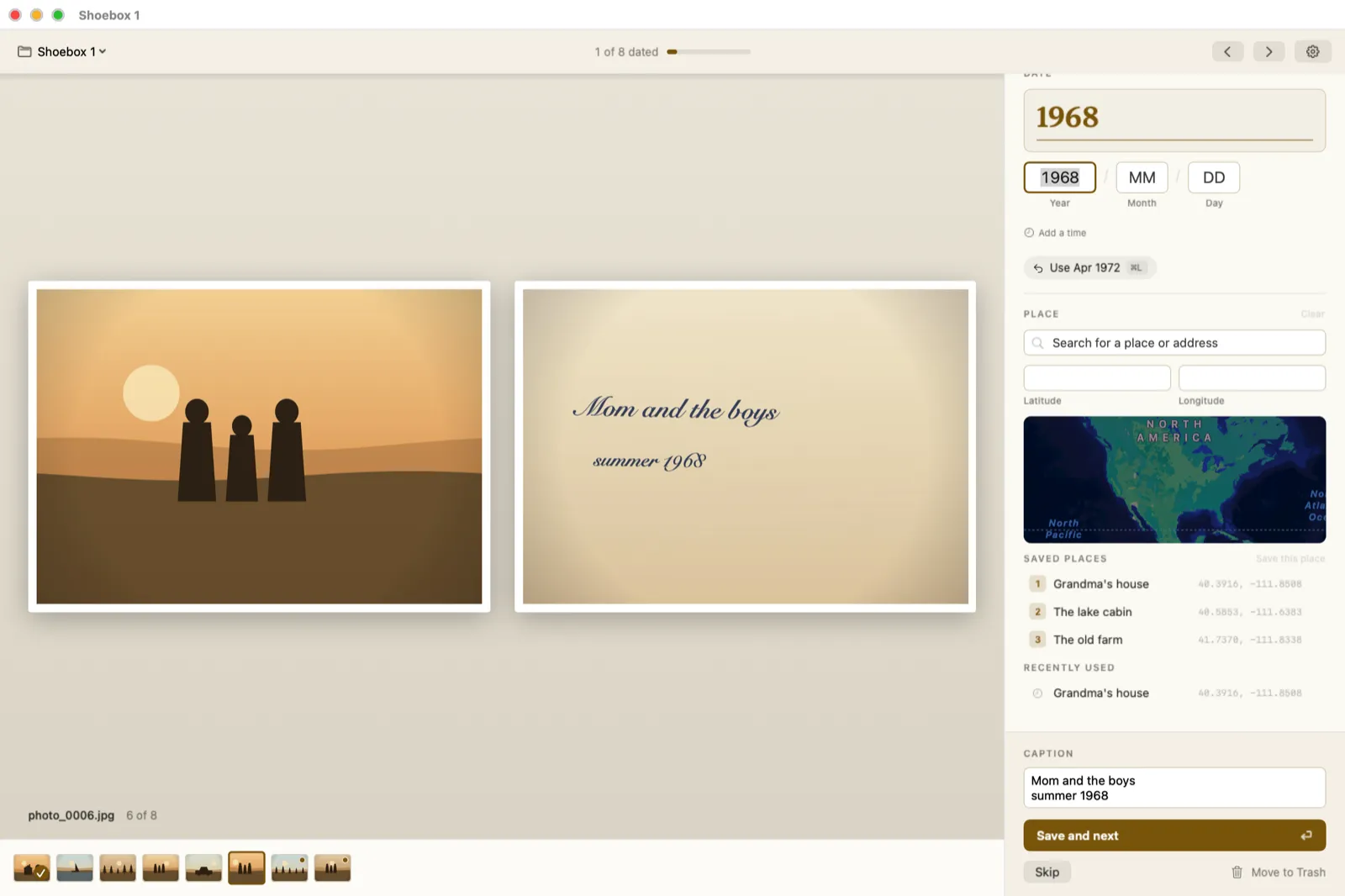
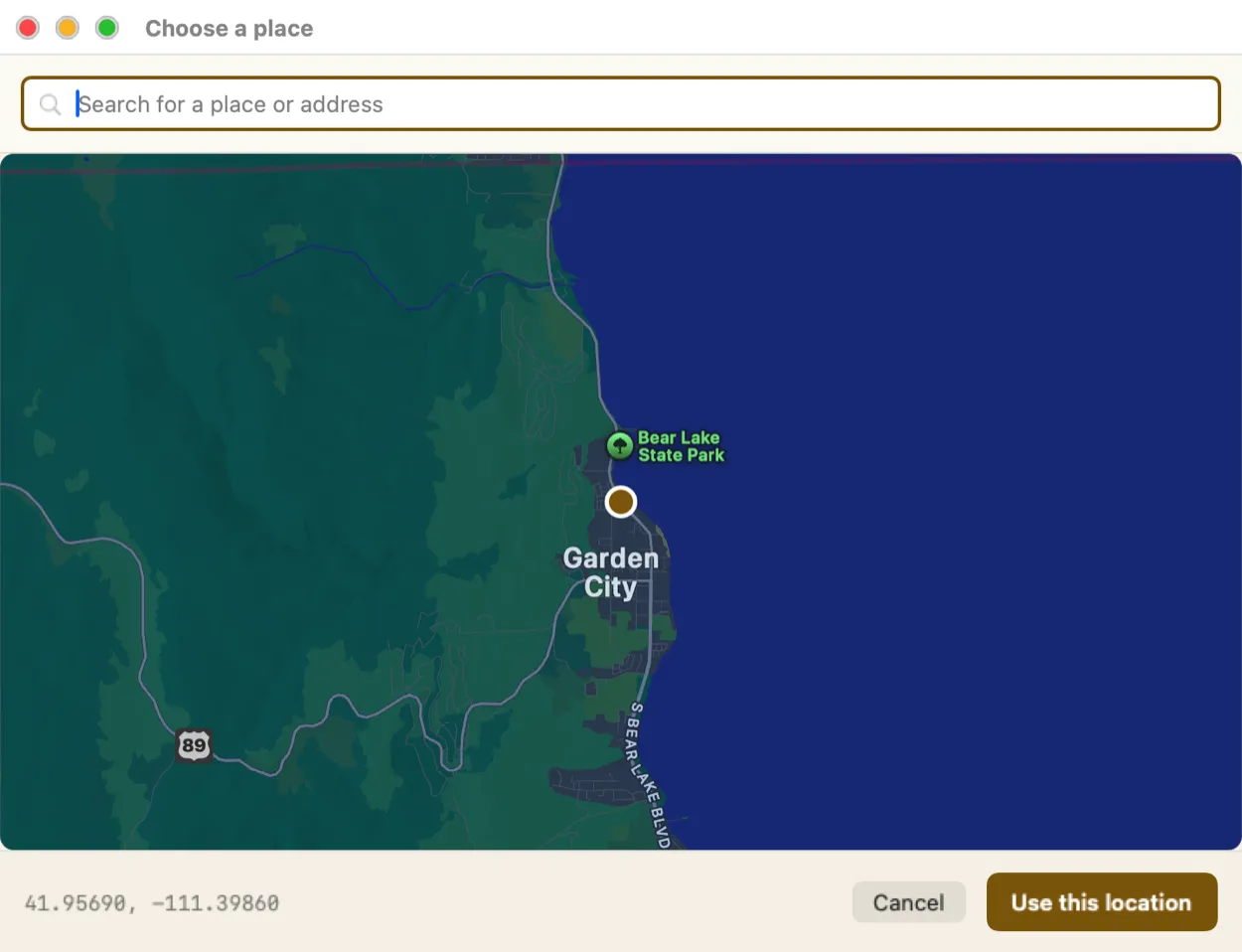
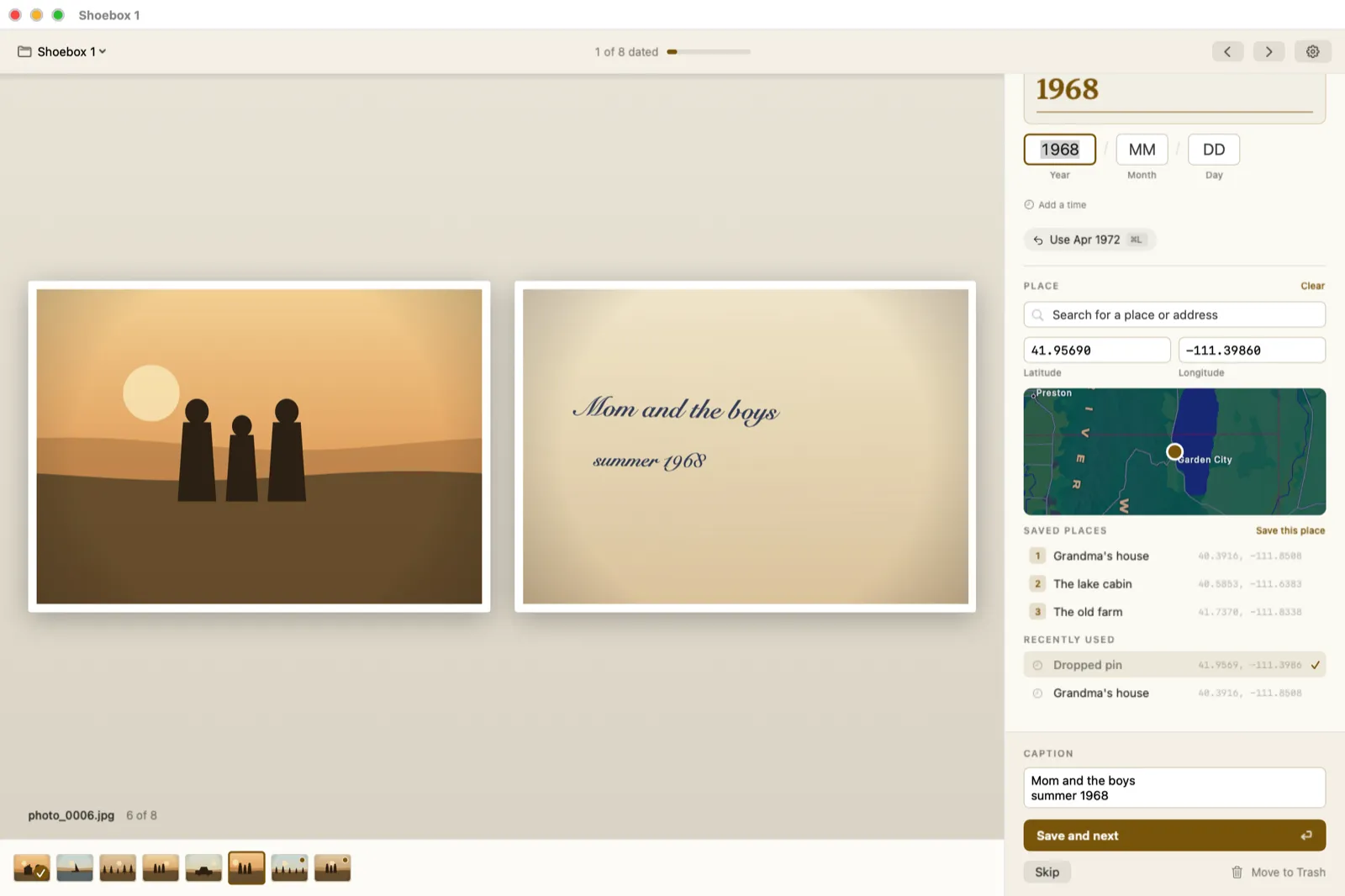
Set the Place Fast
Half a shoebox was taken in the same three places. Name each one once, then it is a single key after that.
Guide four
Look Closer, Turn Things
Backs go through a scanner whichever way up they land. Each side turns on its own, and no pixel is re-encoded.
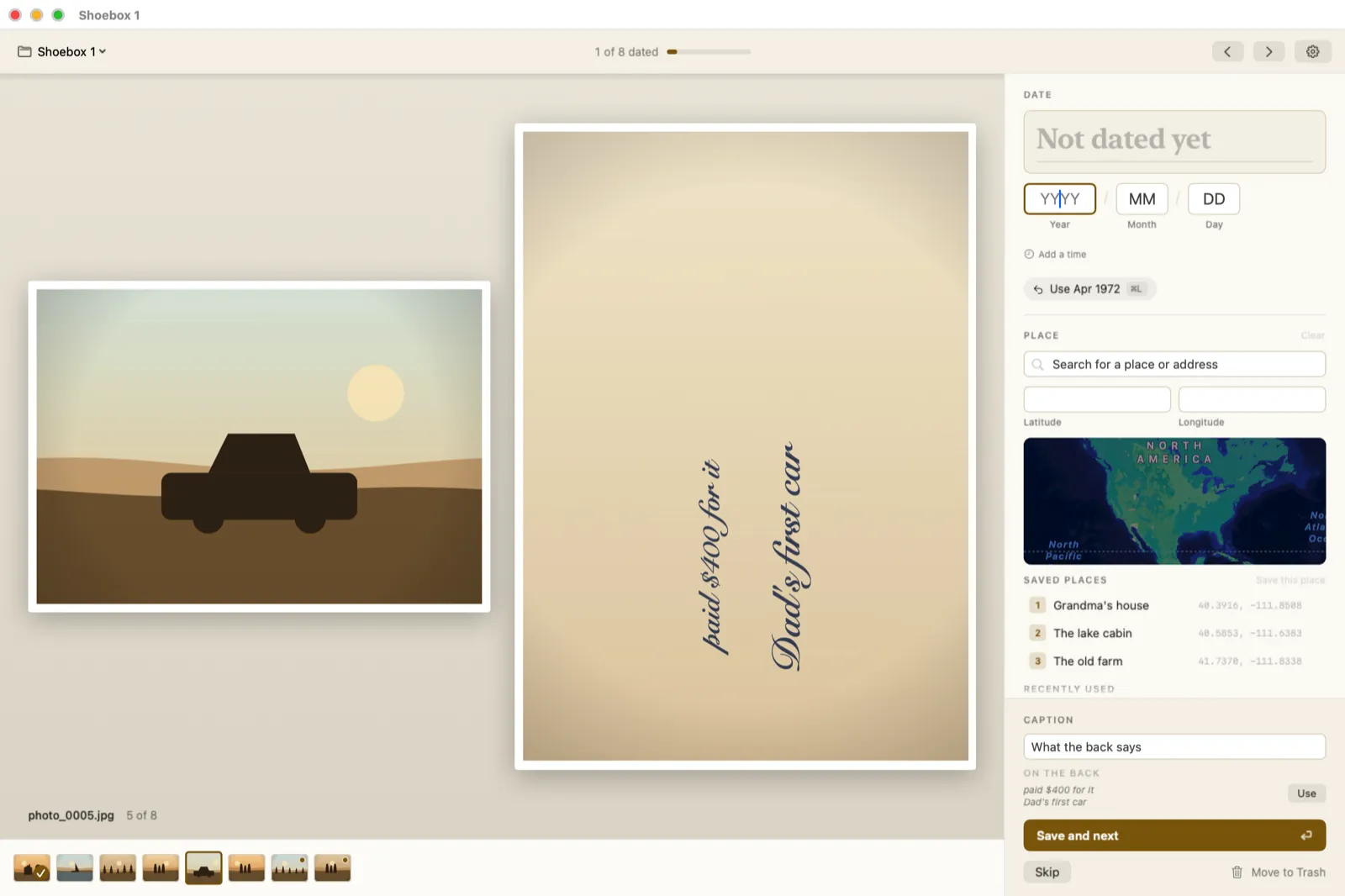
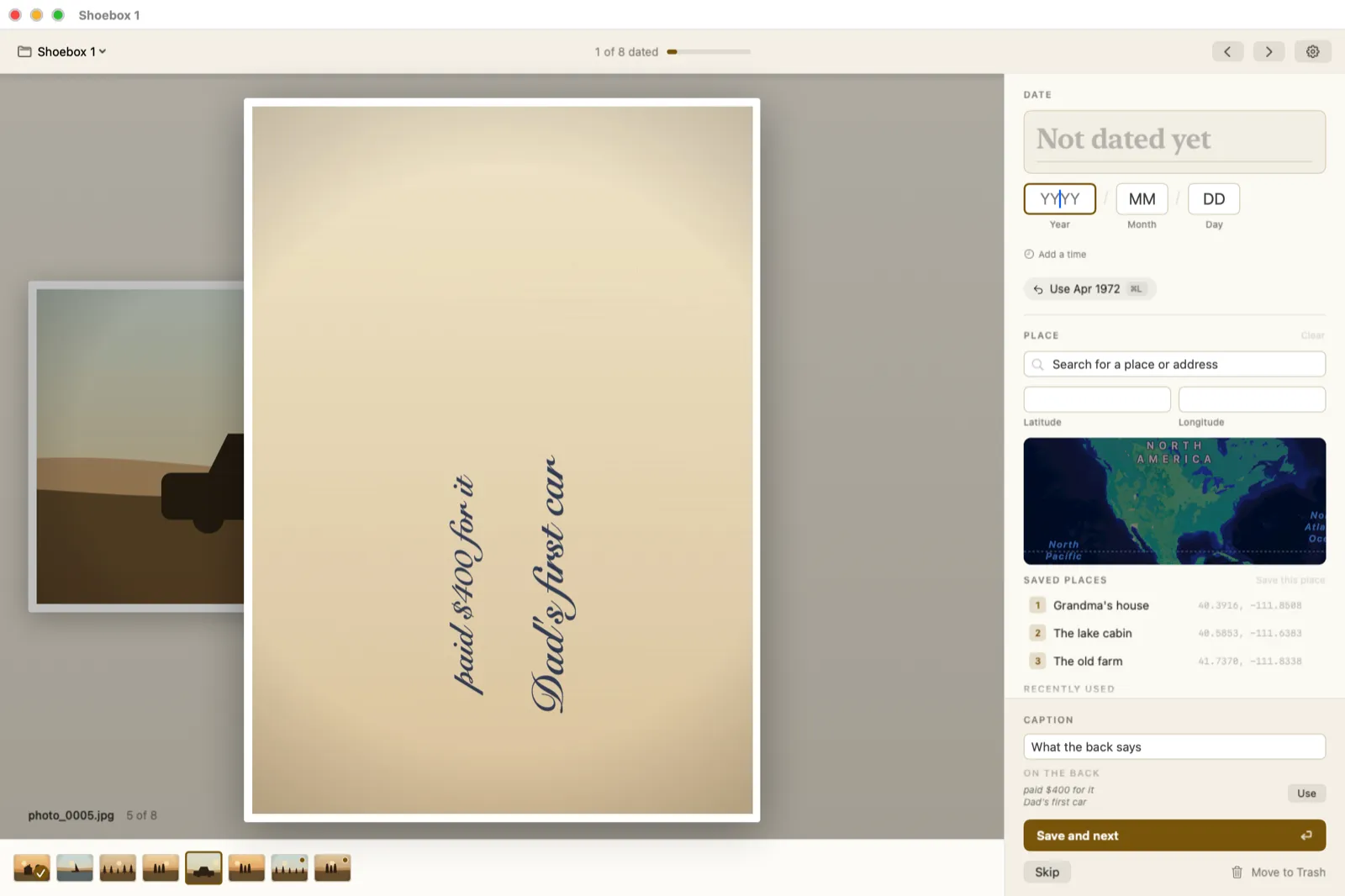
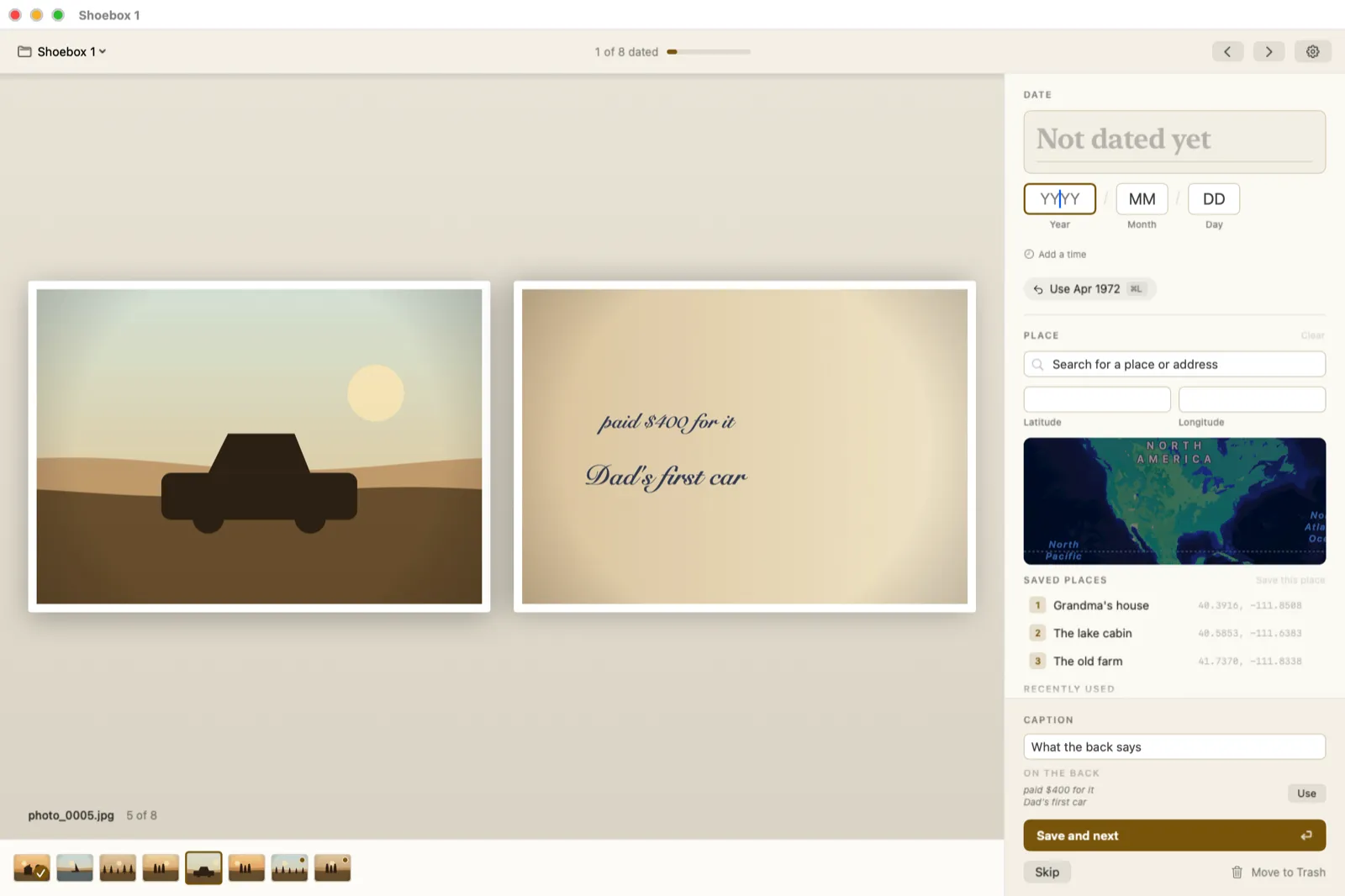
Two close-ups
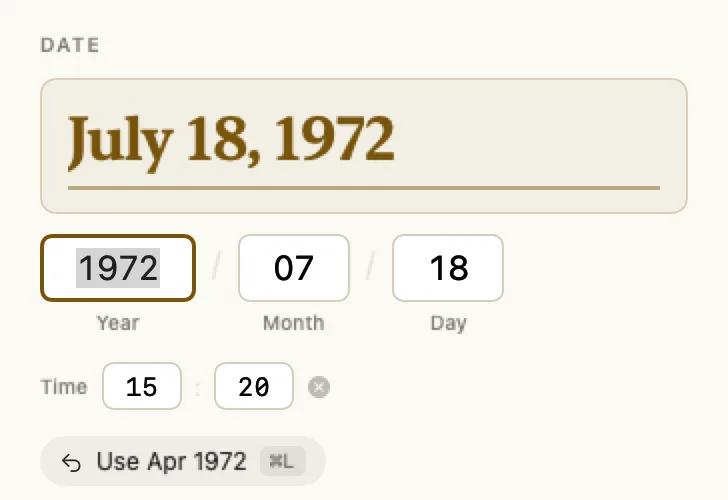
What the Marks Mean
The filmstrip along the bottom and the date panel at the top of the card carry most of what the app is telling you.

Reference
Every Keyboard Shortcut
The menu bar carries all of these too. Ten seconds a photo is the difference between using the keys and reaching for the mouse.
Wherever the caret is
With no field selected
While you are typing
If something is off
Five Things People Ask
photo_0001.jpg still picks up photo_0001_b.jpg.
Go Give the Shoebox Its Years Back
Free, private, and about ten seconds a photo.